How to Perform a Scan (for Windows Users)
57
7. Press the [Scan] button on the ScanSnap.
⇒ Scanning is started.
⇒ The [Scan] button on the ScanSnap blinks blue during the scanning operation.
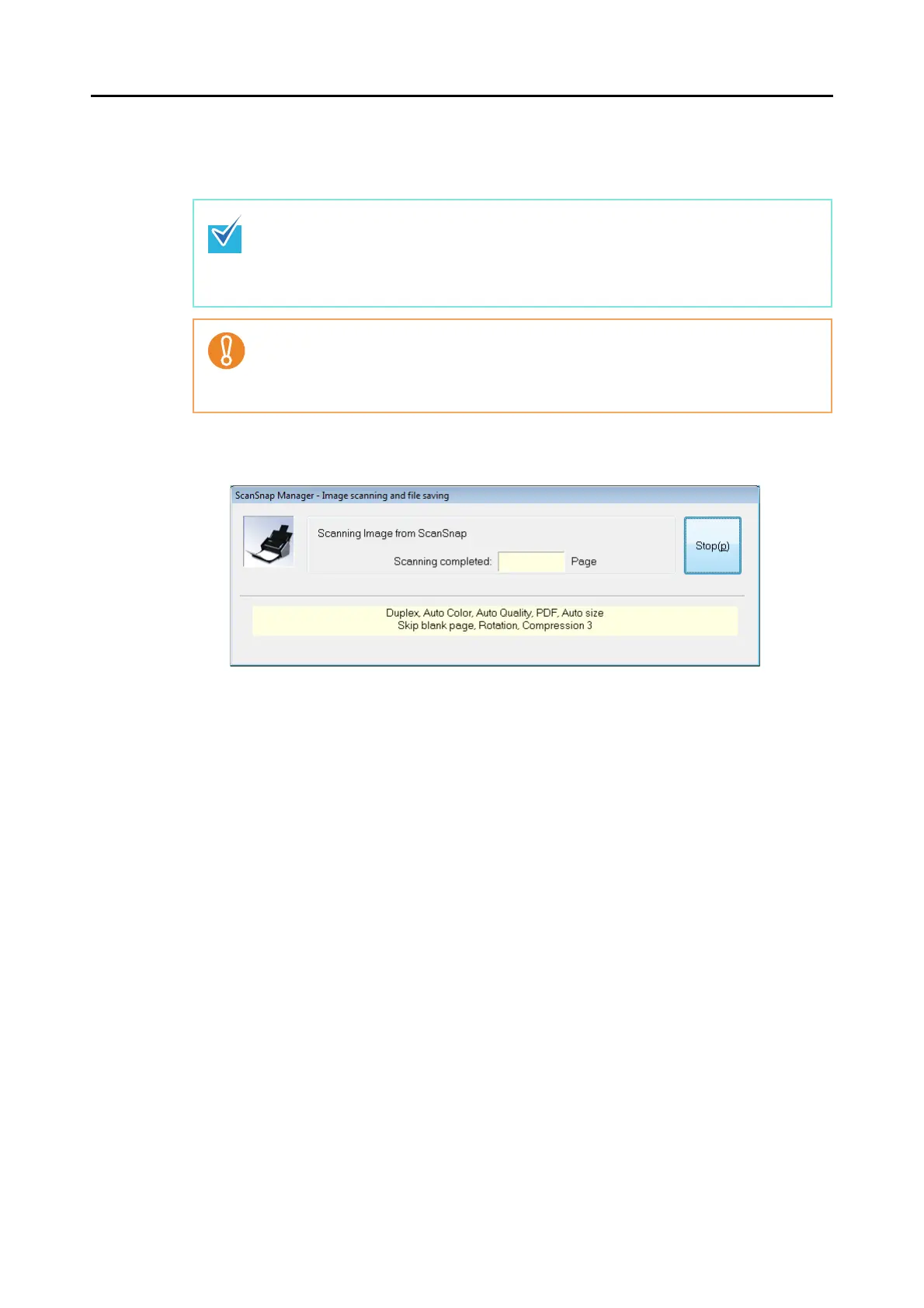
The following dialog box appears to indicate the scanning status.
⇒ When the scanning is complete, the Quick Menu appears.
• By default, the [Scan] button settings are set to [Duplex Scan (Double-sided)].
With ScanSnap Manager, you can switch the [Scan] button settings to [Simplex Scan
(Single-sided)] mode. For details, refer to "Changing Scanning Settings" (page 64).
• You can start scanning from the Right-Click Menu.
For details, refer to "Right-Click Menu" (page 52).
• Do not connect or disconnect the ScanSnap and other USB devices during the scan-
ning operation.
• Do not close the ADF paper chute (cover) during the scanning operation.
• Do not switch users during the scanning operation. Doing so cancels scanning.



 To Next Page
 Loading...










