126
Chapter 7: Using Multimedia
www.gateway.com
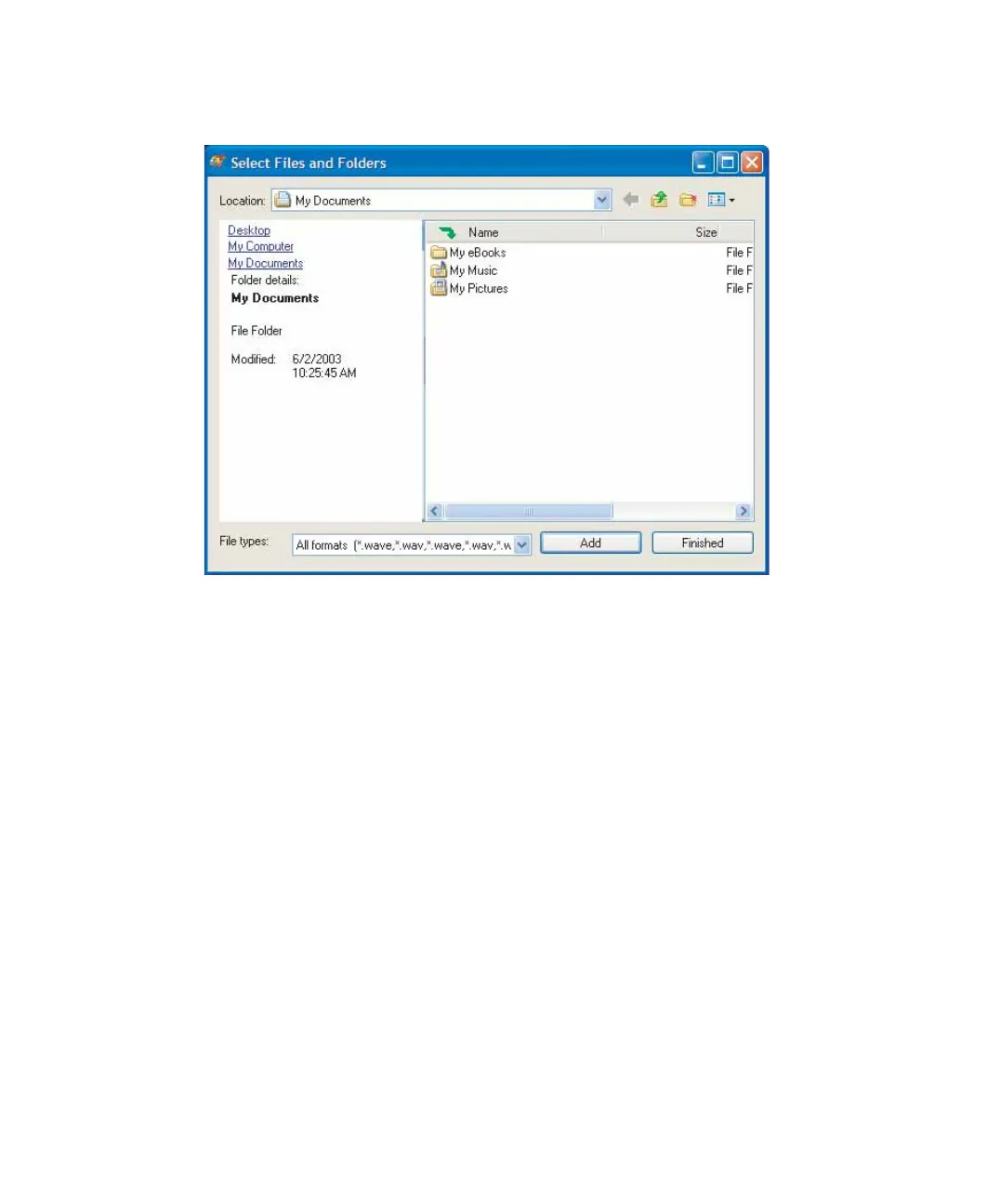
5 Click Add. The Select Files and Folders dialog box opens.
6 Browse to the folder that contains the files you want to add. You can click
the arrow to open the
Location list, then click a drive or folder, or you can
click folders in the
Name list. Press and hold the CTRL key to select multiple
files.
7 Click Add. You can continue to select files and click Add.
8 After you select all your files, click Finished.



 To Next Page