55
Identifying window items
www.gateway.com
3 Click Send To, then click Desktop (create shortcut). A shortcut icon for that
program appears on the desktop.
Identifying window items
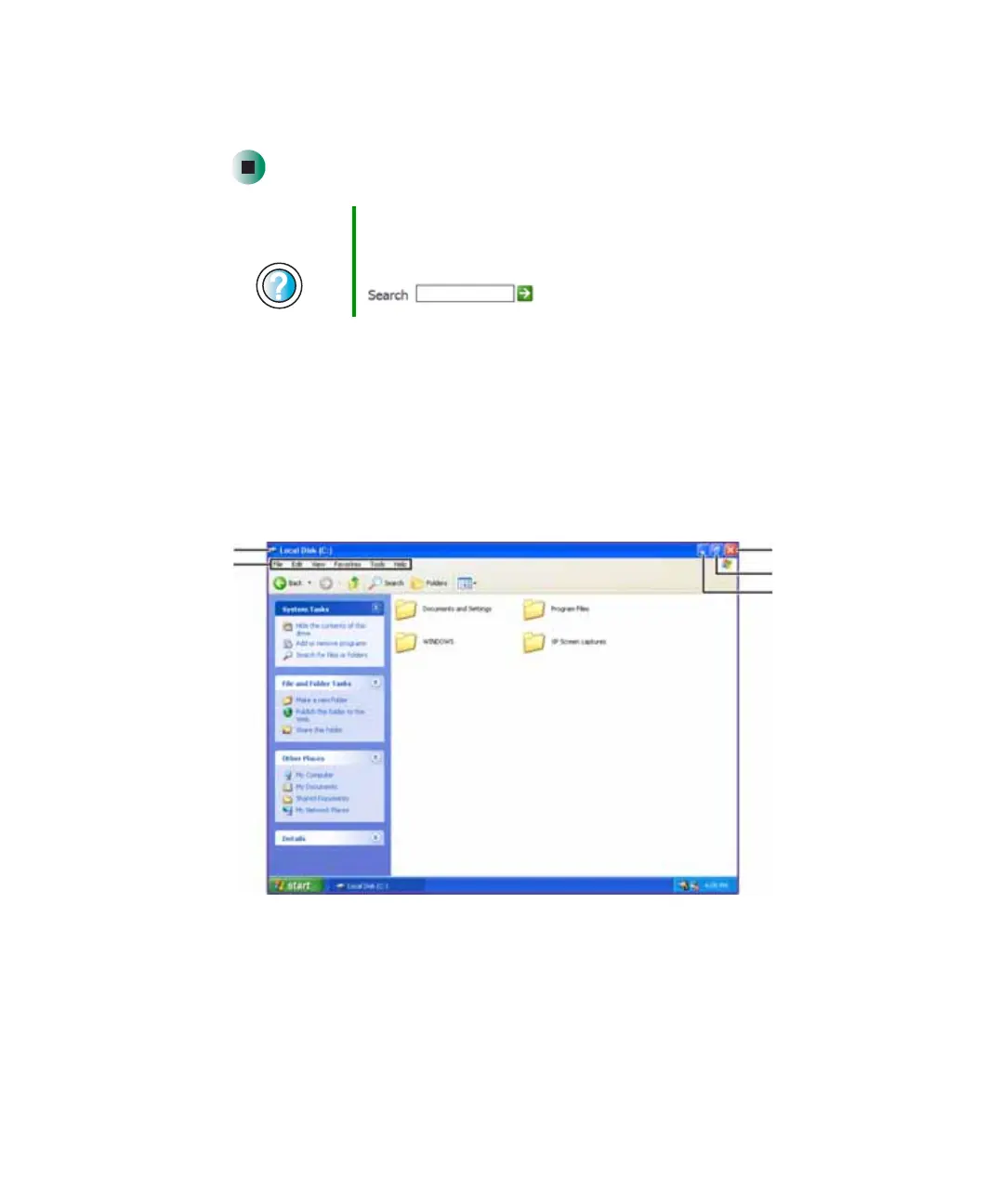
When you double-click the icon for a drive, folder, file, or program, a window
opens on the desktop. This example shows the Local Disk (C:) window, which
opens after you double-click the
Local Disk (C:) icon in the My Computer
window.
Help and
Support
For more information about desktop icons, click Start, then
click Help and Support.
Type the keyword desktop icons in the Search box
, then click the arrow.
Minimize
Maximize
Close
Title bar
Menu bar



 To Next Page