8. AUDIO PROCESSING
8 AUDIO PROCESSING
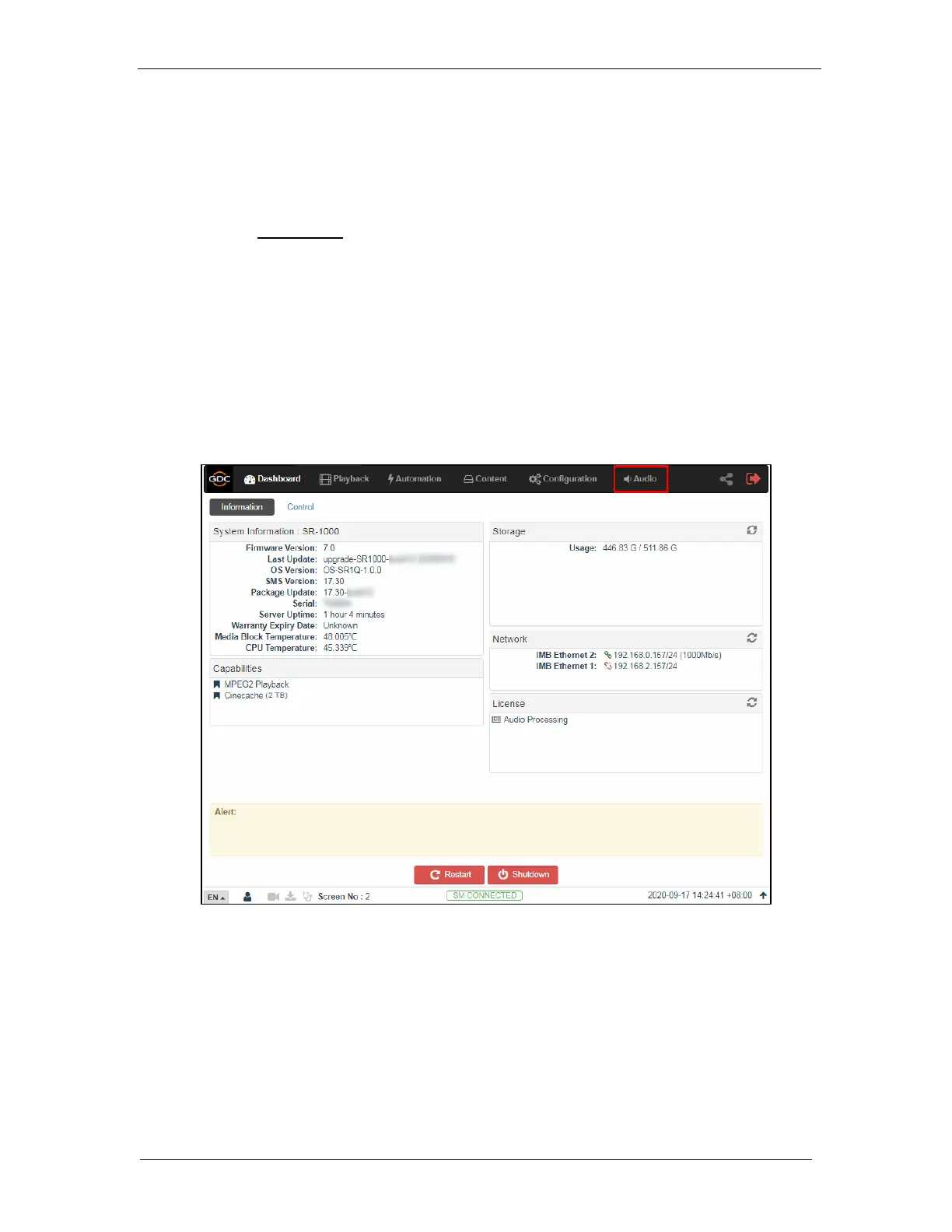
This section provides instructions on how to configure the settings related to audio processing,
present under the Audio tab of the SR-1000 Web UI. The audio processing capability on the
SR-1000 is enabled by installing an Audio Processing License and upgrading the SR-1000 to
software version 17.3-build15 or above.
Please contact GDC for more information regarding the Audio Processing License and software
upgrade needed to enable the audio processing capability of the SR-1000.
With the built-in digital cinema audio processor option; the SR-1000 offers the capability to provide
superior 5.1/ 7.1 surround sound designed for digital cinema applications. The embedded robust
audio processing engine can achieve precise sound system calibration of the theatre. It supports
1/3-band Graphic Equalization with independent Bass/Treble controls for seven non-LFE
channels, Parametric Equalizer on LFE and individual Channel Delay/Channel Gain adjustments.
Figure 68: Audio Tab
Note: Enabling the Audio Processing capability might change some Audio-related settings of the
SR-1000 without the Audio Processing License (with regards to the [Audio] section under the
Playback sub-tab) as these would be merged into the newly created Audio tab.



 To Next Page