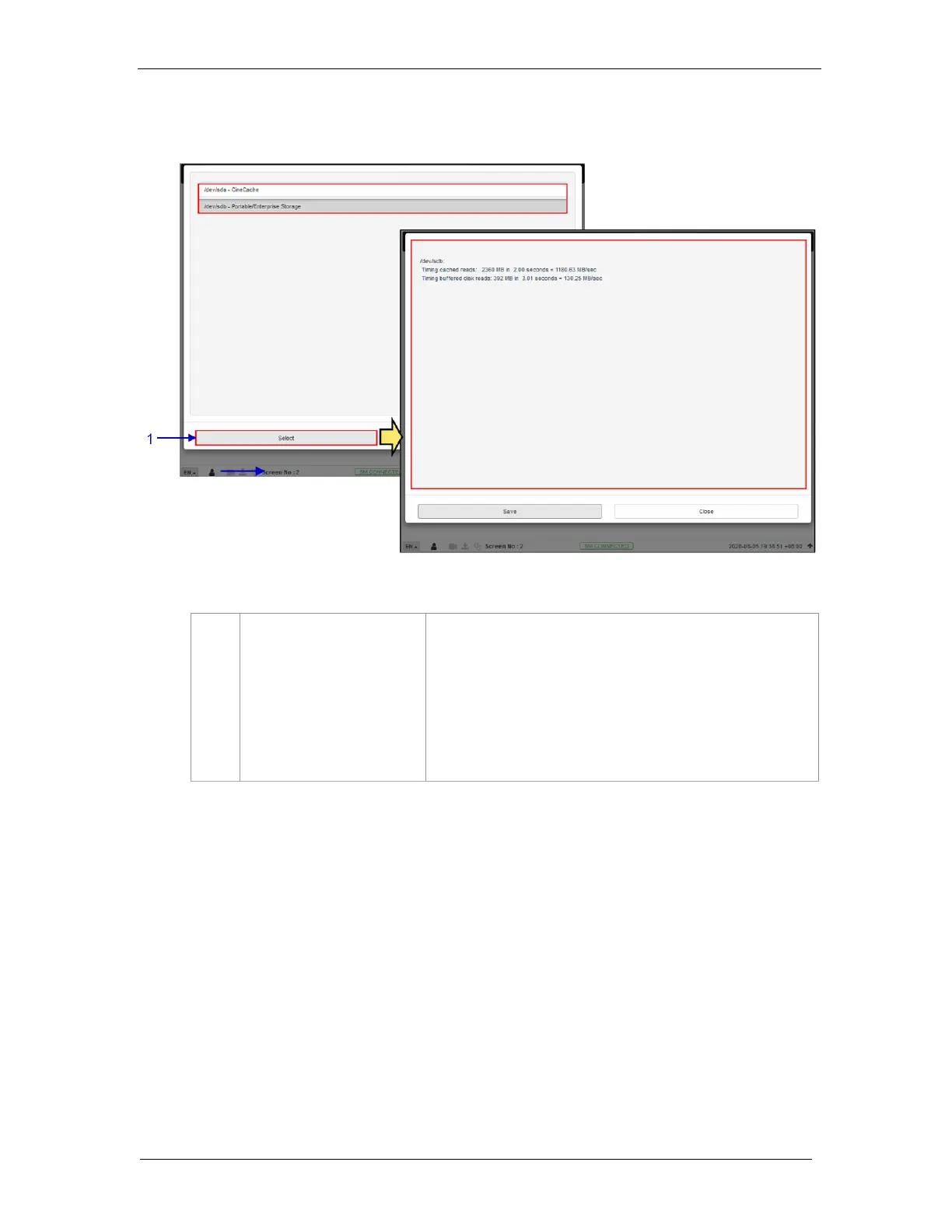
Clicking on the Storage Performance option opens a pop-up
window.
Select the disk and click on Select. Information about the hard disk
performance will be displayed on screen.
Click on Save to save the results to the local computer/ laptop (in
the form of a .txt file).
Click on Close to return to the Storage menu.



 To Next Page