8. AUDIO PROCESSING
8.2 DCP Channels
To ensure that the DCP audio channels are routed to the correct speakers in the auditorium, it is
necessary to select the appropriate settings in the DCP Channels and Output Routing sub-
tabs.
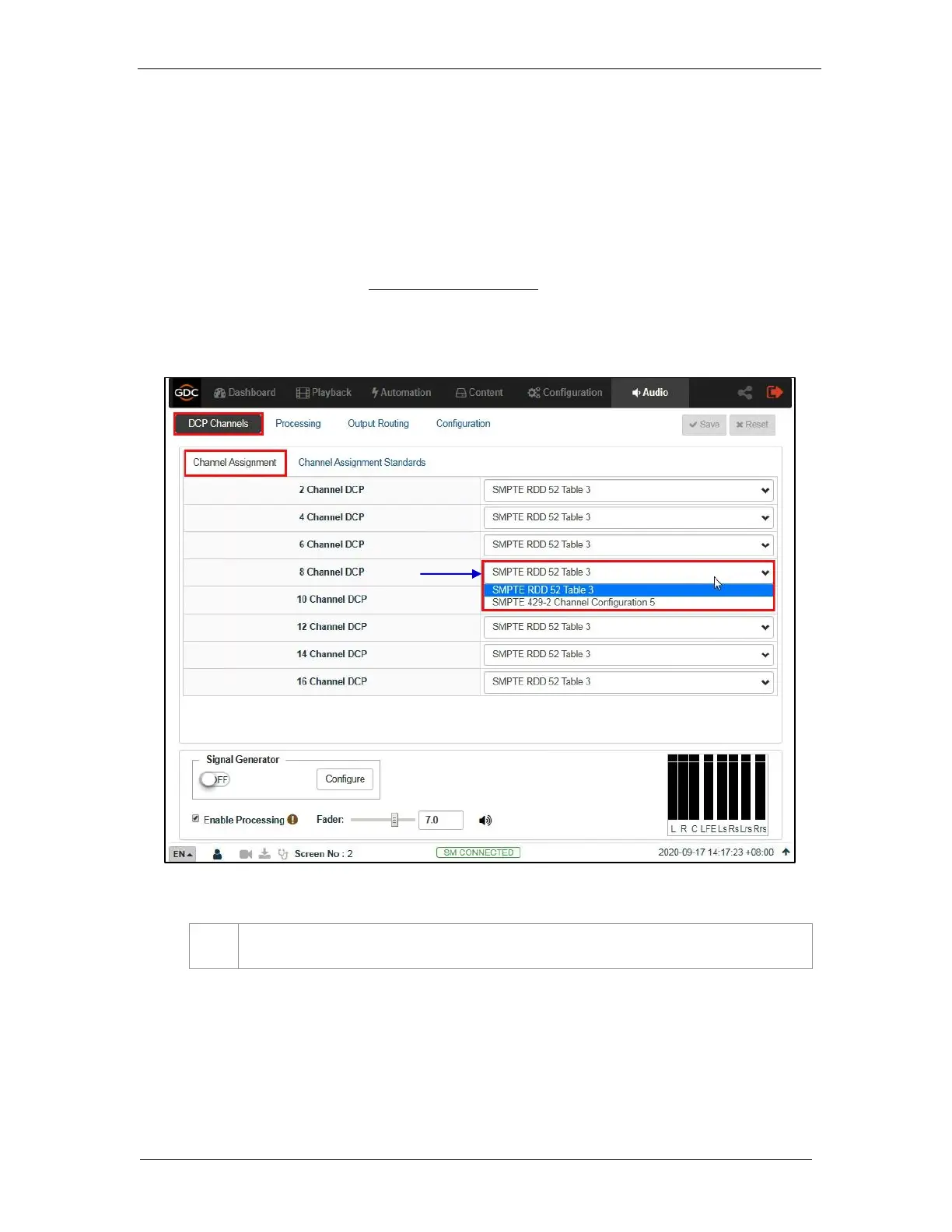
The DCP Channels sub-tab allows the user to select the channel assignment standard that the
DCP adheres to, for example: “SMPTE RDD 52 Table 3”. Under the Channel Assignment
section, you can choose a standard for each type of DCP based on the channel count (as shown
in Figure 75). The Channel Assignment Standards section allows you to view the channel
assignment for each of the listed standards (as shown in Figure 76).
Figure 75: Channel Assignment



 To Next Page