USER MANUAL FOR SR-1000 STANDALONE INTEGRATED MEDIA BLOCK™
2. THE SR-1000 WEB USER INTERFACE (Web UI)
2.1 Access Levels
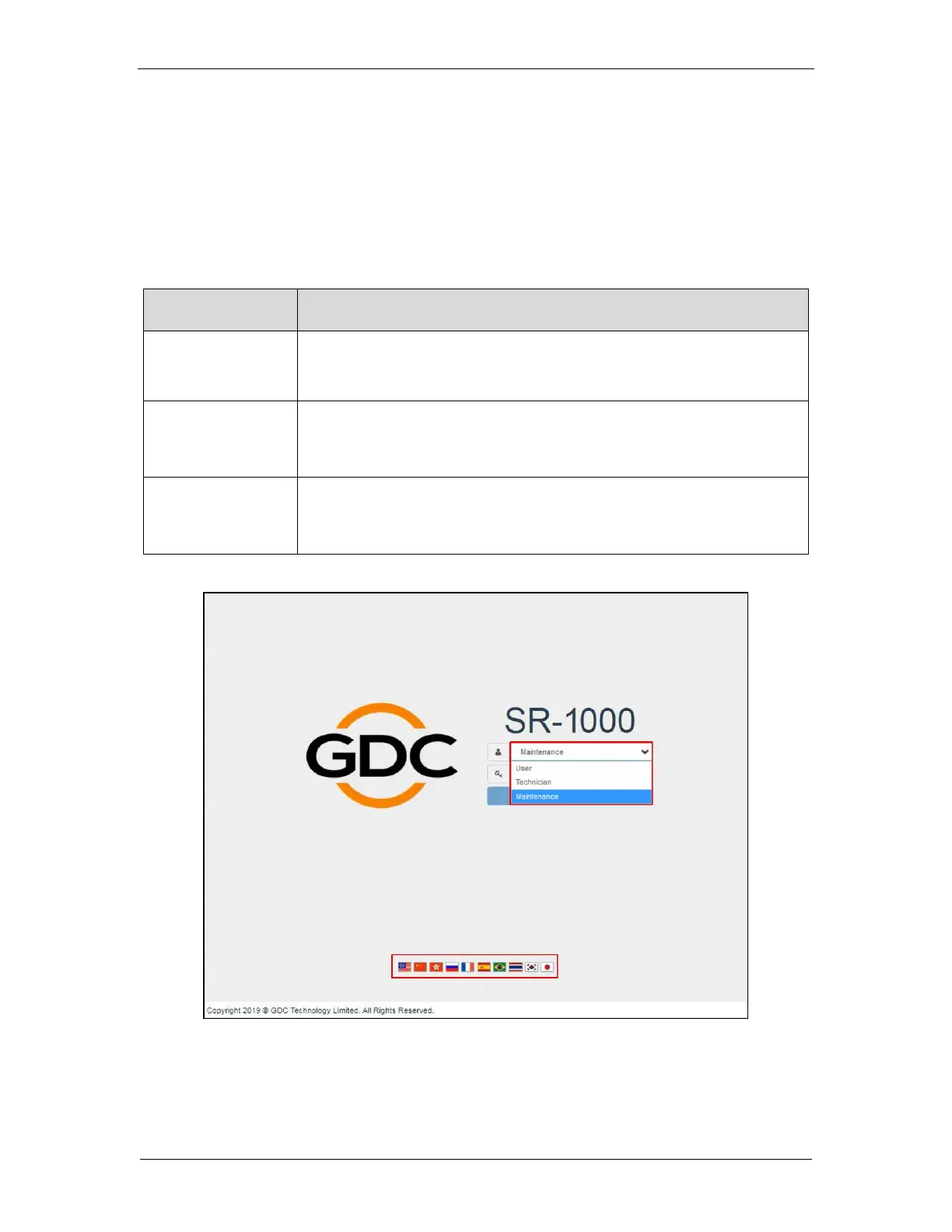
On the login interface, select the user level and enter the corresponding correct Password to
access the SR-1000).
Different users will have different access levels on the Web UI Configuration tab.
Dashboard, Playback, Automation, Content and Configuration*
tabs.
(*Only System sub-tab under Configuration menu is accessible.)
Dashboard, Playback, Automation, Content and Configuration*
tabs.
(*Only System and Maintenance sub-tabs under Configuration menu are accessible.)
Dashboard, Playback, Automation, Content and Configuration
tabs..



 To Next Page