USER MANUAL FOR SR-1000 STANDALONE INTEGRATED MEDIA BLOCK™
6. CONTENT
6.2 Package
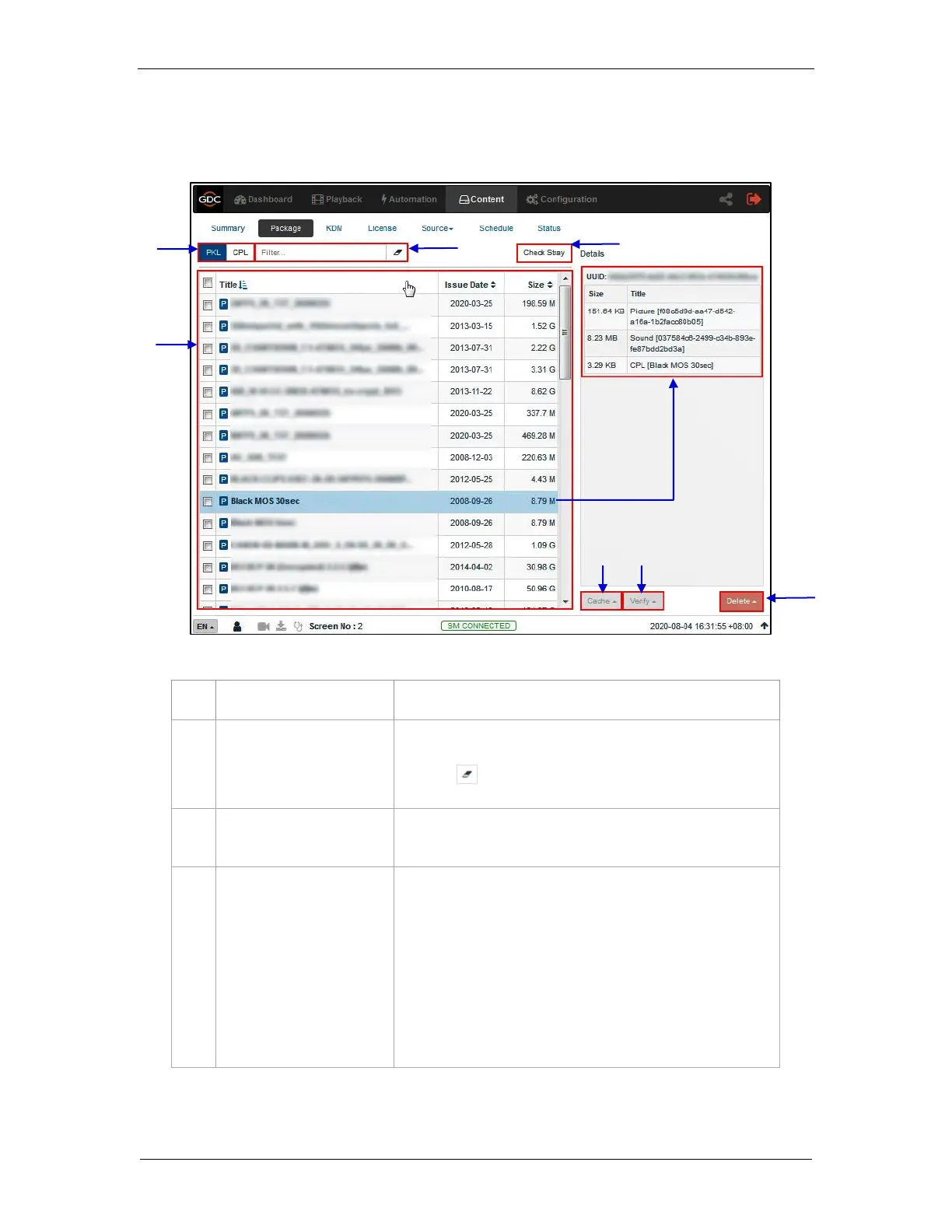
The Package sub-tab displays the content which has been ingested into the SR-1000.
Displays list by CPLs or PKLs.
PKL/CPL list will be filtered by the text entered here.
Click the Clear Filter button to clear the search text.
Click Check Stray to detect and delete any of the stray files from
deleted PKLs and CPLs.
Displays the list of content available on the server.
When an item is selected, details are displayed on the right
panel.
1) Content name displayed in Green indicates the
content is available in both the Primary as well as
the Secondary storage.
2) Content name displayed in Black indicates it is
available only in the Primary storage.
Figure 26: List of CPL’s or PKL’s



 To Next Page