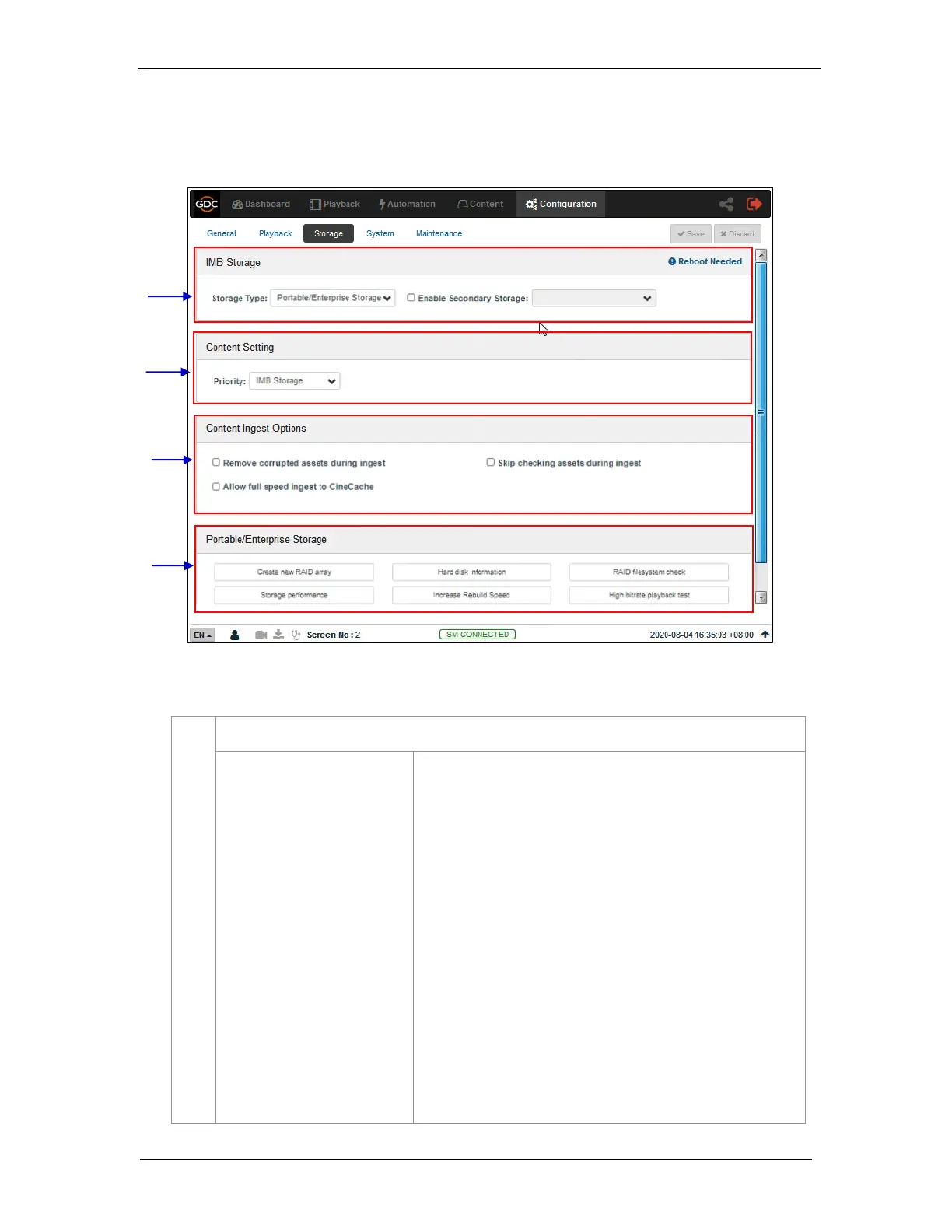
Configure the primary storage for the SR-1000.
•
NAS: Configure a Network-Attached Storage(NAS)
as data storage.
•
CineCache™: Select this option to use the built-in
CineCache™ as storage.
Note: This is only available on SR-1000 with
Cinecache™ installed.
•
Portable/Enterprise Storage: Select this option to
configure the SR-1000 to use Portable Storage or
Enterprise Storage.
Note: Reboot is needed after the storage type is changed.
For any SR-1000 with CineCache™, you can setup a fallback
mechanism for the primary Storage Type by checking the
Enable Secondary Storage option and selecting the storage
type from the drop-down



 To Next Page