2. THE SR-1000 WEB USER INTERFACE (Web UI)
2 THE SR-1000 WEB USER INTERFACE (Web UI)
The SR-1000 has a web-based user interface or Web UI. The following steps show how to
access the SR-1000:
1) Assuming the SR-1000 is using its default IP Address i: e 192.168.1.12, connect a
laptop/PC to the IMB Ethernet 2 network port of the SR-1000 and configure the
laptop/PC to have the same network as the SR-1000.
2) Open a web browser (Google Chrome™ or Mozilla Firefox™ are recommended).
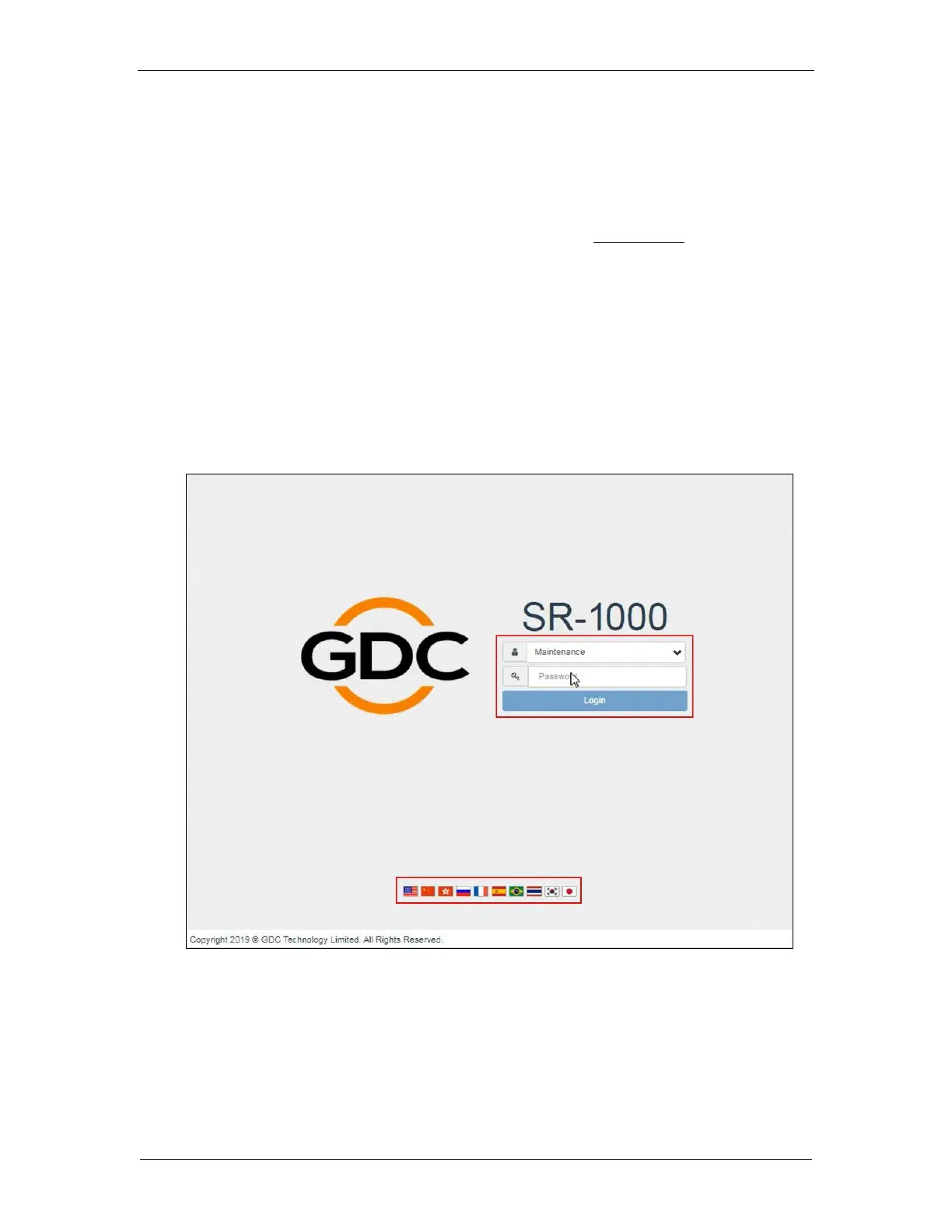
3) Enter the default IP address of the SR-1000 in the web browser to access the
login page on the Web UI.
4) There are three access-levels available for users: User/Technician/Maintenance.
Select the required access-level (see Section 2.1 for more details) and enter the
corresponding password to login to the Web UI.
5) Select the preferred UI language by clicking on the corresponding flag icon, as
shown in Figure 2.



 To Next Page