EasyManua.ls Logo

GDC SR-1000 - 5 Automation

GDC SR-1000
137 pages
Print Icon
To Next Page IconTo Next Page
To Previous Page IconTo Previous Page
Loading...
- 25 -
April 22
nd
, 2021
USER MANUAL FOR SR-1000 STANDALONE INTEGRATED MEDIA BLOCK™
5. AUTOMATION
5
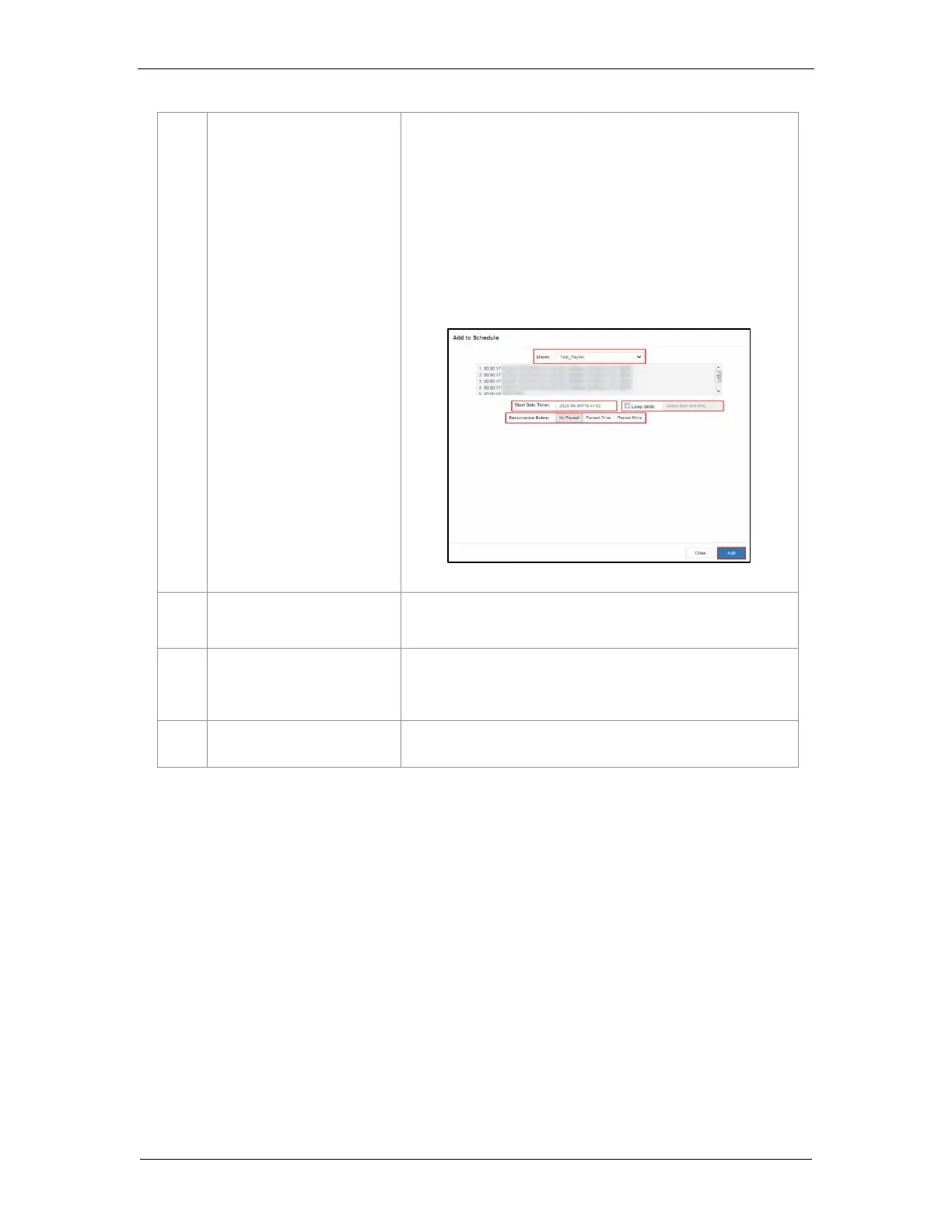
[New]
Add a new schedule.
Select the Show and Start Date Time.
You can also Loop the selected playlist until the selected date and
time.
Recurrence Rules by default is selected as No Repeat.
User can select Repeat Once or Repeat More and further enter
details.
Click the Add button to add the schedule
6
[Schedules]
Schedules are displayed here. Display will change according to
schedule in [2].
7
[Schedule Details]
Displays the details of the selected show.
Note: Only the selected schedule details will be displayed here.
8
[Delete]
Delete the selected schedule.
5 AUTOMATION

Table of Contents

Other manuals for GDC SR-1000

Related product manuals