6. CONTENT
6.5.1.3 Live Play
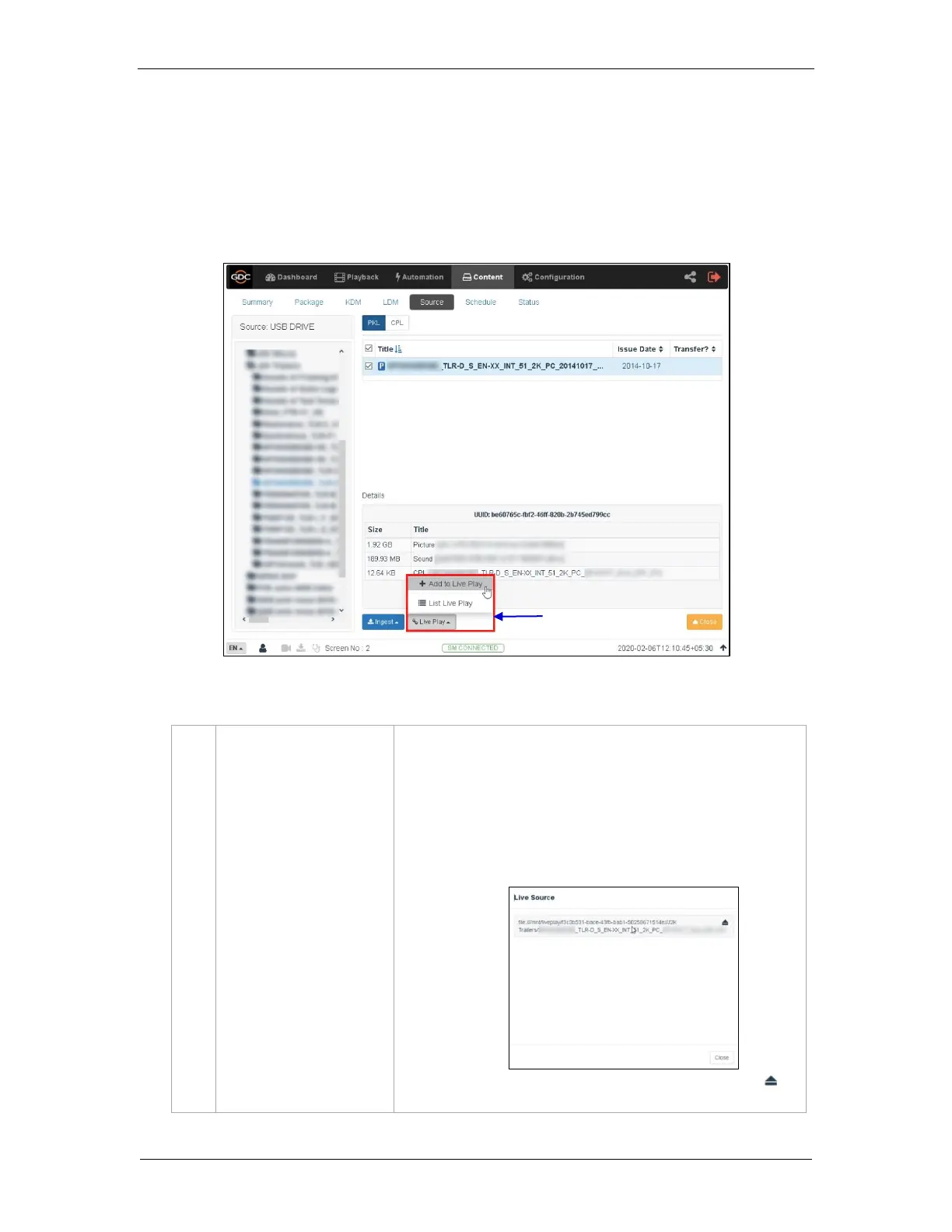
The Live Play option allows playback from content ingest source without ingesting.
• Live Play is supported for USB/ eSATA sources only.
• Content should always be ingested before playback whenever possible.
Two options are available when the Live Play button is clicked:
•
Add to Live Play: Add the selected content as a
Live Play Source
•
List Live Play: A pop-up window will be shown to display
the list of Live Play Sources. You can also list the Live Play
sources by clicking on the Live Source button under the
Ingest or Manage screen.
You can unmount a Live Play source by clicking on the
button shown alongside the listed source.



 To Next Page