EasyManua.ls Logo

GDC SR-1000 - RAID Filesystem Check

GDC SR-1000
137 pages
Print Icon
To Next Page IconTo Next Page
To Previous Page IconTo Previous Page
Loading...
- 89 -
April 22
nd
, 2021
USER MANUAL FOR SR-1000 STANDALONE INTEGRATED MEDIA BLOCK™
7. CONFIGURATION
7.3.1.3 RAID filesystem check
1
[RAID Filesystem check]
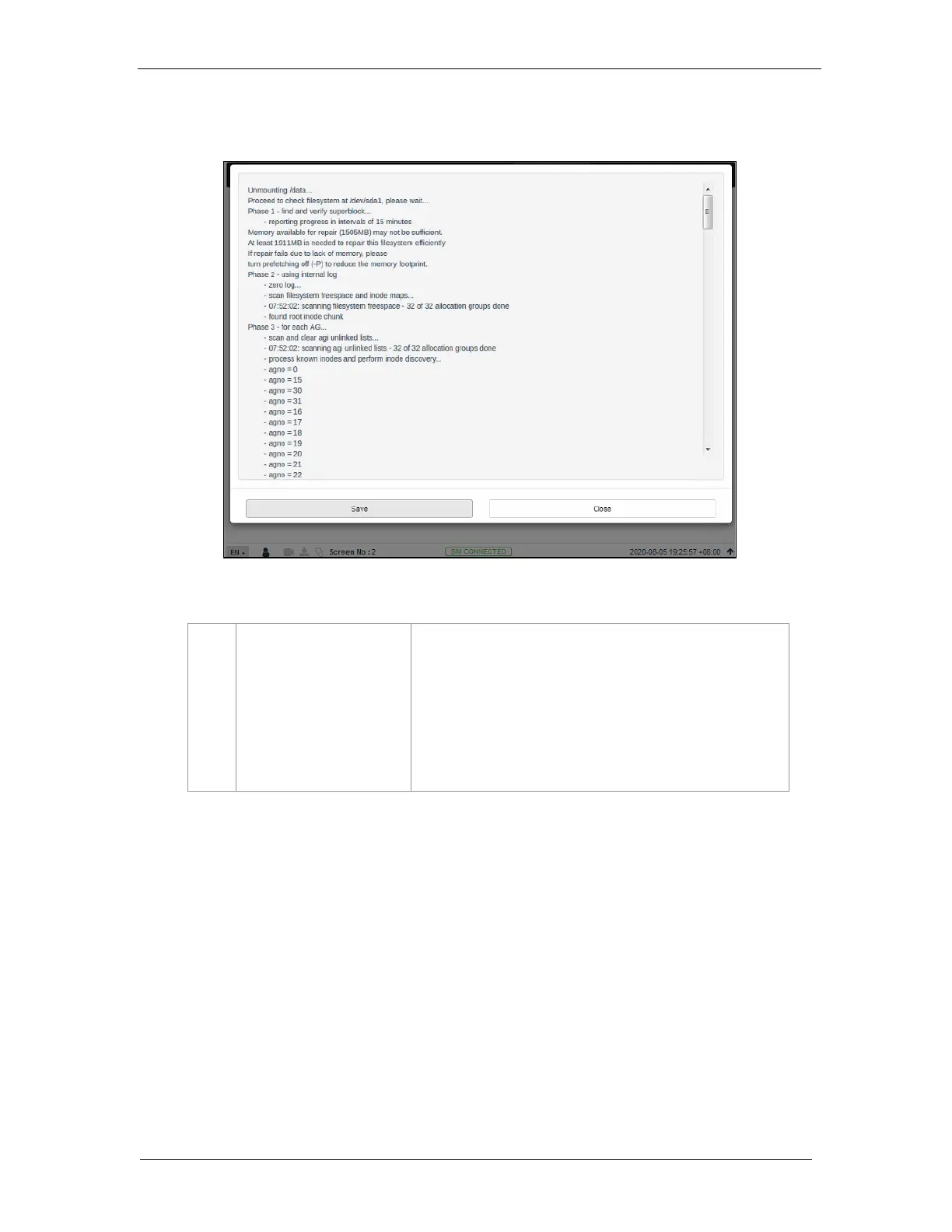
Clicking on the RAID Filesystem check option opens a pop-up
window and the file system check process will be initiated.
Information about the filesystem check progress will be displayed
on screen.
Click on Save to save the results to the local computer/ laptop (in
the form of a .txt file).
Click on Close to return to the Storage menu.

Figure 59: RAID Filesystem check

Table of Contents

Other manuals for GDC SR-1000

Related product manuals