USER MANUAL FOR SR-1000 STANDALONE INTEGRATED MEDIA BLOCK™
[
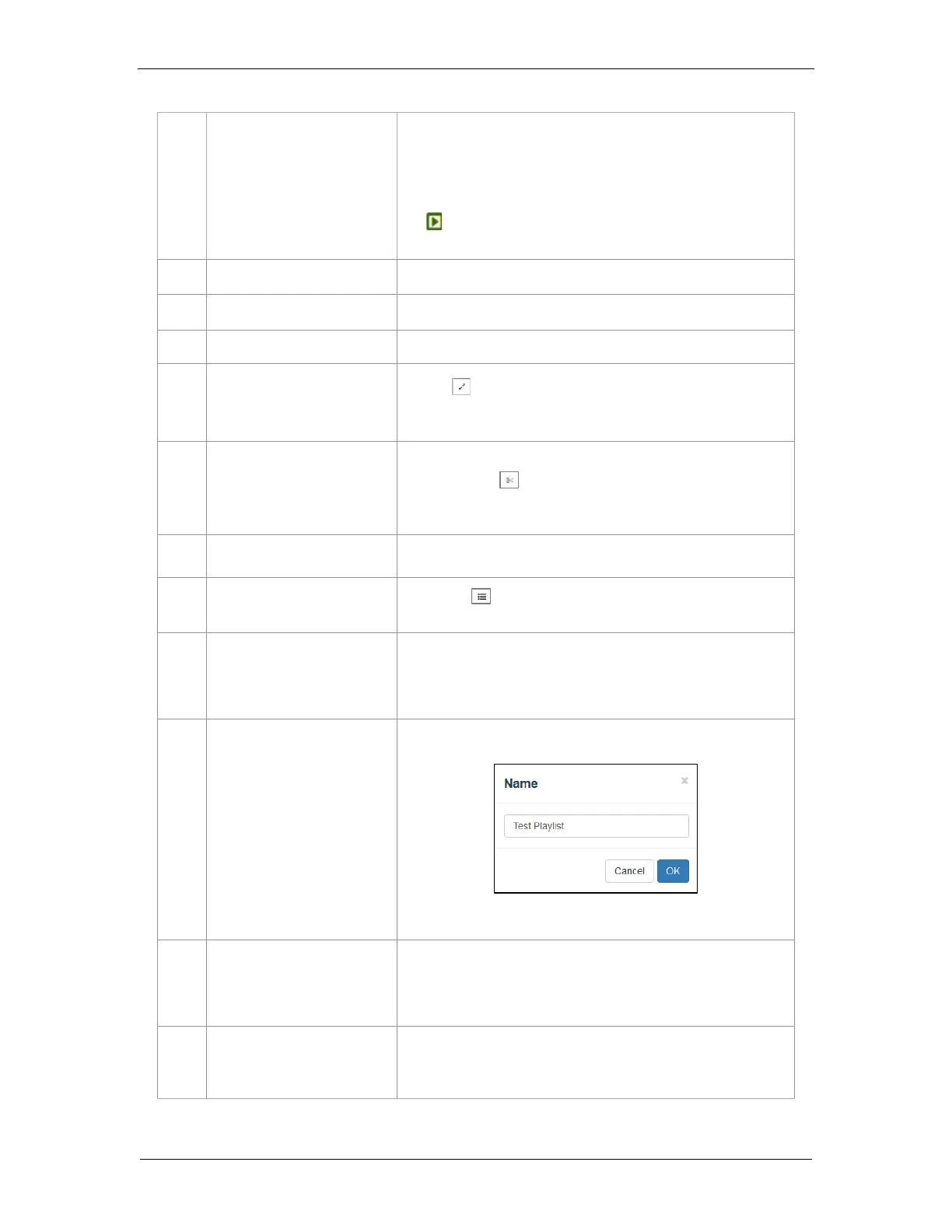
Clip Information Display
]
Displays the information related to the selected clip.
It also includes the ‘Quick Play’ feature which can be used to test
playback for a particular clip without adding it to the current playlist.
To use this feature, select a clip from the [Content List] and click on
the button next to the clip name (displayed under the
[
Clip Information Display
] section) to play the selected clip.
Enable Loop Playback of the current playlist.
Save the playlist currently being edited.
Reset any changes to the playlist currently being edited.
Use the button to toggle between Standard and Timeline view of
the [Playlist Editor].
Use this feature to add intermissions. Select a clip from the playlist
and click on the button.
Refer to Section 4.2.3 for details on adding an intermission.
Load the selected playlist into the player for playback.
Clicking on button will display a pop-up window and show all the
playlists with options to Delete, Rename, Copy or Filter the playlists.
List of playlists available on the SR-1000. The selected playlist
content will be shown in the [Playlist Editor].
Note: A playlist that is currently playing cannot be edited.
Create a new playlist. A name must be specified for the playlist.
Refer to Section 4.2.1 for details on creating a new playlist.
Duplicate the currently selected playlist.
Enter the name of the new playlist in the pop-up window and
click OK.
Rename the selected playlist.
Note: A playlist that is currently playing cannot be renamed.



 To Next Page