CS875-575-375-275-175 Installers Manual with CS5500 keypad B.16.3
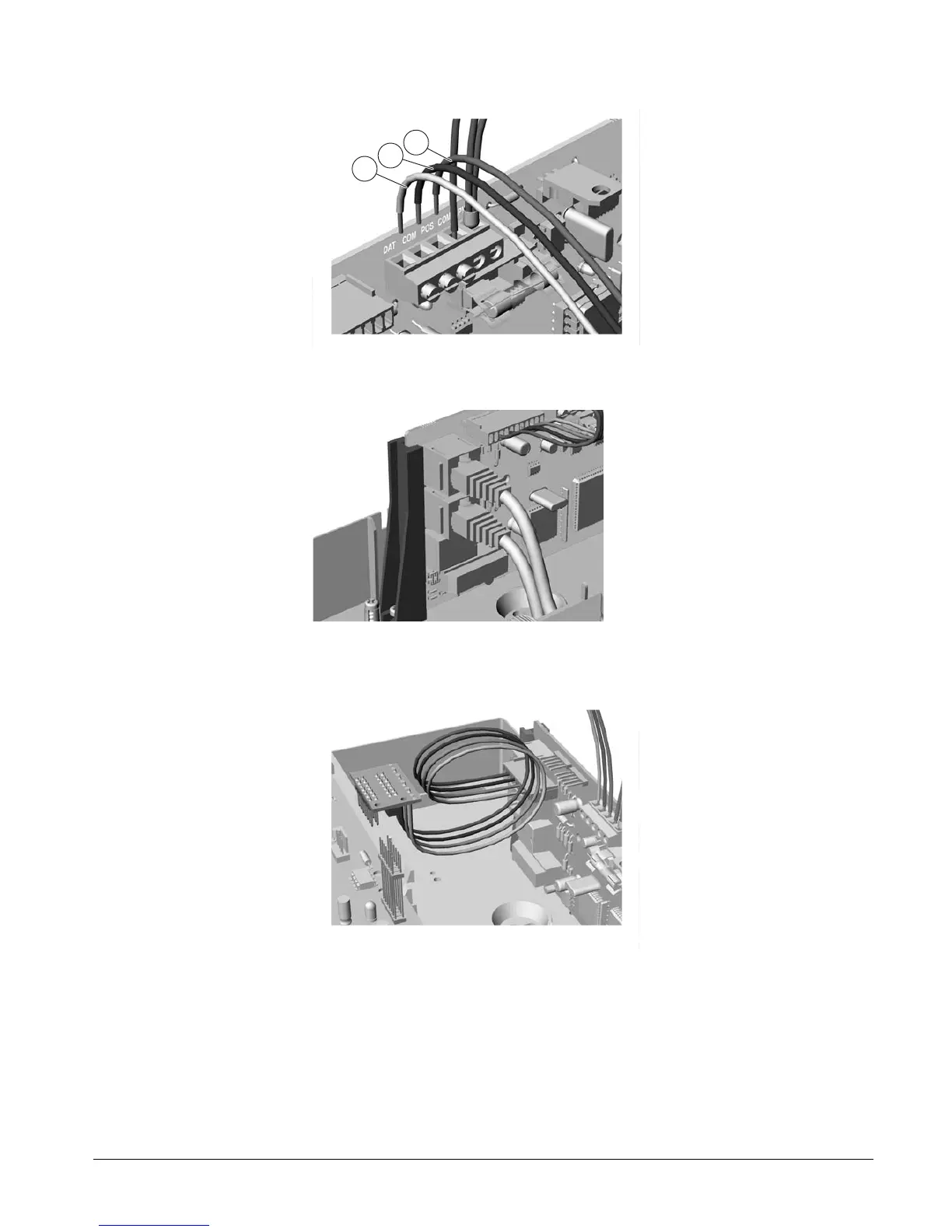
3. Connect the DATA, COM and POS bus connections on the CS7501 to the keypad bus
.
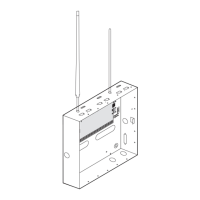
4. Connect the ISDN connections via the RJ45 connector.
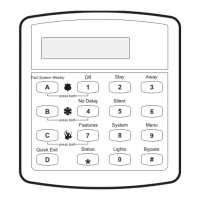
5. Plug the cable between the CS7501 and the panel. Ensure that the colour of the cable matches at each end.
Cables: Brown - Blue - Orange - Green.
1
2
3


 To Next Page