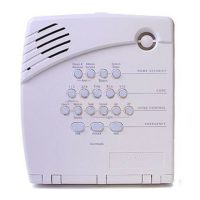
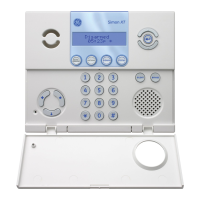
CS875-575-375-275-175 Installers Manual with CS5500 keypad B.16.5
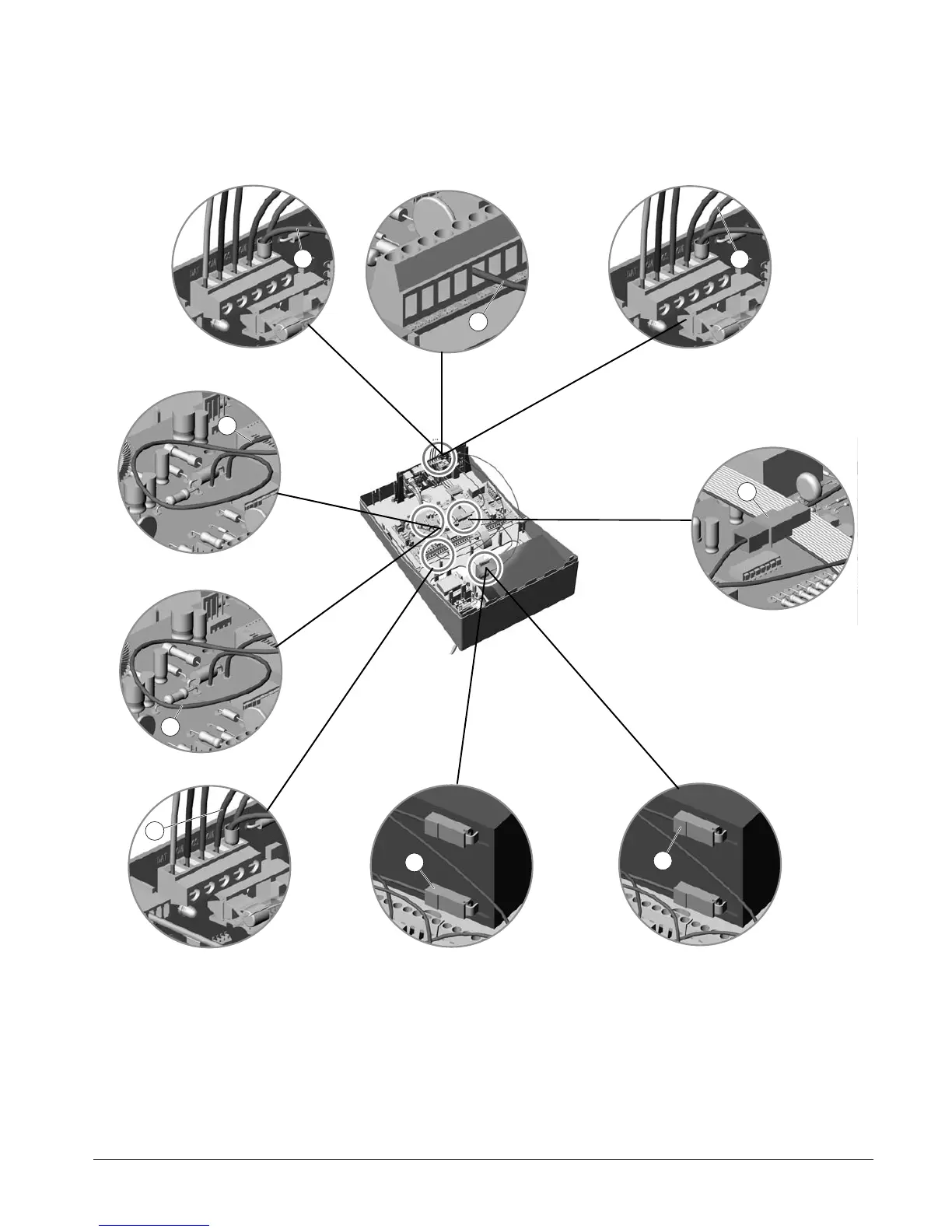
8. Connect the following:
• Connect the COM of the panel (A) to the COM of the ISDN dialler connection (B).
• Connect the battery COM cable of the panel (C) to the COM of the battery (D). §
• Connect the red POS Male connector (E) f rom the ISDN dialler (F) to the battery 12V connector of the
panel (G).§
• Connect the red female POS connector (H) to the POS of the battery (I).
C
A
B
D
E
F
H
I
G


 To Next Page