NE-M Installation Guide H5692448
850050111 Issue 03 August 2017 59
Step Action
4
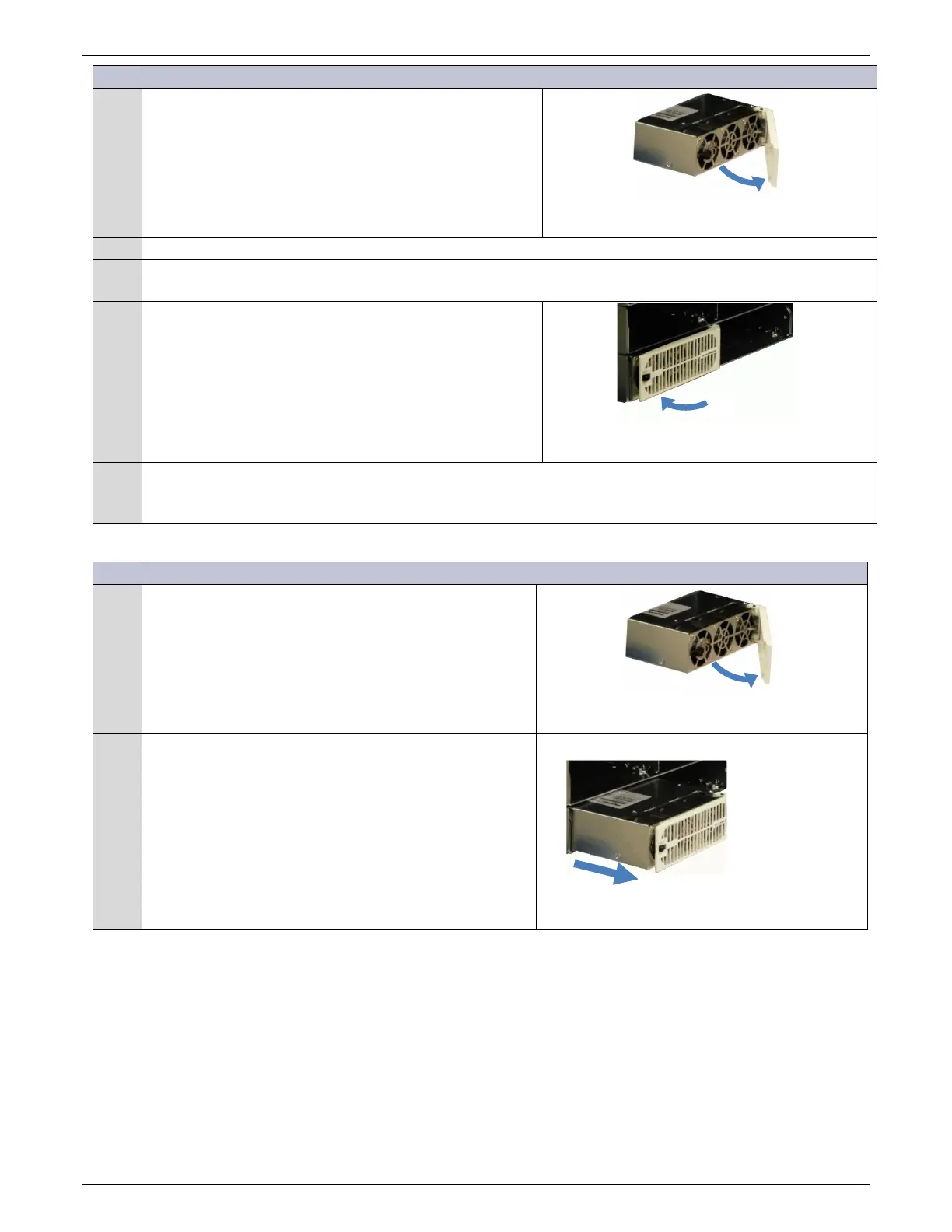
Open the faceplate by sliding the black latch to the left to
release the faceplate.
Figure 80 Open Rectifier Door
Push the unit firmly into the shelf until seated.
6
Install optional air filter by placing it inside the faceplate.
7
Swing the faceplate closed until it is secured by the latch.
Figure 81 Close Rectifier Door
8
Verify green LED and only green LED is on.
If this isn’t the case, see the Troubleshooting section.
Rectifier/Converter Removal Procedure
Step Action
1
Open the faceplate to disengage the rectifier/converter.
Figure 82 Open Rectifier Door
2
Remove the unit from the shelf.
Figure 83 Remove Rectifier



 To Next Page