Operation MagicControl 4.0 (CM40)
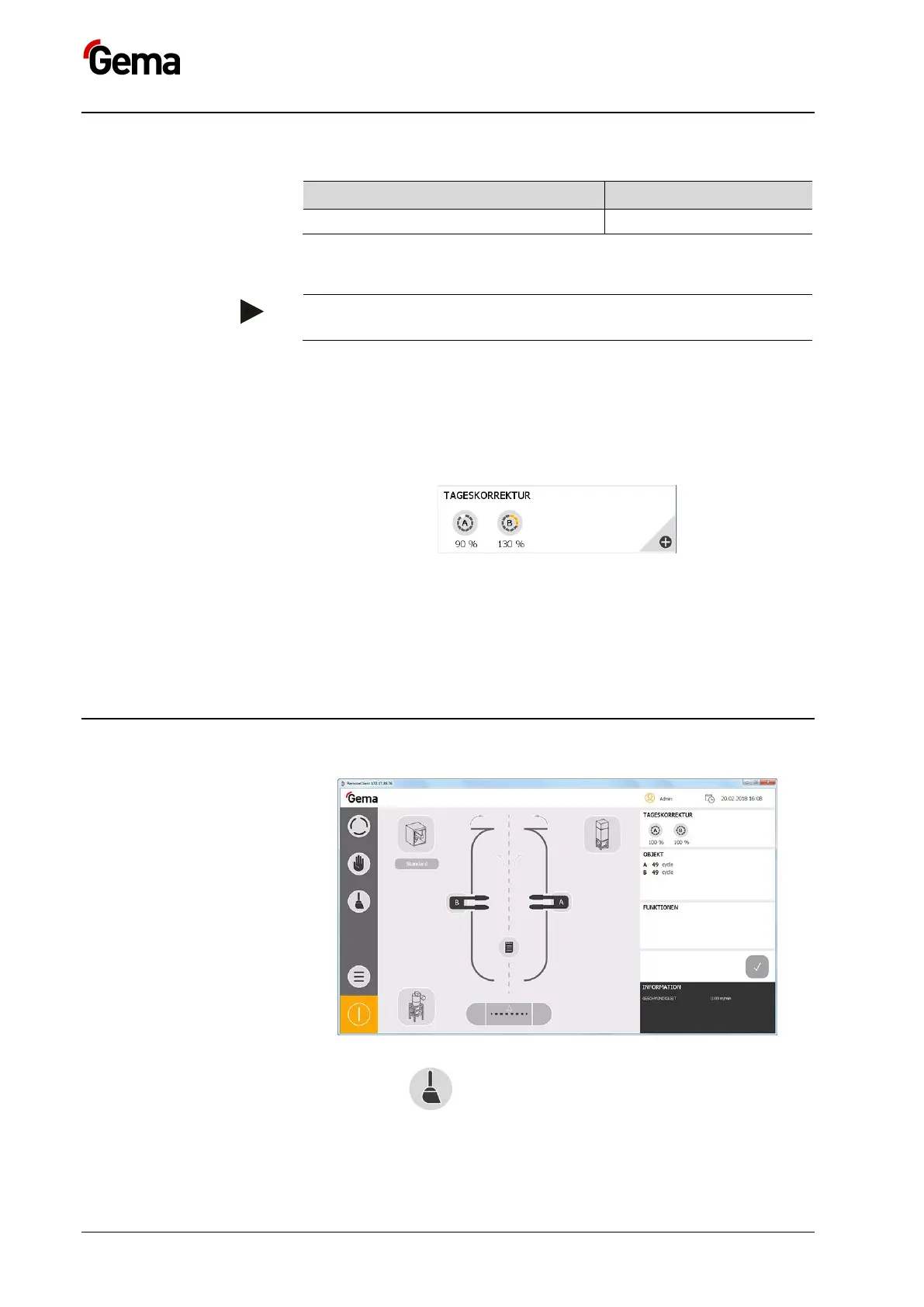
Setting the daily correction
The powder output is corrected in percent for all guns per station.
This means that the current powder output value is multiplied by the
correction value.
The correction value is not saved and must be reset after each
restart.
Example:
Powder output value PA% = 50
Daily correction value = 60 %
New powder output value = 50 x 0.6 = 30
:
1. Press the corresponding station key
– If several stations are present, press + to enlarge the window
2. Enter desired value (max. 150, min. 50)
3. Press the RET key to confirm
Cleaning operation mode
1. Press the key
The following page is displayed:



 To Next Page