Process Monitoring
11.3 Creating Profile
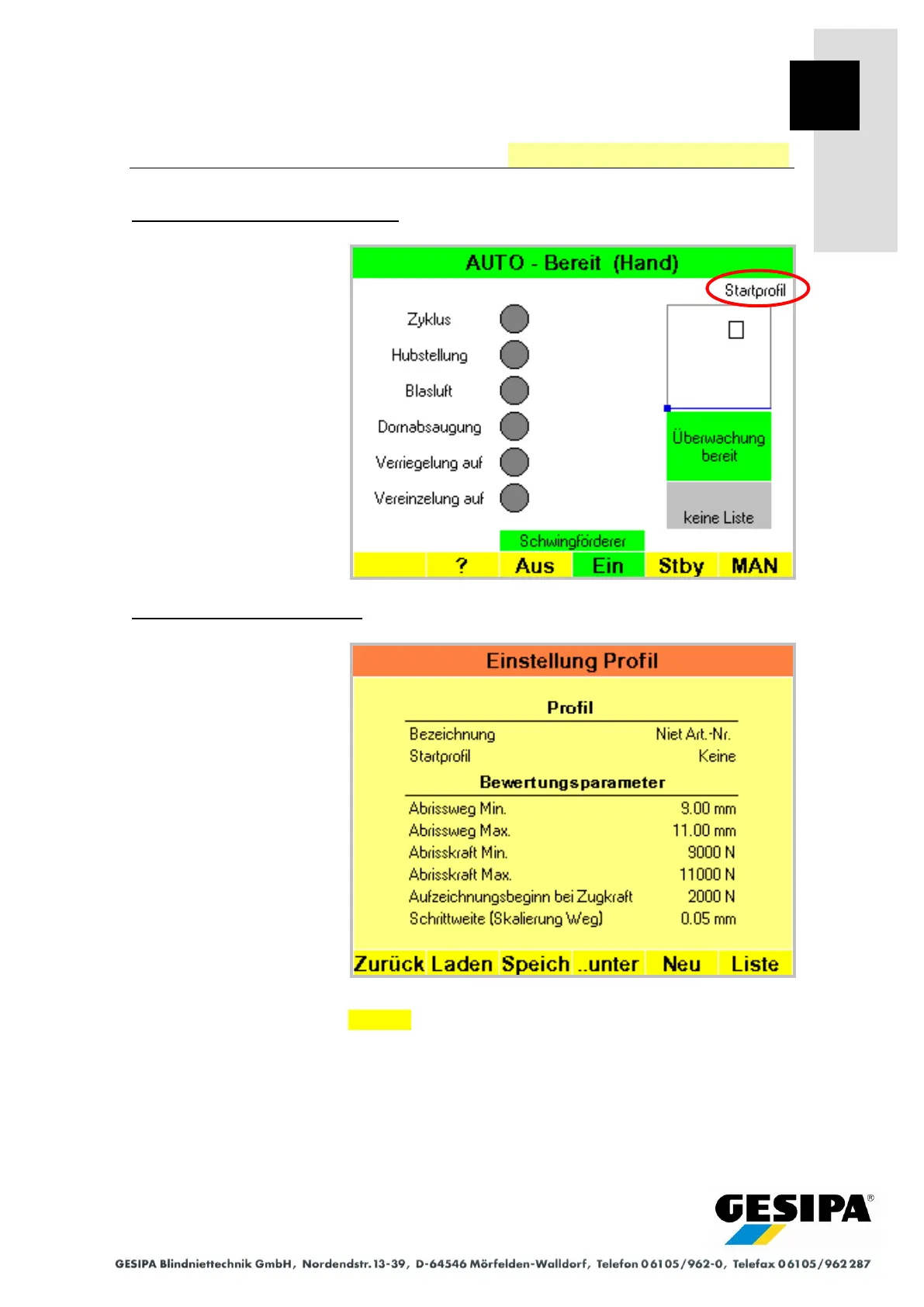
Starting situation: AUTO main menu
The profile last used is loaded
automatically after GAV is
switched on. If no profile has
yet been created, a profile
with the designation "start
profile" will be created.
Step 1: "Profile Settings" menu
The "Profile Settings" menu is
accessed from the AUTO
main menu with:
►MAN
► Menu
► Process monitoring
► Profile
The evaluation parameters of
the current profile are shown.
A new profile is created with New.



 To Next Page