Process Monitoring
11.5 Saving Profile
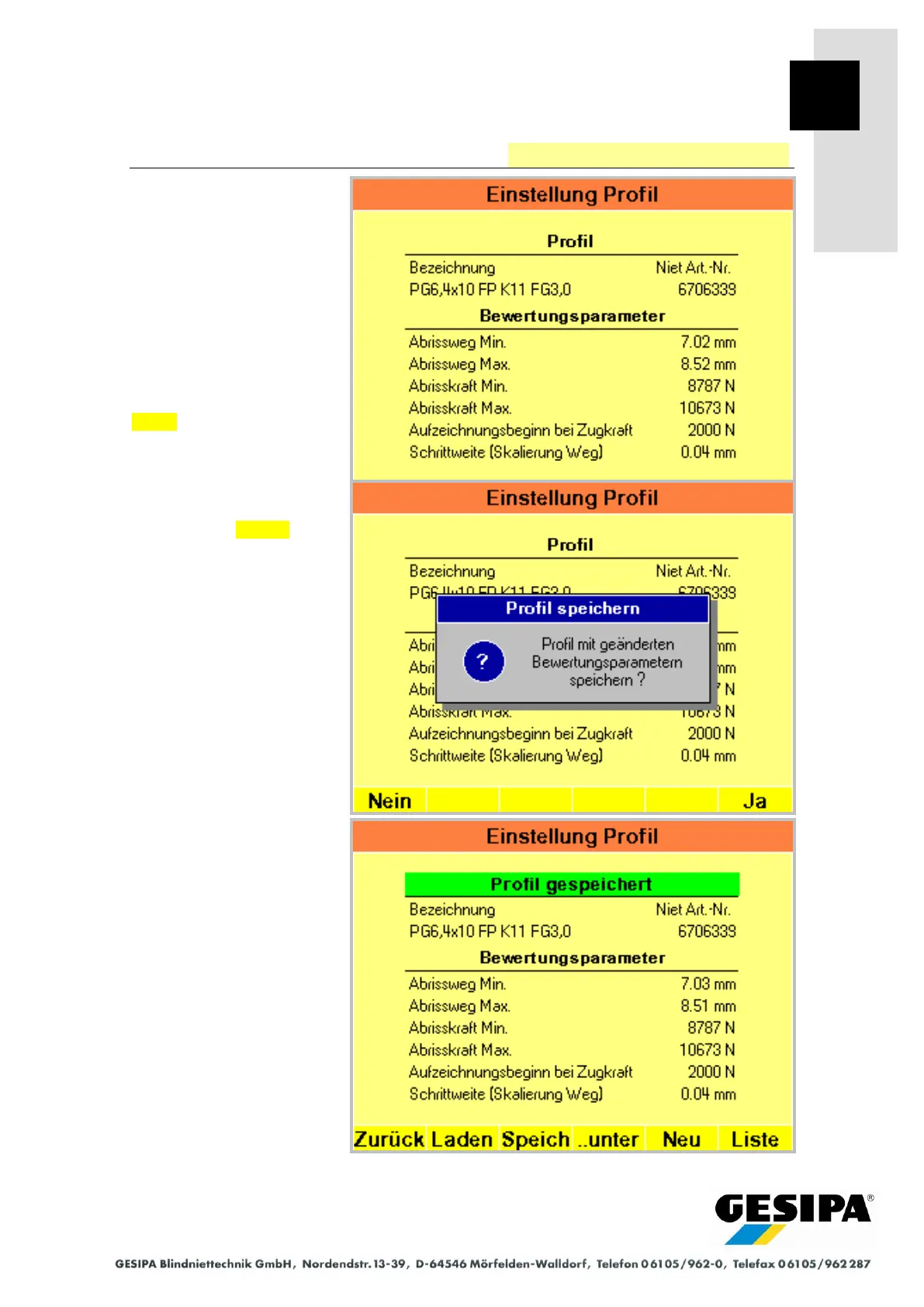
The "Profile Settings" menu is
accessed from the AUTO
main menu with:
►MAN
► Menu
► Process monitoring
► Profile
The evaluation parameters of
the current profile are shown.
Save saves the changes in
the current profile.
Saving the profile with
changed parameters must be
confirmed with Yes .
A profile with changed pa-
rameters is saved in the ex-
ample.



 To Next Page