Process Monitoring
11.5 Saving Profile
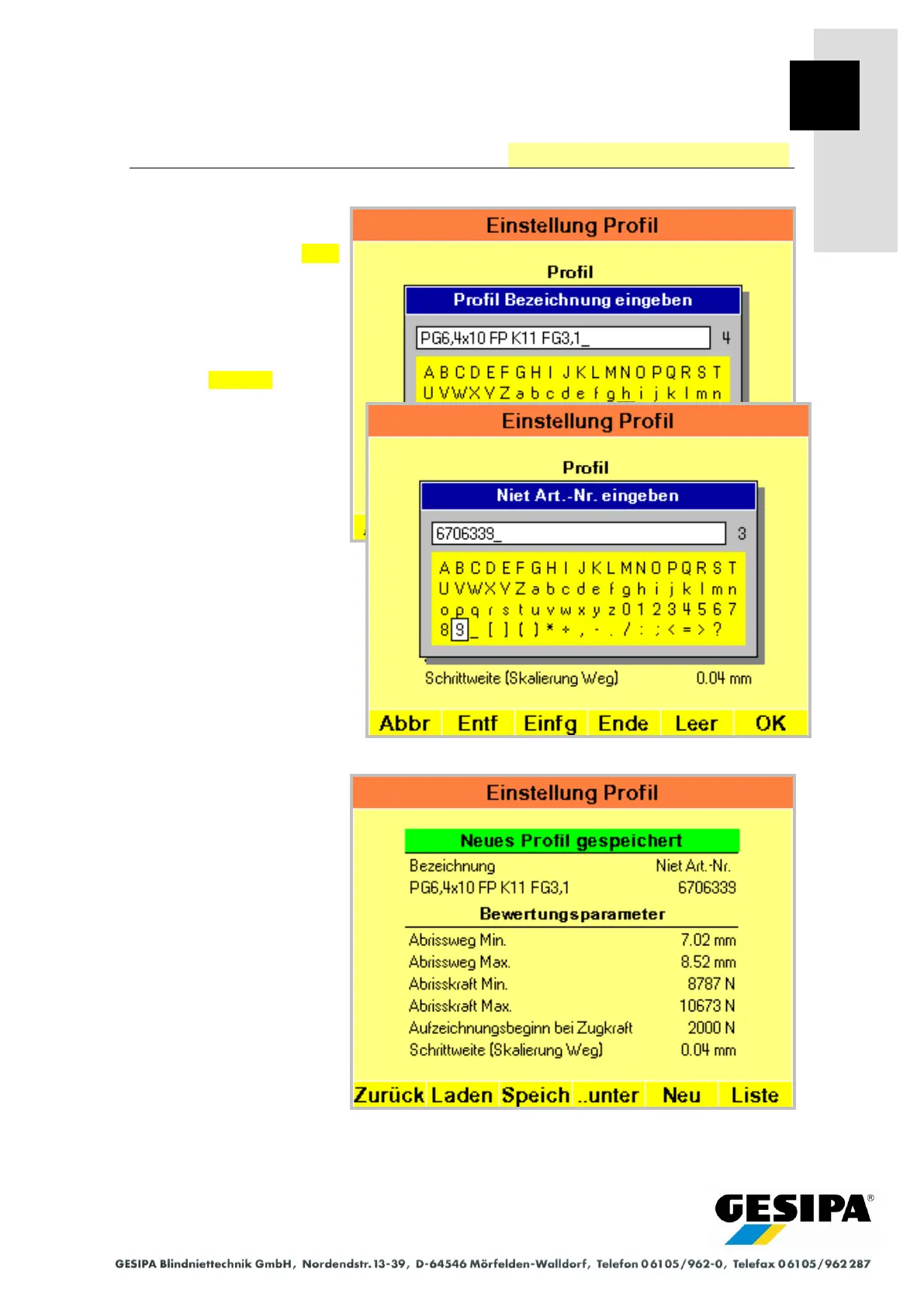
The current profile with
new designation and part
number is saved with ..As
(Save As).
The original data can be
changed or re-entered after
deleting the entry line (press
and hold Delete ) for the
new designation and part
number.
A new designation is required
whereas the part number can
be retained.
In the example, a new profile
was created with the
parameters of an existing
profile.



 To Next Page