4 Selecting Programs
Groove Synthesis
Selecting Programs
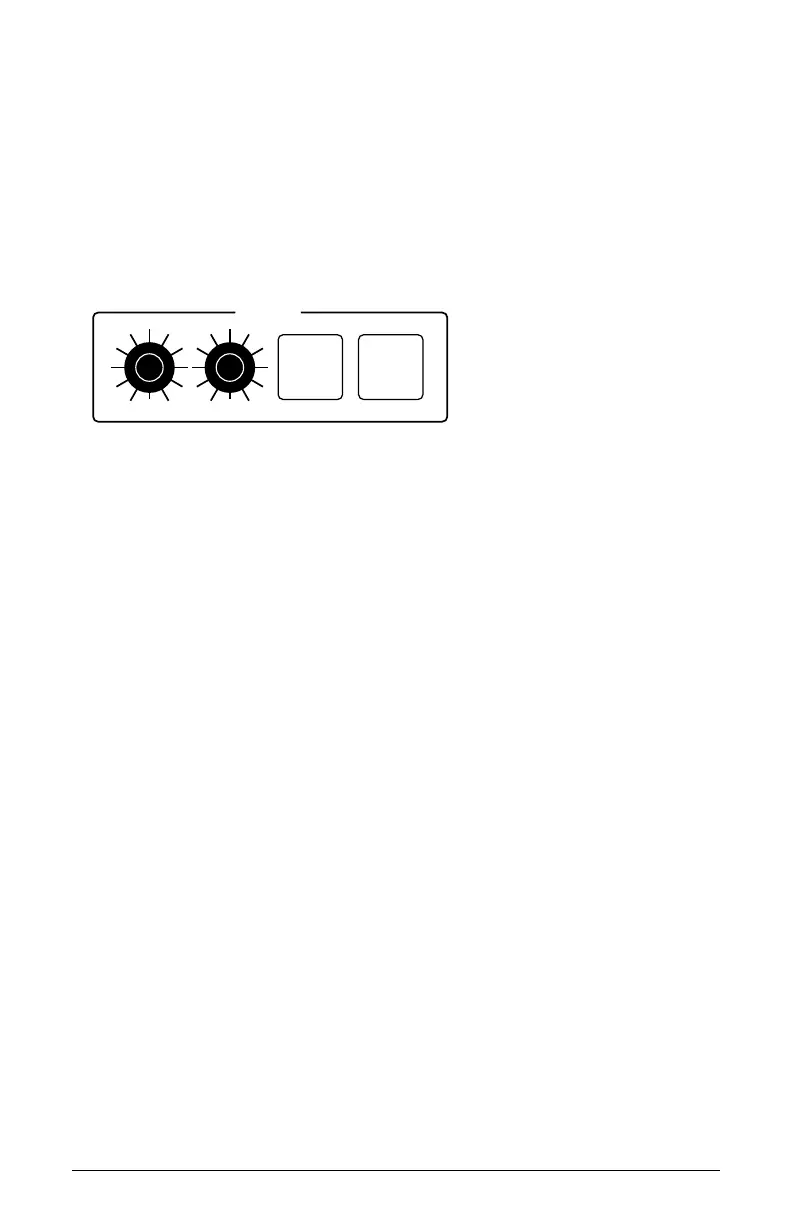
Use the bank and program knobs to select and recall programs.
To choose a program:
1. Turn the bank knob to select the bank you want.
2. Turn the program knob to select a program within that bank.
PRESETS
COMPARE
WRITE
BANK PROGRAM
Presets section
Editing Programs
Because the majority of the sound-shaping controls of the 3rd Wave appear
on its front panel, editing an existing program is simple: just turn a knob and
listen to its effect. Keep turning knobs and pressing buttons. If you like what
you’ve created, save the program. (See “Saving a Program” on page 6.)
Comparing an Edited Program to its Original State
When editing a program, you can compare its edited state to its original
state to evaluate your edits.
To compare an edited program to a saved version:
1. Edit a program.
2. Press the compare button. It lights up, indicating Compare mode.
3. Play the keyboard to hear the saved version of the sound.
4. To disable the compare function and return to the edited sound, press
the compare button again to turn it off. Programs can’t be written while
in Compare mode.



 To Next Page