33
3rd Wave User Manual
Adding Samples to the 3rd Wave
Adding Samples to the 3rd Wave
There are two ways to add samples to the 3rd Wave:
• Record directly into the audio in jack on the rear panel of the 3rd Wave
• Load a mono-format .wav le from your computer onto the 3rd Wave
via USB
Sampling Directly into the 3rd Wave
To record a sample directly into the 3rd Wave:
1. Connect your audio source to the audio in jack on the rear panel of the
3rd Wave.
2. Press the global button and use soft button 1 to scroll to the manage
sample memory setting.
3. Turn soft knob 2 to select go.
OS v1.8B5-P012 Orchest Hit
select
r# sizename
Manage sample memory 0 used. 1683456 free (100% avail)
r#1 Press New button to save a new recording to memory
playeditnew -->
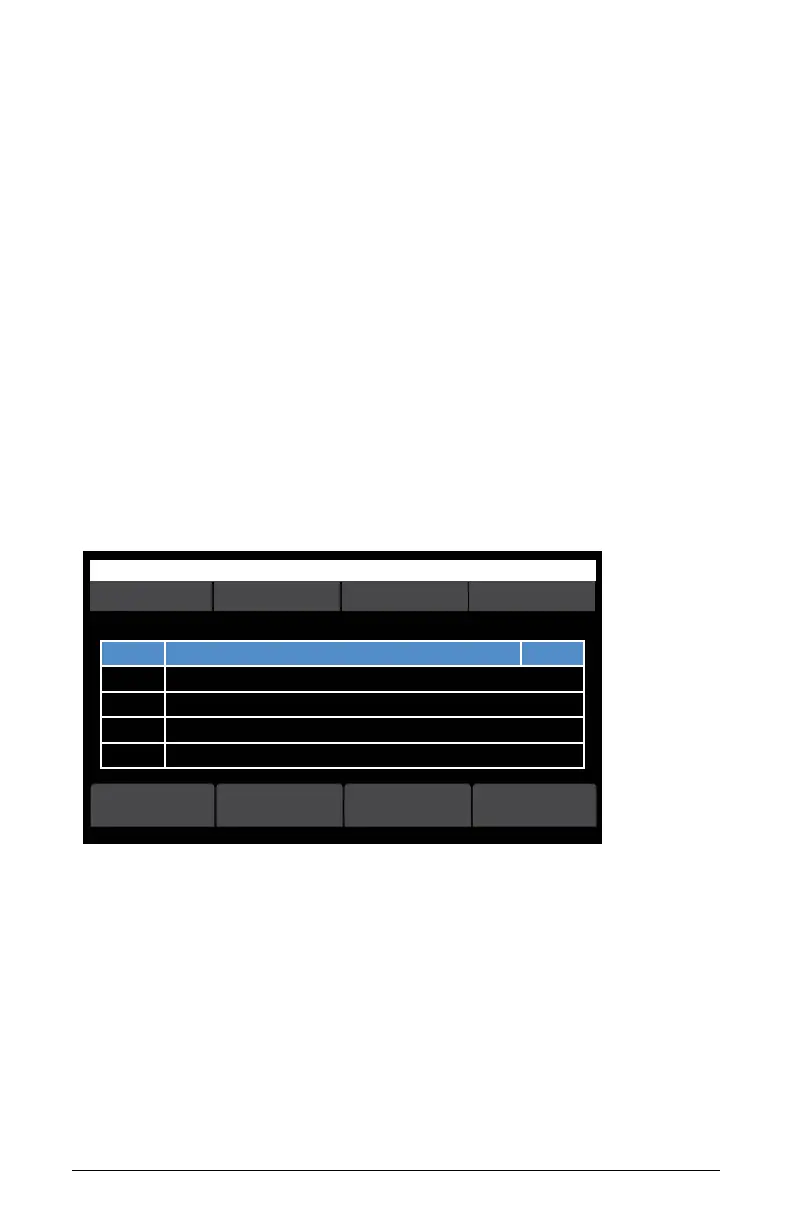
Manage Sample Memory screen
4. In the sample memory screen, press soft button 1 (new). The new
sample recording screen appears. Here you can adjust input gain and
arm the 3rd Wave for recording.



 To Next Page