54 Filters
Groove Synthesis
Low-Pass Filter Controls
The Low-Pass Filter
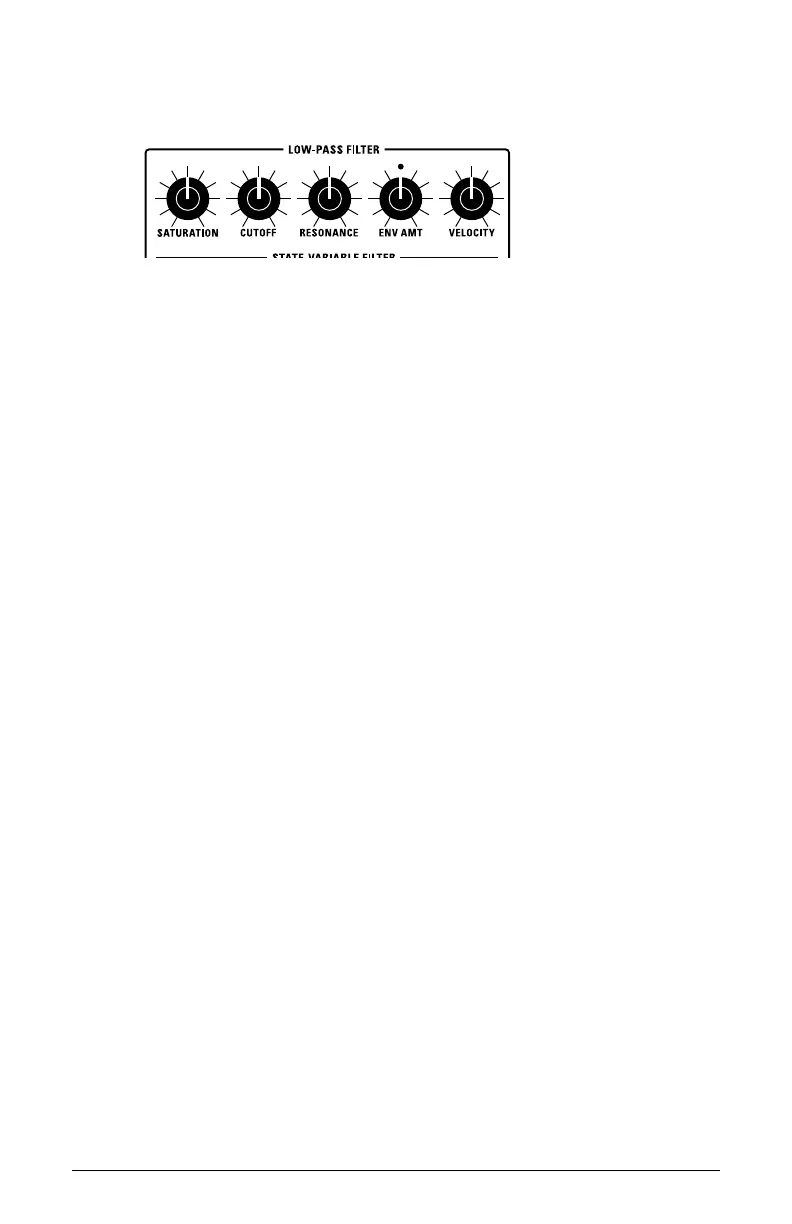
SATURATION: (0-127) This overdrives the output of the Low-Pass Filter,
making it possible to add harmonic distortion and additional warmth.
CUTOFF: (0-127) Sets the lter’s cutoff frequency. High frequencies are cut
and low frequencies passed, hence the name “low-pass.”
RESONANCE: (0-127) Emphasizes a band of frequencies around the cutoff
frequency. High levels of resonance can cause the lter to self-oscillate
and generate its own pitch.
RESONANCE COMPENSATION: (On. Off)) When On, increasing the Reso-
nance setting does not decrease the amount of low-frequencies (bass
response). When Off, increasing the Resonance setting decreases the
amount of low-frequencies as is typical of a 24dB per octave resonant
lter.
ENV AMOUNT: (-127 to +127) Sets the amount of modulation from the lter
envelope to the lter’s cutoff frequency. Any setting above zero means
that each time you strike a key, the lter envelope controls how the lter
opens and closes. Higher amounts more dramatically affect the cutoff
frequency. This control is bipolar. Positive settings produce standard
behavior. Negative settings invert the envelope.
VELOCITY: (0-127) Allows key velocity to inuence lter frequency. When
the velo to env parameter is set to on in the Filter’s misc menu The
harder you play, the more the lter will open and the brighter the sound
will be. This control makes for more touch-sensitive sounds.



 To Next Page