78 Pan Spread
Groove Synthesis
Pan Spread
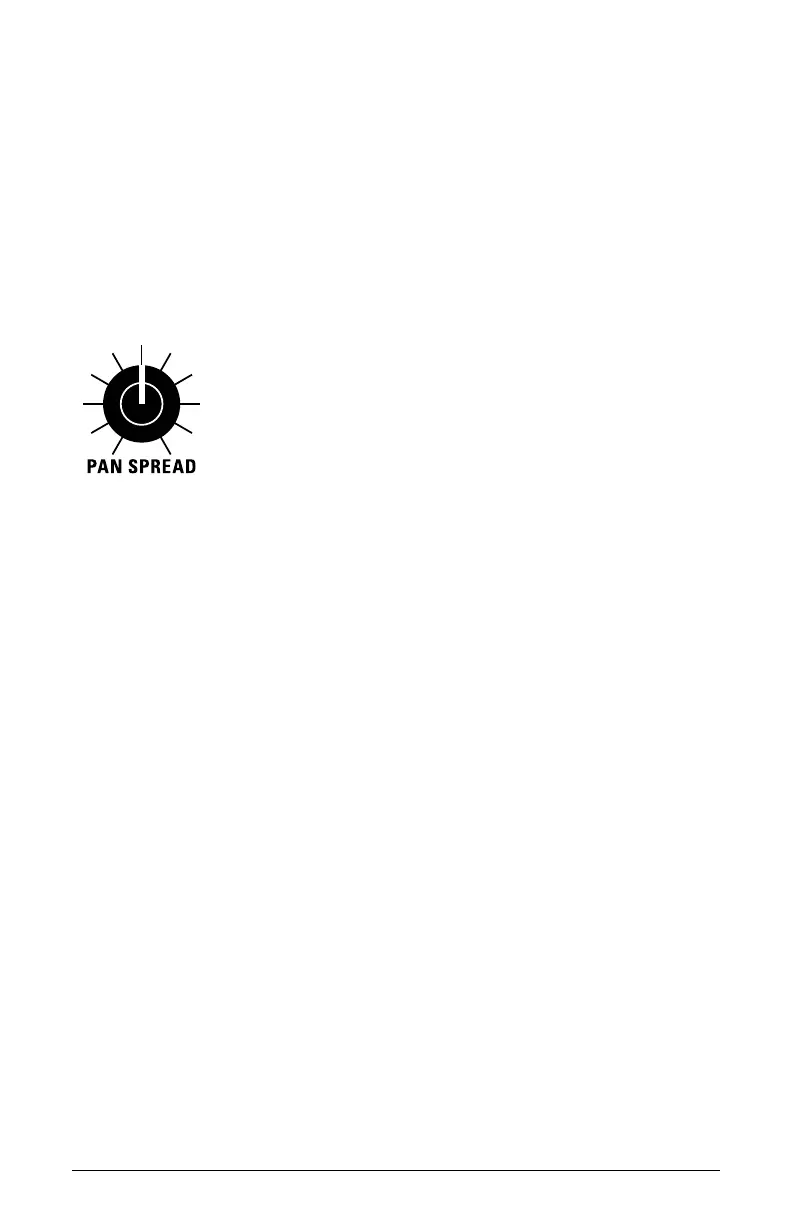
Pan Spread pans the audio output of a 3rd Wave program in the stereo
eld individually per voice. With pan spread set to zero, all voices are
panned in the middle (monophonic). As you turn
pan spread to the right,
the audio output of each voice is gradually moved away from the center.
Every other voice goes in a different direction. This creates a wide stereo
eld as you play the program. Any modulation to Pan will individually
move each voice from its static position as set by the
pan spread setting.
The Pan Spread knob
More About Panning
You can modify the panning of a voice using either the
pan spread knob
(fully left means no panning from voice to voice, and fully right means
full hard panned movement of -50 and +50 with each new voice), or by
using the pan parameter in the multi-part pan screen (-50 to +50 for hard
left and hard right with 0 in the center), or by using pan position as a
modulation destination.
All three interact to determine the nal pan behavior of the voices in a
program.
It is important to understand what happens if you have pushed a voice
all the way to -50 or to +50 (hard left or right pan positions). If the three
ways of modulating the pan position cause you to go past either -50 in
the negative direction or positive 50 in the positive direction, the pan
position will wrap around in the opposite direction and keep going.



 To Next Page