29
3rd Wave User Manual
Wave Envelope
Editing Wave Env Osc 1, Viewing Osc : 1
1
2
4
5
6
3
pos 1=14
time 1=61
vals
B3-P041 VS Pad OS 1.7a
copy to all <
--
<
--
pos time
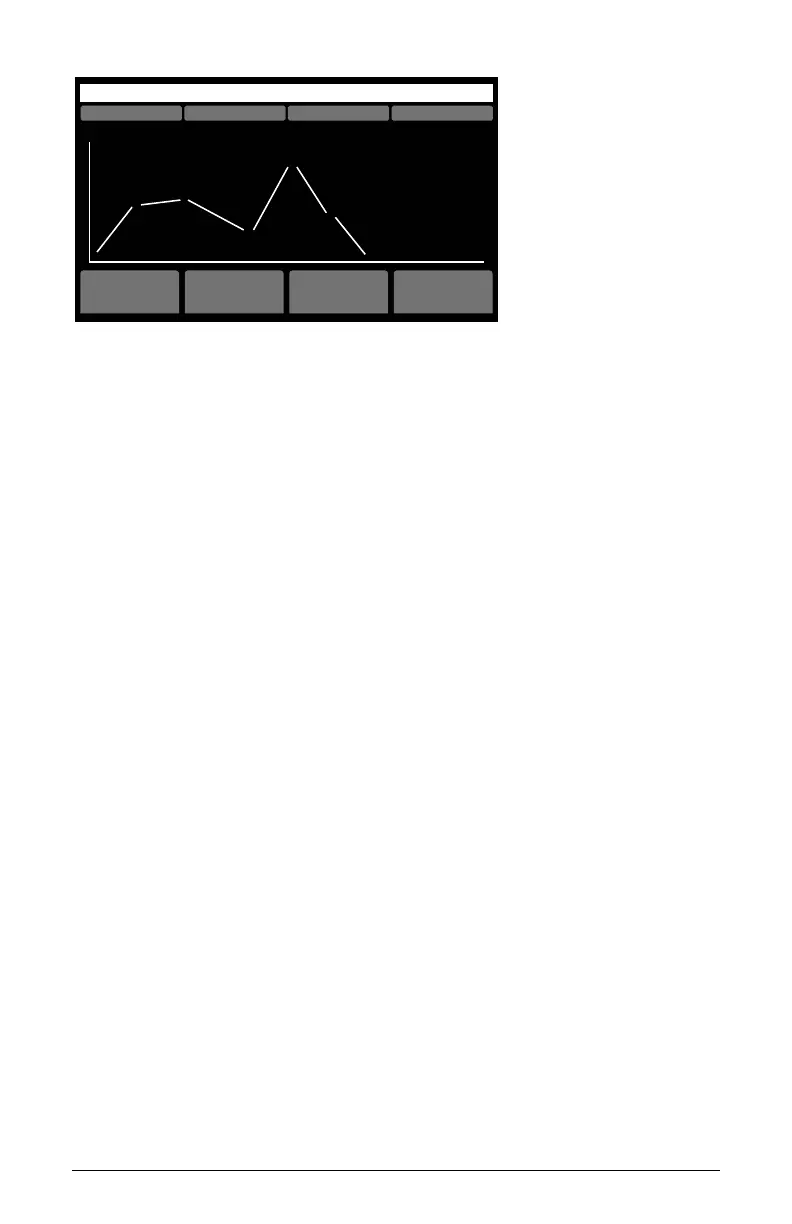
Example Wave Envelope screen
Editing a Wave Envelope
Each of the three Wave Envelopes (one for each oscillator) has 6-stages.
Each stage has a position and time parameter.
position sets which waveshape within the 64-waveshape wavetable a
particular stage in the envelope reaches before moving to the next stage.
In other words, it determines the range of travel from waveshape to
waveshape as the envelope moves along from stage to stage.
time sets how quickly the oscillator sweeps through the wavetable to get
to the next envelope stage/wave position.
To use the Wave Envelope:
1. In the Oscillator section, turn up the level of Oscillator 1 to about 75.
2. In the Oscillator section, use the Wavetable knob to choose the wave-
table that you want on Oscillator 1. Note that the wave envelope only
affects “P” and “U” wavetables and not “A” wavetables.
3. On the same oscillator, use the Wave Offset knob to choose a specic
waveform within that wavetable. This will be the start point for wave
cycling. By default, wave offset is set to 0 and wavetable playback
begins at wave position 1.
4. In the Wave Envelope section, press the On button. This enables wave
sweeping.
5. In the Wave Envelope section, press the Osc 1 button. This actives edit-
ing for Oscillator 1’s wave envelope.



 To Next Page