7
3rd Wave User Manual
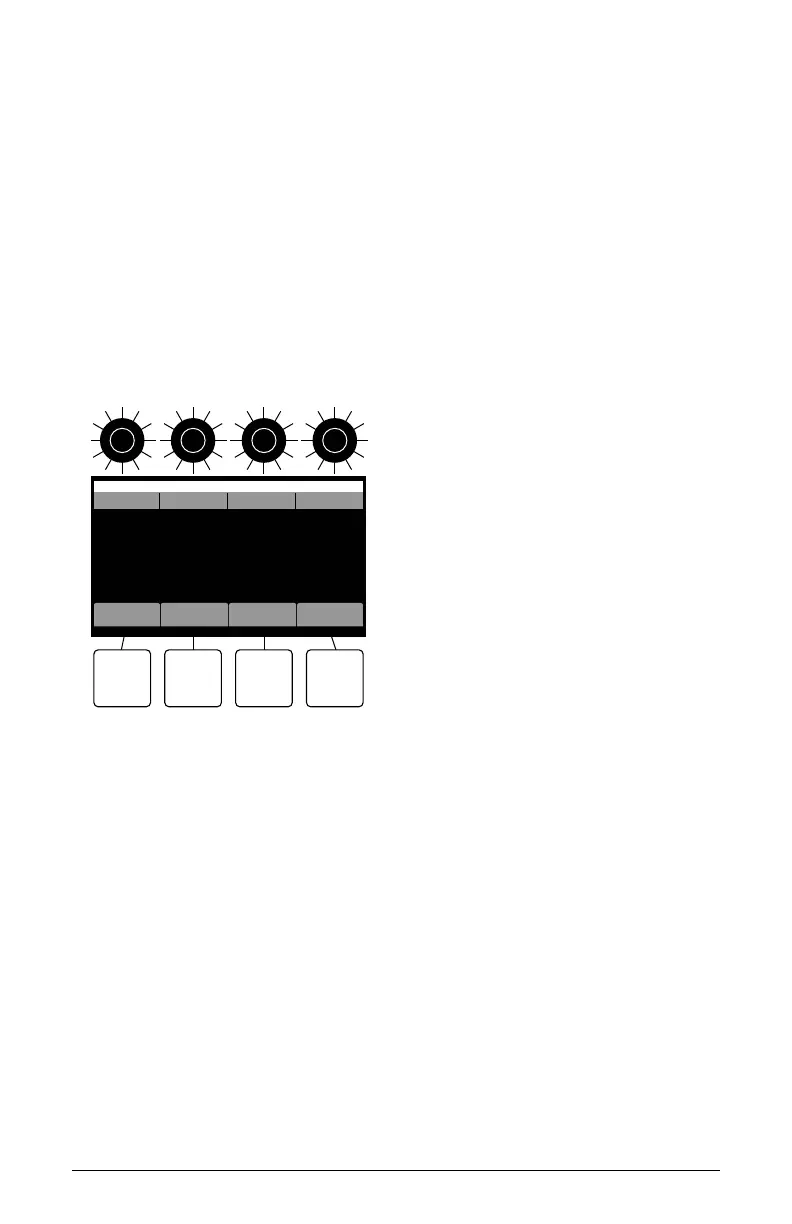
Naming a Program
Naming a Program
You can rename a program when the write command is active.
To rename a program:
1. Press the write button. Its LED begins blinking.
2. Turn soft knob 3 to move the cursor forward or backward.
3. Turn soft knob 4 to select a character.
4. When you’re done naming the program, press the write button again.
The program is saved.
add remove clear ok
Write to B1-P001
New Preset_
OS v1.0
bank program cursor symbol
Naming a program
Creating “Favorites” Lists
The 3rd Wave provides 500 factory presets in 5 banks of 100 sounds.
Scrolling through these to locate a favorite can be time consuming. To
make this easier, the 3rd Wave allows you to designate presets as favor-
ites and create up to 10 sets of these with up to 50 presets each. You can
then access these sounds by pressing the
favs command (soft button 4) in
the main screen.



 To Next Page