22 Oscillators
Groove Synthesis
Oscillator Controls
Oscillator 1 Part 1
Wavetable P12Osc Level: 46
tuning wave misc next osc
OFFSET
8
WAVETABLE
P4
FINE
0
PITCH
-12
B1-P040 Lush Layers
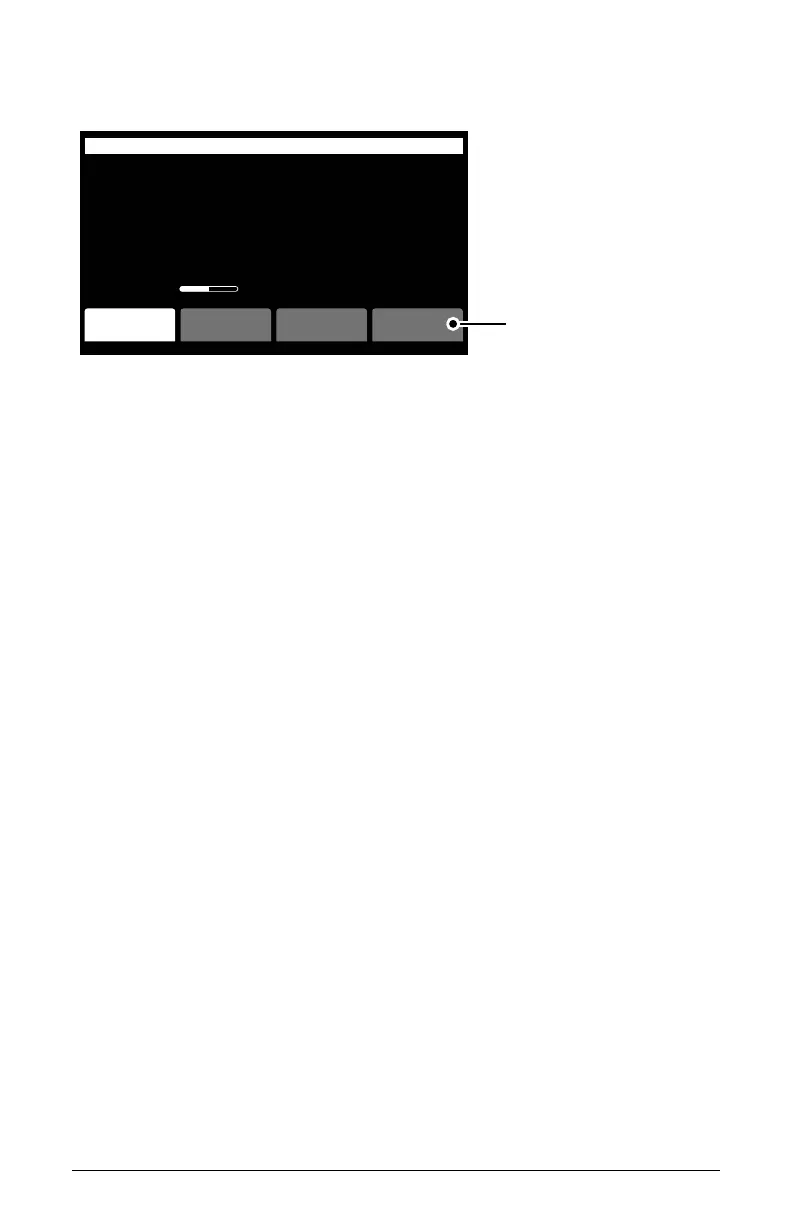
Press Soft Button 4 to
switch between oscillators 1-3
OS v1.0
PITCH: (C0-C8) Sets the base frequency of the oscillator. Pitch range is from
C0 to C8. You can also transpose the pitch of the keyboard up or down two
octaves with the transpose knob.
FINE: (-50 to +50) Adjusts tuning up or down in small increments. Steps are
in cents (50 cents = 1/2 semitone). The 12 o’clock position is centered (no
detuning).
WAVETABLE: (various within the P, U, A and S wave sets) Selects one of the
many wavetables on the 3rd Wave. Each wavetable in the “P” and “U”
sets is a collection of 64 individual waveforms. You can sweep through
the various waveforms for a shifting, evolving texture using the Wave
Envelope, or if you turn off the Wave Envelope, you can set the oscilla-
tor to a xed waveshape within a wavetable (or one of the analog wave-
shapes in the “A” set of waves).
WAVE OFFSET: (0-63) Selects one of the 64 waves within the chosen wavet-
able. If you sweep through the wavetable using the Wave Envelope, the
specic wave you choose using the wave offset will act as the start point.
The oscillator will then sweep through the subsequent waveforms in the
wavetable.
LEVEL: (0-100) Sets the output level of the oscillator.



 To Next Page