79
3rd Wave User Manual
The Wave Surfer
For instance, if you have the multi-part pan position set at +50 then you
modulate this with a sine wave LFO, the positive part of the sine wave
would normally have no effect, since the pan position is already at +50.
But with this wrap around behavior, the positive part of the sine wave
will make the pan position go back down toward zero. If the amount for
the LFO in this example is set to 64, (half of the amount allowed), then
the positive part of the sine wave would make the position go from +50
back down to 0 since it has wrapped around by 50 (half of the amount
allowed). The negative part of the sine wave would take away from
+50, and therefore also cause the position to move down to 0 at the most
negative part of the sine LFO.
Since you have three ways to move the pan, (multi-part position, pan pot,
and modulation), with this ability to wrap around, the pan will always
move even if one of the three position methods put you at an extreme left
or right position.
The Wave Surfer
The Wave Surfer is a control that moves through all three wavetables at
the same time. As long as each oscillator has a wavetable selected and
not an analog waveform (A00 to A06), then you will move through the
wavetable as you turn the Wave Surfer knob.
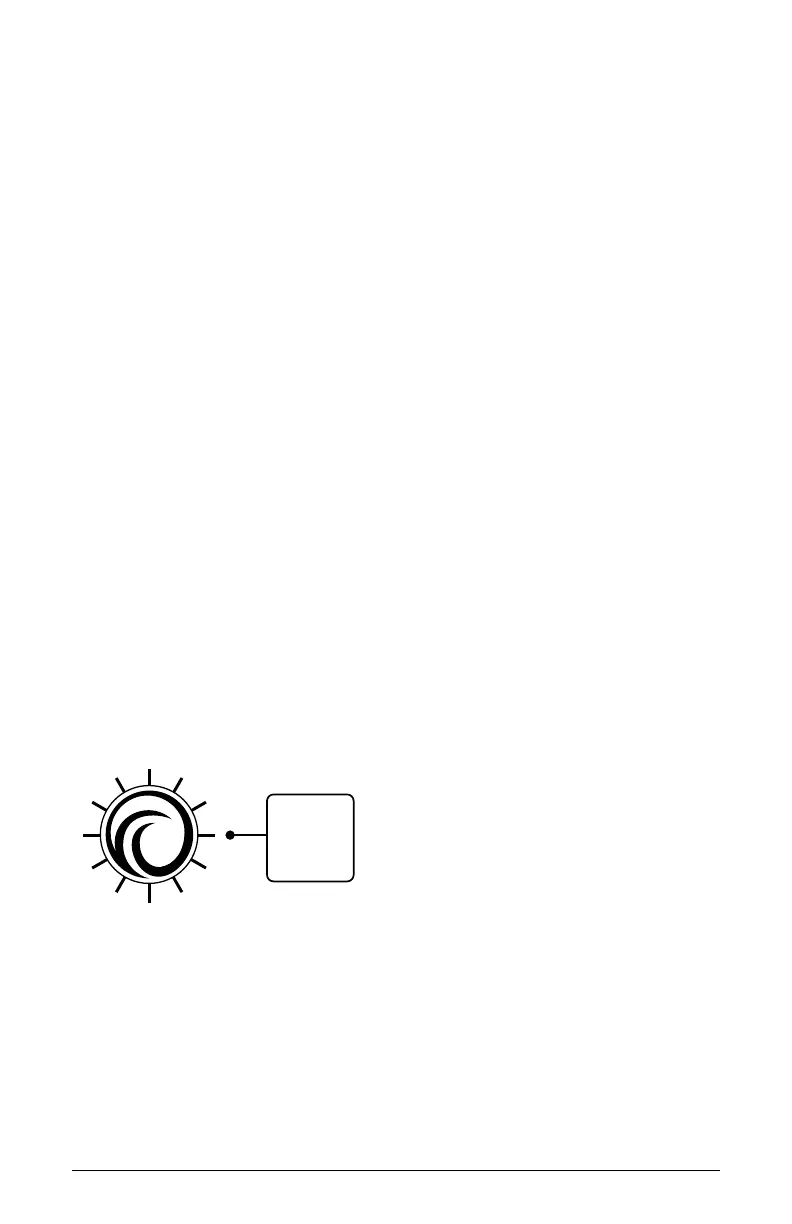
The Wave Surfer knob
When you turn the Wave Surfer control you are actually changing the
waveform position in each of the oscillators. Each increment of the Wave
Surfer moves forward or backwards one position from the offset that
you have selected for each of your three wavetables with the wave offset
parameter.



 To Next Page