77
3rd Wave User Manual
Sequencer
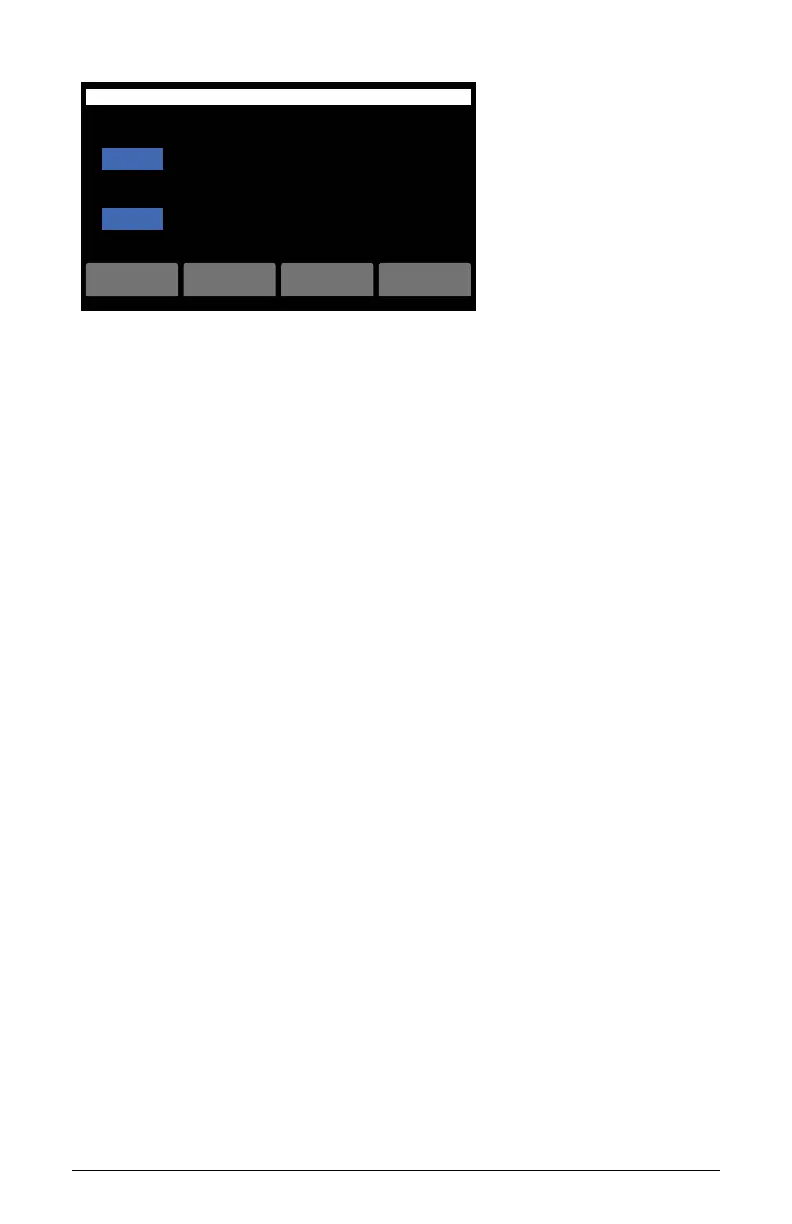
Copy pattern to another slot
pattern 1
pattern 4
tofrom
cancel
B1-P020 Psychedlic Piano OS v1.0
ok
Copy from:
Copy to:
Copying a pattern
Creating and Playing Independent Sequences for Each
Multi-Part
As of version 1.8e, the sequencer will always treat the patterns recorded
for each part independently. Previously, it would only do this if one part
was active at a time. Now, whether you record the notes together with
more than one part active or you record them separately, the sequencer
will treat the pattern for each part independently like they are 4 separate
tracks in a recording. You can also clear the recordings for each part
separately by using the clear part, clear params, and clear notes buttons.
These buttons will clear whichever parts are active in the multipart
section. Use the clear all button to remove the entire recording for all 4
parts.



 To Next Page