70 Arpeggiator
Groove Synthesis
Arpeggiator
When you turn on the arpeggiator and hold a chord, the synthesizer will
play a pattern based on the individual notes you hold. Choose a mode
(up, down, random, etc.), an octave range (1, 2, or 3), and a tempo, then
pair it with an appropriate sound and explore.
While you hold down a chord, pressing any additional notes will add
those notes to the arpeggio. You can change chords and notes and the
arpeggio will continue to play as long as at least one note is always held.
You can also use the
hold feature with the arpeggiator. When you enable
hold, you can release the notes on the keyboard and the arpeggio will
continue to play — with any additional notes that you play added to the
arpeggio.
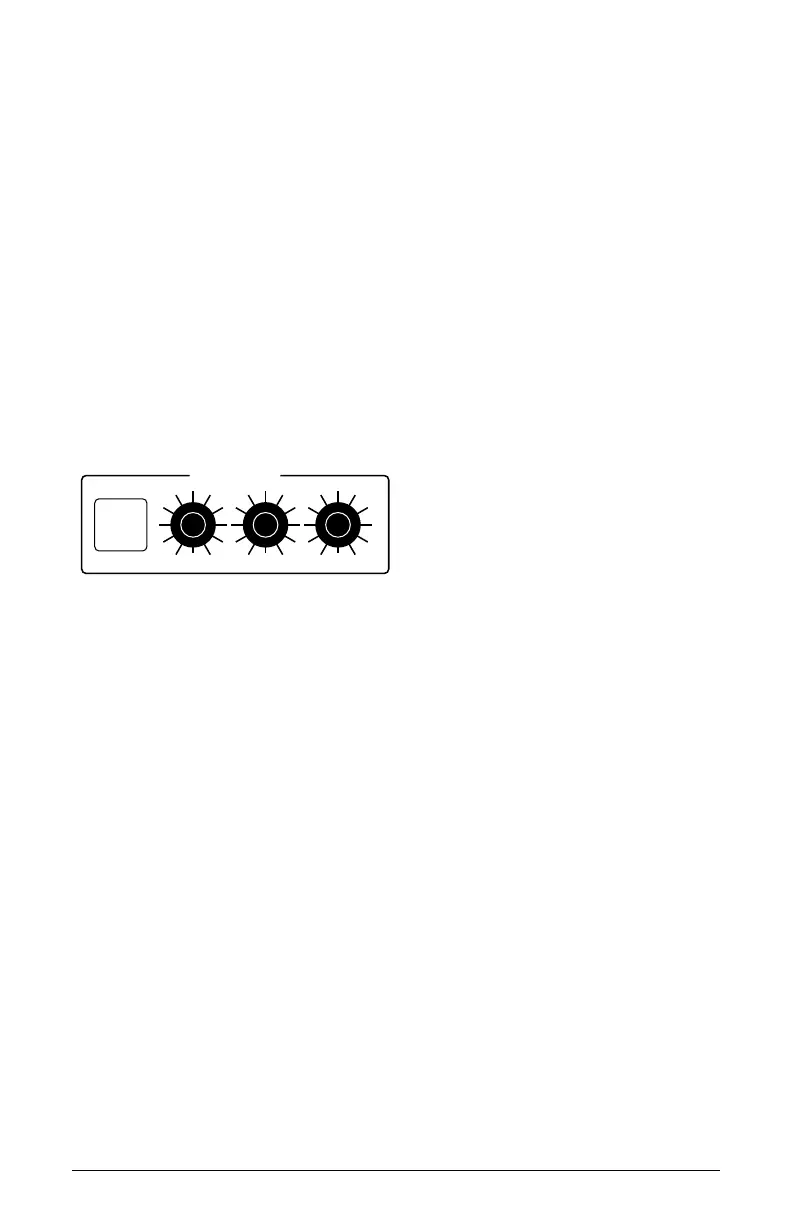
ARPEGGIATOR
ON TEMPO RANGEMODE
The Arpeggiator controls
To use the arpeggiator:
1. Press the arpeggiator on/off switch to turn it on.
2. Hold down one or more notes on the keyboard. The arpeggiator plays
them according to the settings you’ve chosen.
3. To latch arpeggiation on (so that you don’t have to continuously hold
down notes) press the
hold button.
4. Adjust settings (in the display) such as
tempo, mode, and range.
Arpeggiator Controls
ON/OFF: Turns the arpeggiator on and off.
BPM: (20-210) Sets the tempo for the arpeggiator in BPM (beats per minute).
When
lfo sync is enabled on the low-frequency oscillator, or clock sync
is enabled in the Effects section, the BPM rate affects the LFO frequency
and/or delay effect. When syncing to an external MIDI clock source, the BPM
setting has no effect.



 To Next Page