64 Modulation
Groove Synthesis
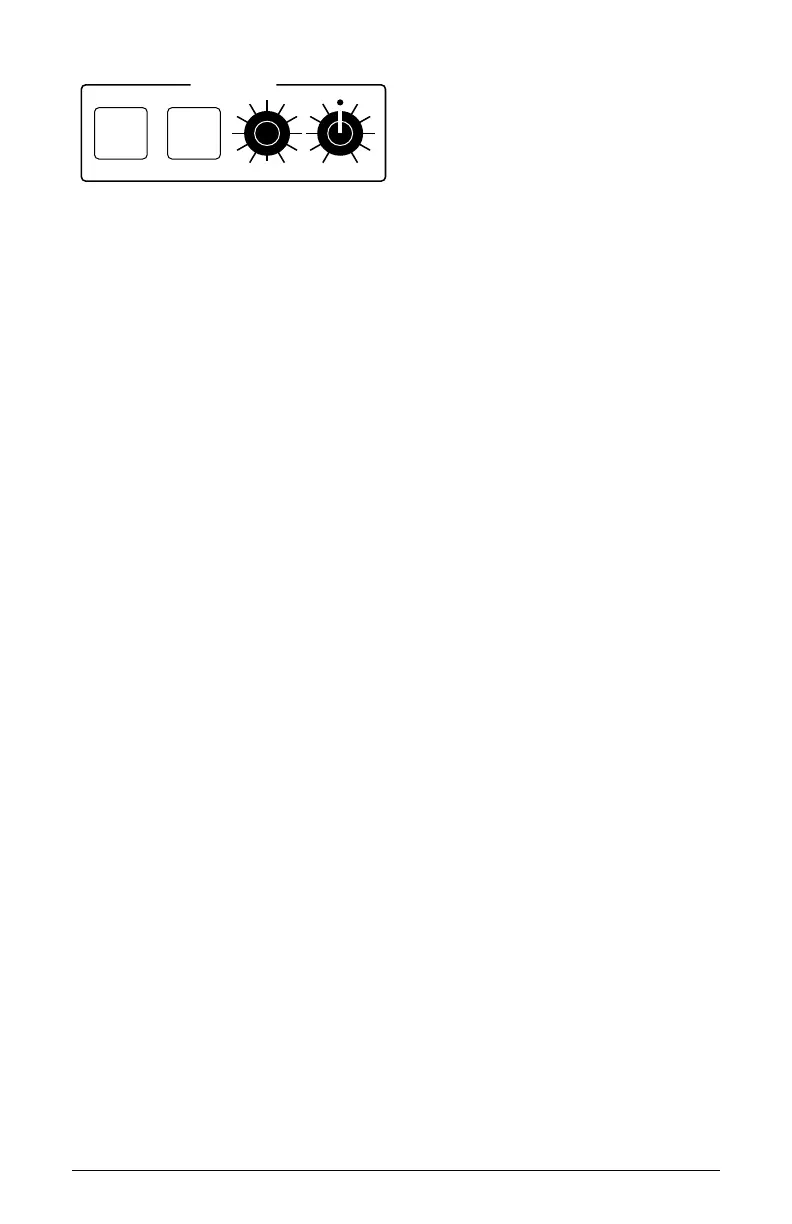
MODULATION
SOURCE DESTINATION
SELECT AMOUNT
The Modulation section
Modulation Controls (in Display)
SOURCE: Selects a modulation source as shown in the display menu.
DESTINATION: Selects a modulation destination as shown in the display
menu.
SELECT: Selects among the 16 modulation slots as shown in the display
menu.
AMOUNT: (-127 to +127) Sets the modulation amount. Modulation can be either
positive or negative.
Modulation Examples
Below are some modulation scenarios that illustrate how to use the modula-
tion matrix. The examples provide full, step-by-step instructions for clarity.
To program a mod wheel to add vibrato:
1. In the low frequency oscillators section, set LFO 1 to triangle and
set frequency to 130.
2. Set destination to osc all freq. Set amount to 0. (You will control the
amount with the mod wheel of your MIDI controller.)
3. In the modulation section, press the source button. Use soft knob 1
knob to scroll to Mod Slot 1 if it’s not already displayed.
4. Use soft knob 2 to set modulation source to mod wheel.
5. Use soft knob 3 to set the modulation destination to lfo 1 amount.



 To Next Page