46 Editing Samples
Groove Synthesis
13. Continue adjusting the loop start and end while auditioning the sample
If necessary try different crossfade types and crossfade lengths.
14. When you are satised, save the preset by pressing the write button on
the front panel. This will save the loop and crossfade setting into the
multi-sample slot in addition to saving the program.
Additional Parameters in the Sample Edit Screen
There are several additional parameters that you can access in the
Sample Edit screen by using soft button 1 (left arrow) and soft button 2
(right arrow).
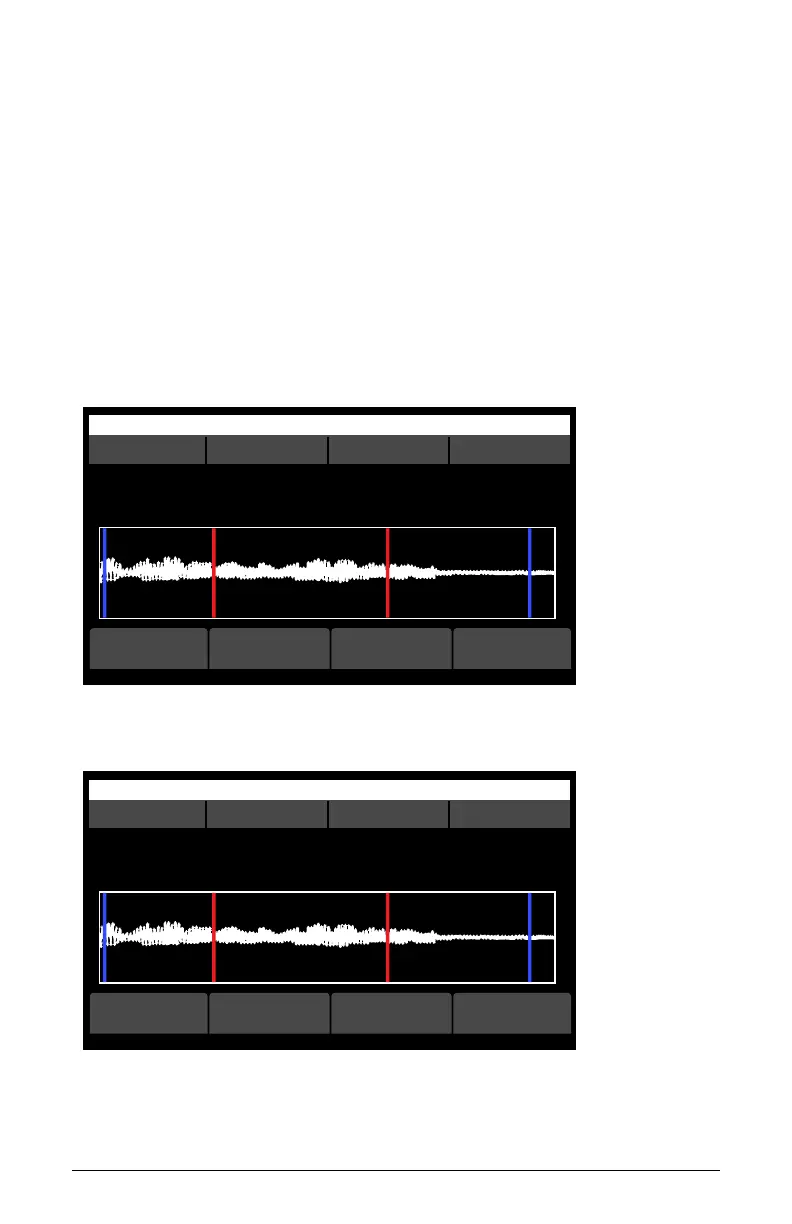
OS v1.8B5-P015 Modeled Texture
S slot multisample start end
Sample S00 - multisample 1 of 1
C15 Synth - Attack 1
Assigned note: C4, range [C2, C6]
edit namecopy<-- -->
Sample Edit screen (page 2)
OS v1.8B5-P015 Modeled Texture
S slot multisample start end
Sample S00 - multisample 1 of 1
C15 Synth - Attack 1
Assigned note: C4, range [C2, C6]
clear slotremove multi<-- set note
Sample Edit screen (page 3)



 To Next Page