9 Use
9.1 Switch on / switch off / shutdown due to an emergency stop
WARNING
Insufficient preparation
S
evere injuries and damage to equipment
− Do not start the machine until all prerequisites have been met
and all pr
eparatory work has been completed.
− Read the instructions for setup, adjustment and operation
be
fore turning on the machine.
NOTICE
Operating / Room temperature
Damag
es due to storage, material damage
− The machine may only be operated in dry and frost-free rooms
a
t temperatures between +10 and +40 °C.
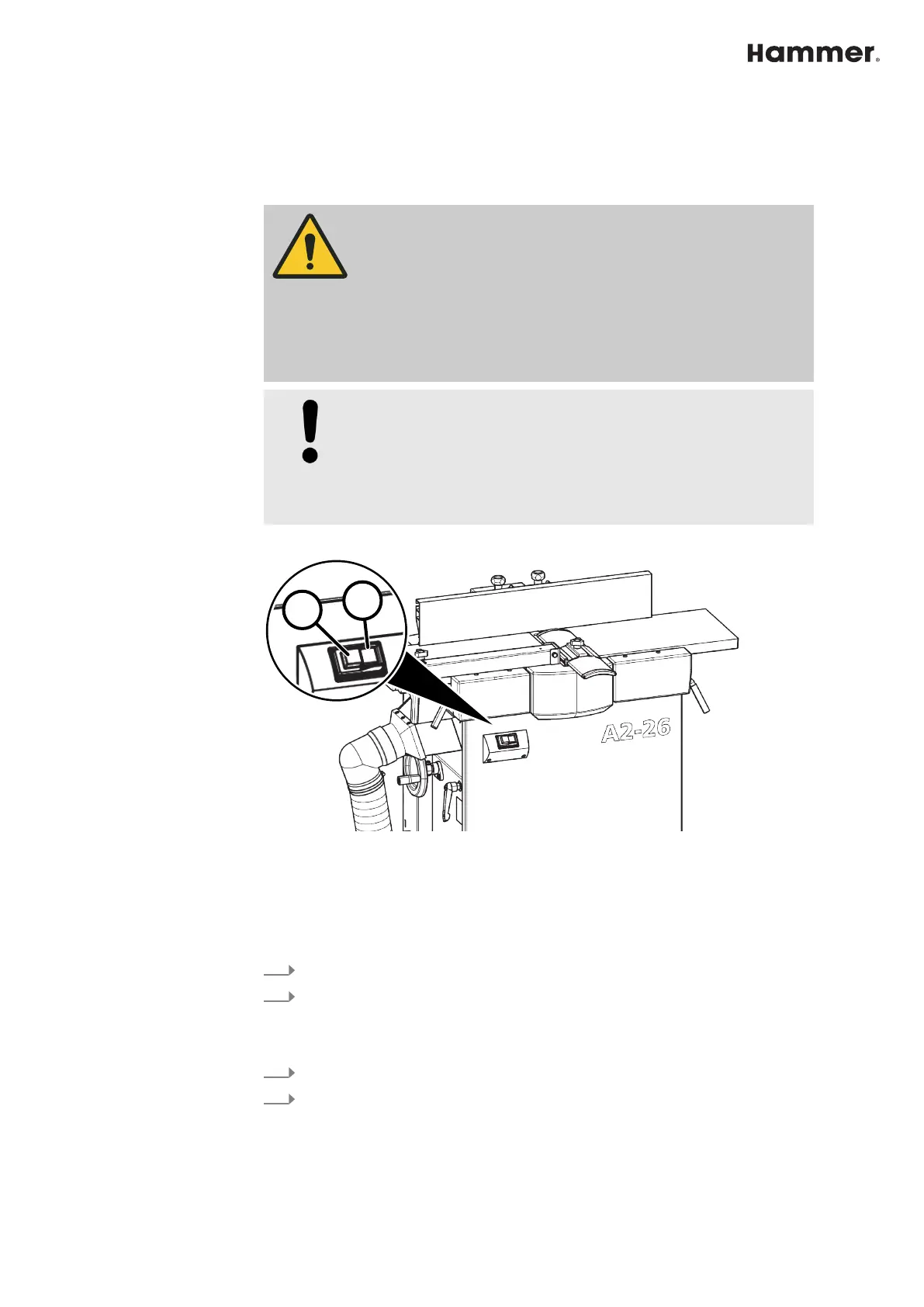
Fig. 41: Switching on and off
1 Green start button
2 Red stop button - switch machine off
Switching on
1.
Connect the machine to the main power supply.
2.
Switch on the cutterblock and feed with the green [s
tart] button.
Switch off
1.
Press the red [S
top] button.
2.
Disconnect the machine from the main power supply.



 To Next Page