100 Special Utility Features
Hammond XK-2 Quick Features Guide
Select
EDIT PARAMETER
`1 MEMORY DUMP1
ALL DATA OUT
`3 CURRENT DUMP
DB&SW. DATA OUT
Memory Dump - Current Settings
This Advanced Feature allows you to send the current registration (Switches, Menu parameters, etc.) to a Sequencer in
preparation for playing back a Sequence.
TRY THIS:
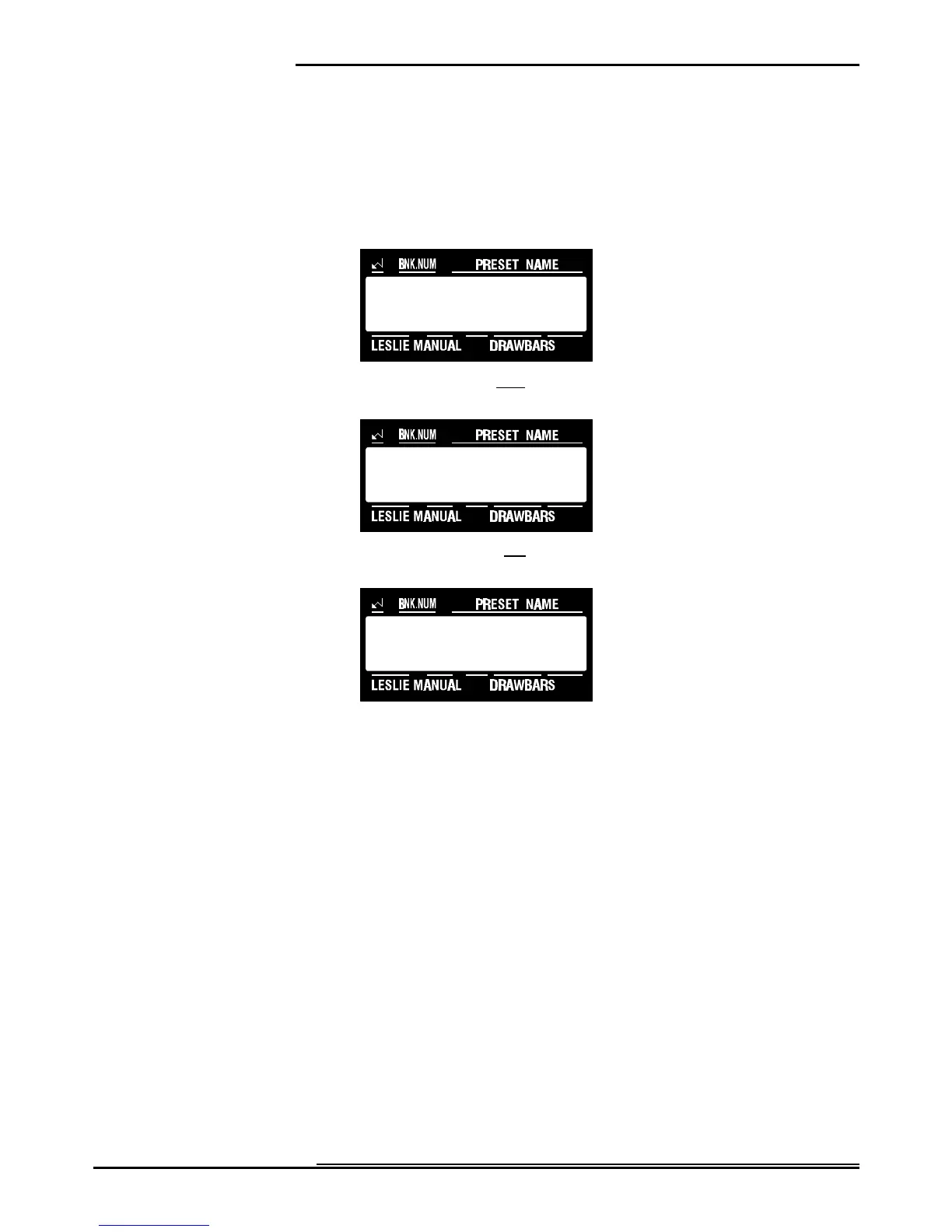
1. Touch the EDIT Select Touch Button. The red LED will light, and the Information Center Display
should look like this:
2. Touch the SYSTEM Select Touch Button three times. The Information Center Display should look like
this:
3. Touch the PAGE "<" Select Touch Button two times. The Information Center Display should look like
this:
4. Make sure that the XK-2 is connected to a MIDI Data recorder before you send or receive MIDI data
and that the MIDI recorder is ready to receive data (RECORD).
5. Touch the VALUE ">" Select Touch Button, then touch it again to start the Data Dump to the MIDI
Data recorder. The Information Center Display will show, "Transmitting....” When all information has
been sent, the Information Center Display will flash, "Data completed!.”
NOTE: You can exit by touching the EDIT Select Touch Button.


 To Next Page