45Effects
Hammond XK-2 Quick Features Guide
Select
EDIT PARAMETER
~#1-1 SLOW SPED1
HORN ROTR 36rpm
~#1-15 LES.PERC.
ON
Ë Leslie Percussion Setting
This Advanced Feature allows you to select whether you want the Percussion tones to receive the Leslie effect. In the “ON”
position, the Percussion tones receive Leslie animation. In the “OFF” position, the Percussion tones are “dry”; that is, they
do not receive animation from the Leslie.
NOTE: This Advanced Feature DOES NOT affect a connected external Leslie Speaker cabinet.
TRY THIS:
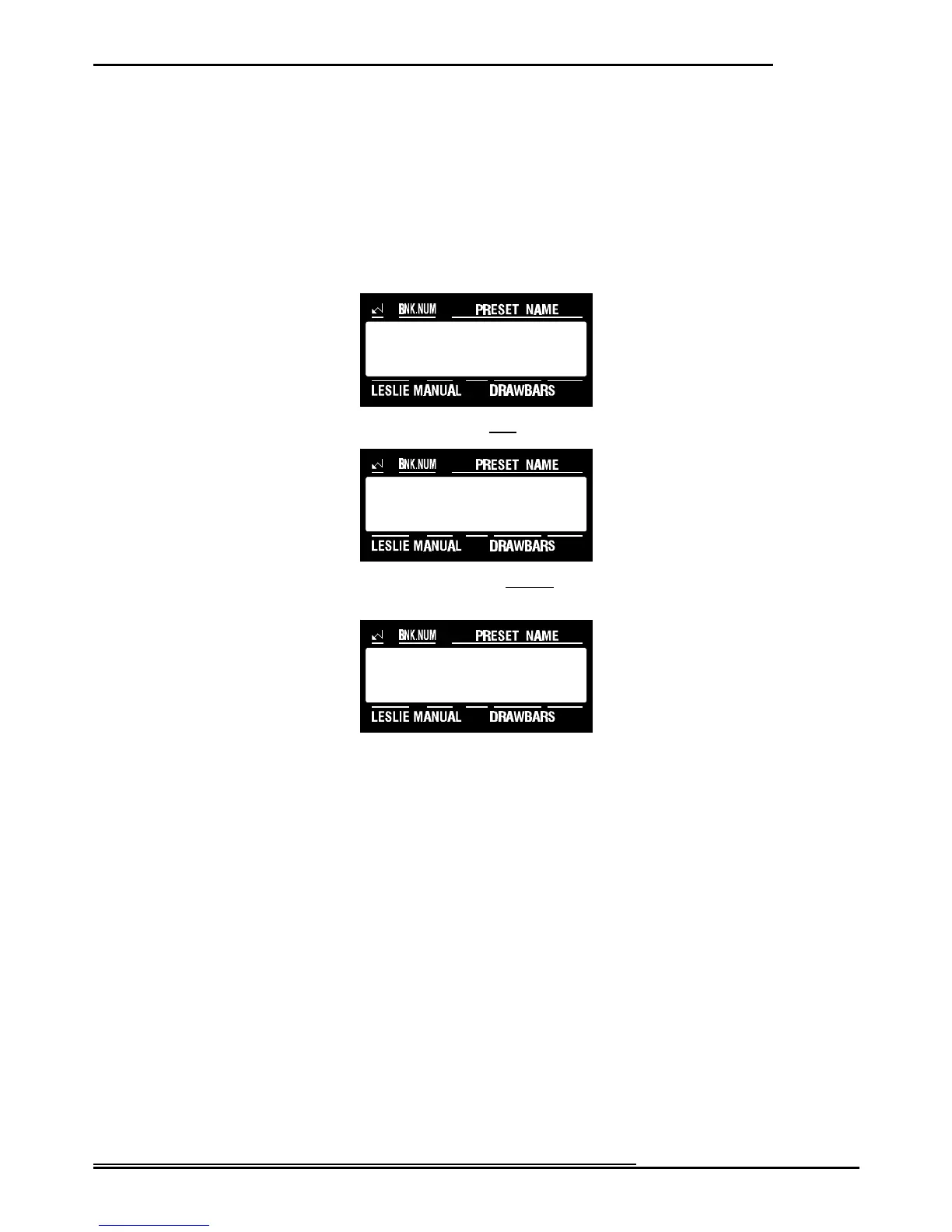
1. Touch the EDIT Select Touch Button. The red LED will light, and the Information Center Display
should look like this:
2. Touch the LESLIE Select Touch Button once. The Information Center Display should look like this:
3. Touch the PAGE “<” Select Touch Button fourteen times. The Information Center Display should look
like this:
4. Now select the option you wish by doing the following:
Use either the VALUE ">" or the VALUE "?" Select Touch Button to turn this feature “ON” or “OFF.”
NOTE: You can exit by touching the EDIT Select Touch Button.



 To Next Page