56 MIDI
Hammond XK-2 Quick Features Guide
Select
EDIT PARAMETER
{10 MIDI1
UM CHANNEL 1
MIDI Channels
This Advanced Feature allows you to assign MIDI channels for the following: (1) Upper Manual ("UM"), (2) Lower Manual
("LM") and (3) Pedal Keyboard ("PK"). You can select MIDI Channels from 1 through 16 as well as “OFF” (no MIDI
transmission or reception) for all three Manuals.
TRY THIS:
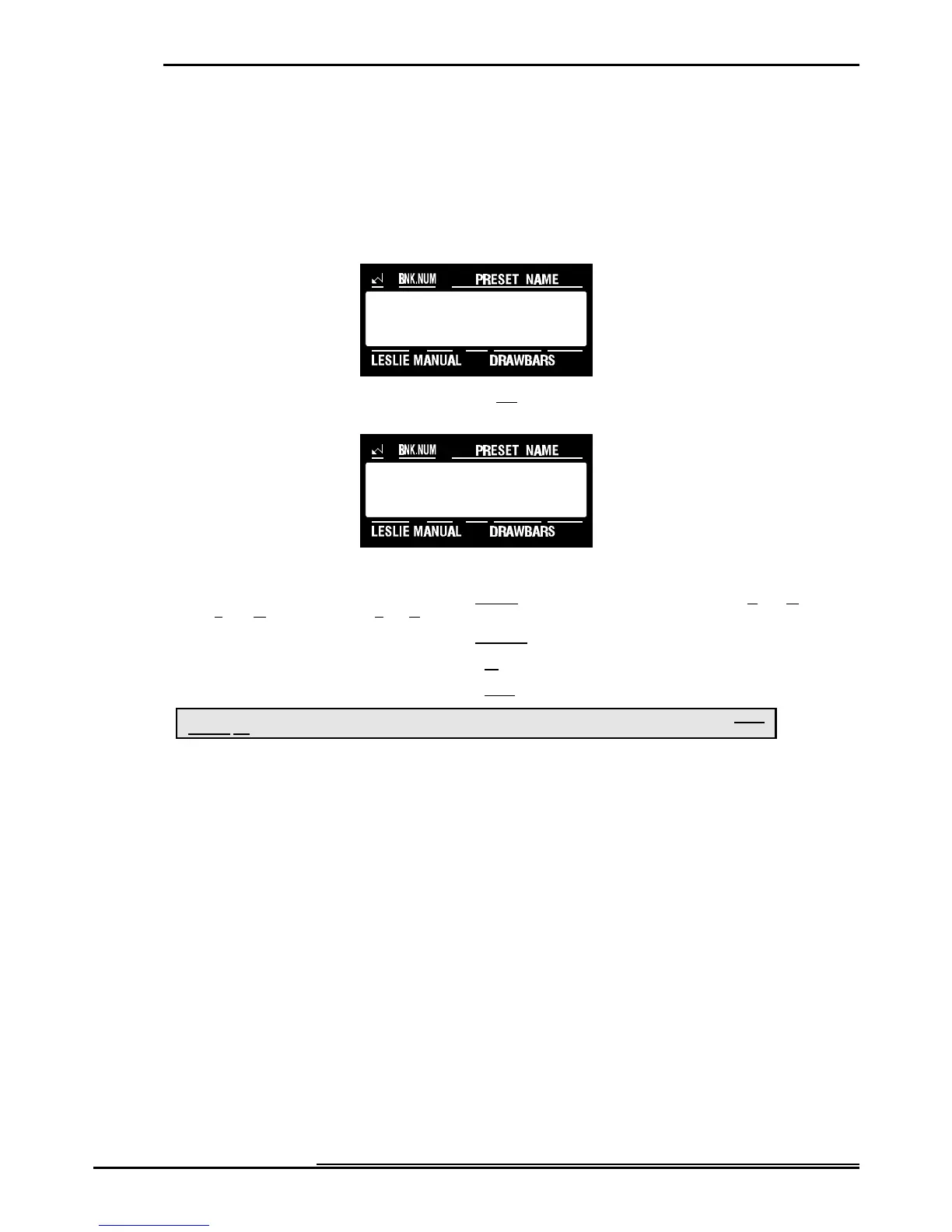
1. Touch the EDIT Select Touch Button. The red LED will light, and the Information Center Display
should look like this:
2. Touch the SYSTEM Select Touch Button two times. The Information Center Display should look like
this:
3. Now select the option you wish by doing the following:
Use the PAGE "<" Select Touch Button to scroll forward through the manual selections ("UM" or Upper Manual, "LM"
or Lower Manual, and "PK" or Pedal Keyboard).
Use the PAGE "=" Select Touch Button to scroll backward through the manual selections.
Use the VALUE ">" Select Touch Button to scroll up through the MIDI Channel numbers.
Use the VALUE "?" Select Touch Button to scroll down through the MIDI Channel numbers.
This is a System Parameter, and this data CAN NOT be stored to a Preset. To see a total listing of all System Parameters, see the System
Parameter List.
NOTE: You can exit by touching the EDIT Select Touch Button.



 To Next Page