18 Drawbars
Hammond XK-2 Quick Features Guide
}2 DB REGIST1
UM 000000000
Select
EDIT PARAMETER
}11 DB VOICING1
UM B3-TYPE
Ë Drawbar Voice Mode
This Advanced Feature allows you to change the overall sound of the Drawbars. For the Upper and Lower Manuals, you
can select: (1) "B3-TYPE,” which reproduces the sound of the B-3 tone-wheel generator, (2) "MELLOW,” which produces a
pure sine-wave tone quality, or (3) "BRITE,” which adds extra frequencies to the higher-pitched Drawbar tones. For the
Pedal Keyboard, you can select either “NORMAL” or “MUTED.”
TRY THIS:
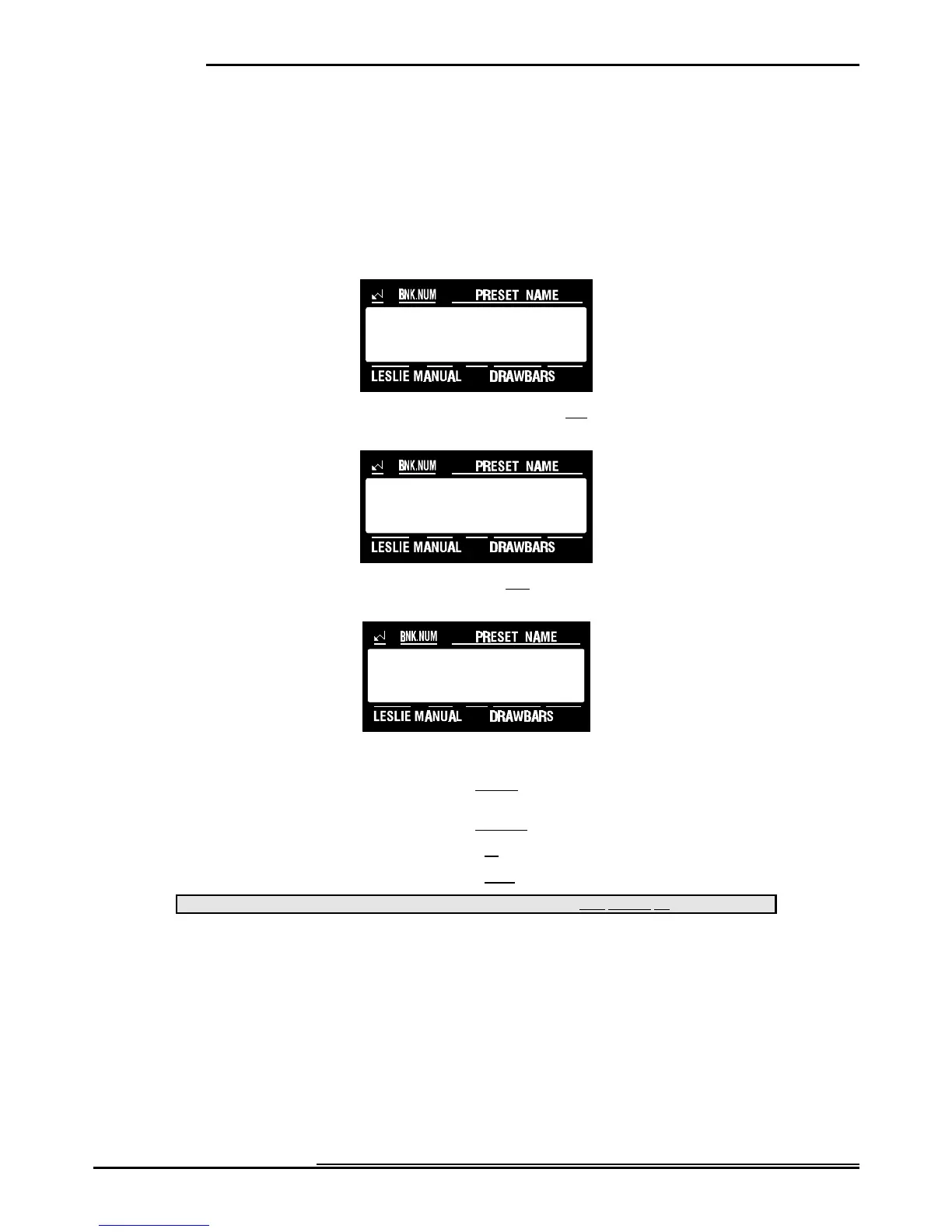
1. Touch the EDIT Select Touch Button. The red LED will light, and the Information Center Display
should look like this:
2. Touch the NAME/DRAWBAR Select Touch Button two times. The Information Center Display should
look like this:
3. Touch the PAGE “<” Select Touch Button nine times. The Information Center Display should look like
this:
4. Now select the option you wish by doing the following:
Use the PAGE "<" Select Touch Button to scroll forward through the manual selections. As you scroll forward through
the Manual selections, you will see the upper left-hand corner of the display change from “P11" to “P12" to “P13.”
Use the PAGE "=" Select Touch Button to scroll backward through the manual selections.
Use the VALUE ">" Select Touch Button to scroll up through the Drawbar Voicing options.
Use the VALUE "?" Select Touch Button to scroll down through the Drawbar Voicing options.
This data CAN be stored to a Preset. To see a total listing of all Preset Parameters, see the Preset Parameter List.
NOTE: You can exit by touching the EDIT Select Touch Button.



 To Next Page