95Special Advanced Features
Hammond XK-2 Quick Features Guide
Select
EDIT PARAMETER
{1 MASTER TUNE
440Hz
{3 TRANSPOSE
0
Transpose
This Advanced Feature allows you to shift the musical key of the entire instrument. This is useful if you have a piece of
music written in one key but which needs to sound in another key. You can transpose the XK-2 up or down 6 half-steps (-6
~ +6). The default setting is “0".
TRY THIS:
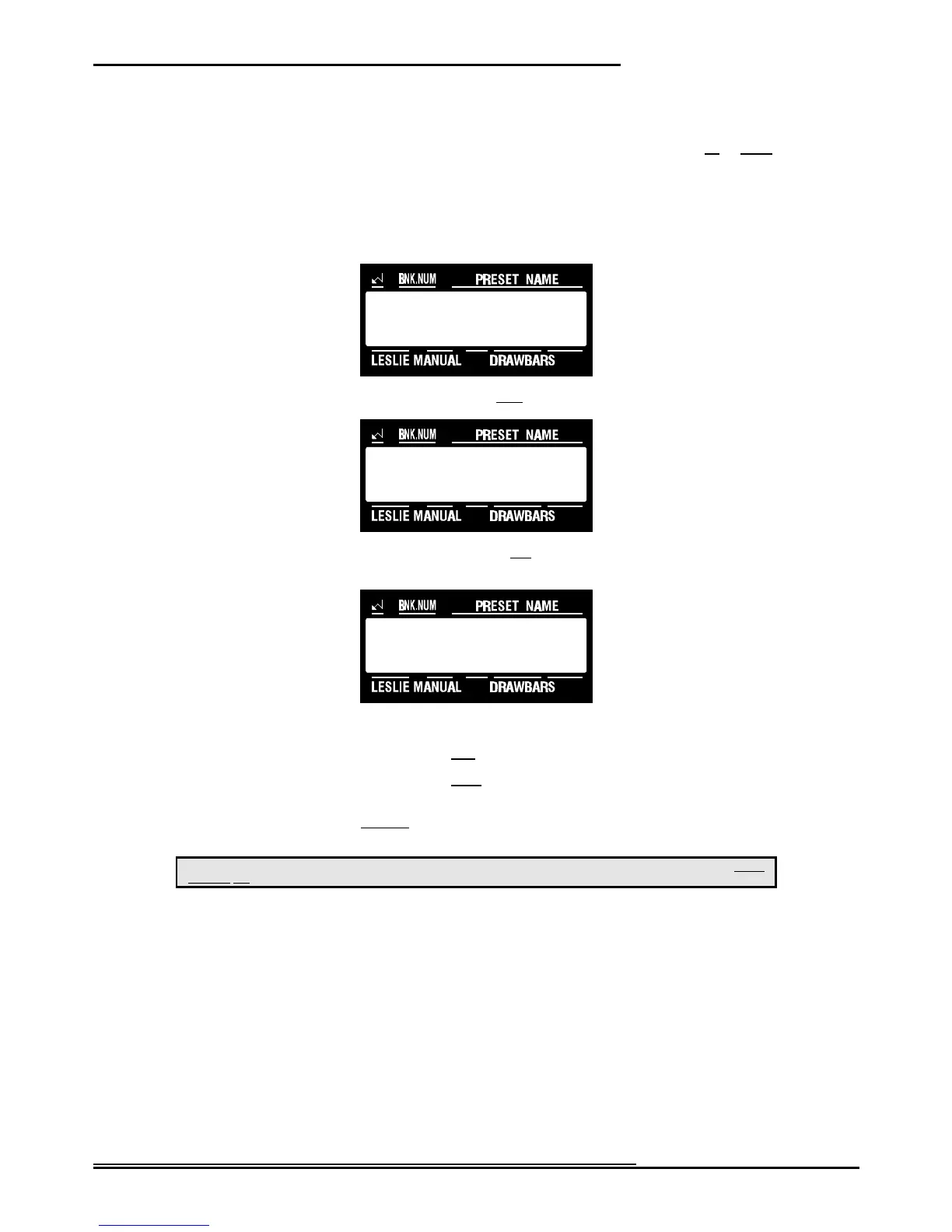
1. Touch the EDIT Select Touch Button. The red LED will light, and the Information Center Display
should look like this:
2. Touch the SYSTEM Select Touch Button once. The Information Center Display should look like this:
3. Touch the PAGE “<” Select Touch Button two times. The Information Center Display should look like
this:
4. To transpose the XK-2, do the following:
Use the VALUE ">" Select Touch Button to raise the pitch by semitones.
Use the VALUE "?" Select Touch Button to lower the pitch by semitones.
NOTE: If the XK-2 is transposed and you wish to return to concert pitch (no transposition), touching the VALUE ">" and
the VALUE "?" Select Touch Buttons together will restore regular pitch.
This is a System Parameter, and this data CAN NOT be stored to a Preset. To see a total listing of all System Parameters, see the System
Parameter List.
NOTE: You can exit by touching the EDIT Select Touch Button.



 To Next Page