75MIDI
Hammond XK-2 Quick Features Guide
Select
EDIT PARAMETER
{10 MIDI1
UM CHANNEL 1
{31 MIDI22
SOFT THRU OFF
MIDI SOFT THRU ON/OFF
Some MIDI sequencers are capable of mixing MIDI IN information with MIDI OUT information. This is called SOFT
THRU and can be useful if you are recording sequences and want to listen to previously recorded tracks as well as a track you
are currently recording. Your Hammond XK-2 has MIDI SOFT THRU which can be turned “ON” or “OFF” using this
Advanced Feature.
TRY THIS:
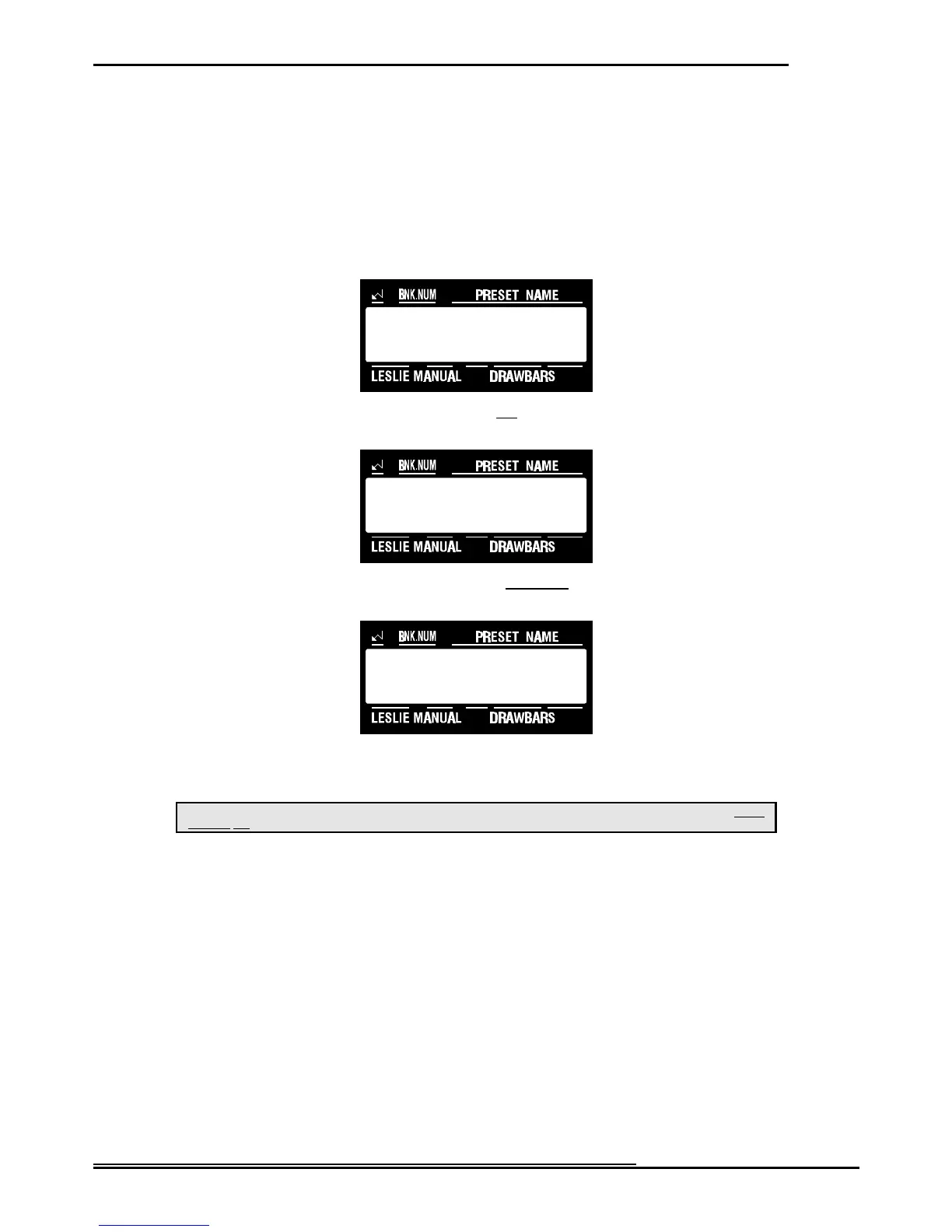
1. Touch the EDIT Select Touch Button. The red LED will light, and the Information Center Display
should look like this:
2. Touch the SYSTEM Select Touch Button two times. The Information Center Display should look like
this:
3. Touch the PAGE “<” Select Touch Button twenty-one times. The Information Center Display should
look like this:
4. Now select the option you wish by doing the following:
Use either the VALUE “?” or the VALUE “>” Select Touch Button to turn this function “ON” or “OFF.”
This is a System Parameter, and this data CAN NOT be stored to a Preset. To see a total listing of all System Parameters, see the System
Parameter List.
NOTE: You can exit by touching the EDIT Select Touch Button.



 To Next Page