26 Advanced Features - Percussion
Hammond XK-2 Quick Features Guide
Select
EDIT PARAMETER
}18 PERC. PARAM1
DECAY S_SPD. 8
}23 PERC. PARAM6
VELOCITY OFF
Ë Percussion Velocity Sensitivity
This Advanced Feature allows you to turn "ON" or "OFF" Percussion Velocity Sensitivity. When this feature is “ON,” the
volume of Percussion is controlled by how fast keys are played. The faster keys are played, the louder the Percussion sounds.
The more slowly keys are played, the softer the Percussion sounds. When this feature is “OFF,” each key will sound at the
same volume level when played regardless of the speed or force with which the keys are struck. The default setting is “OFF.”
TRY THIS:
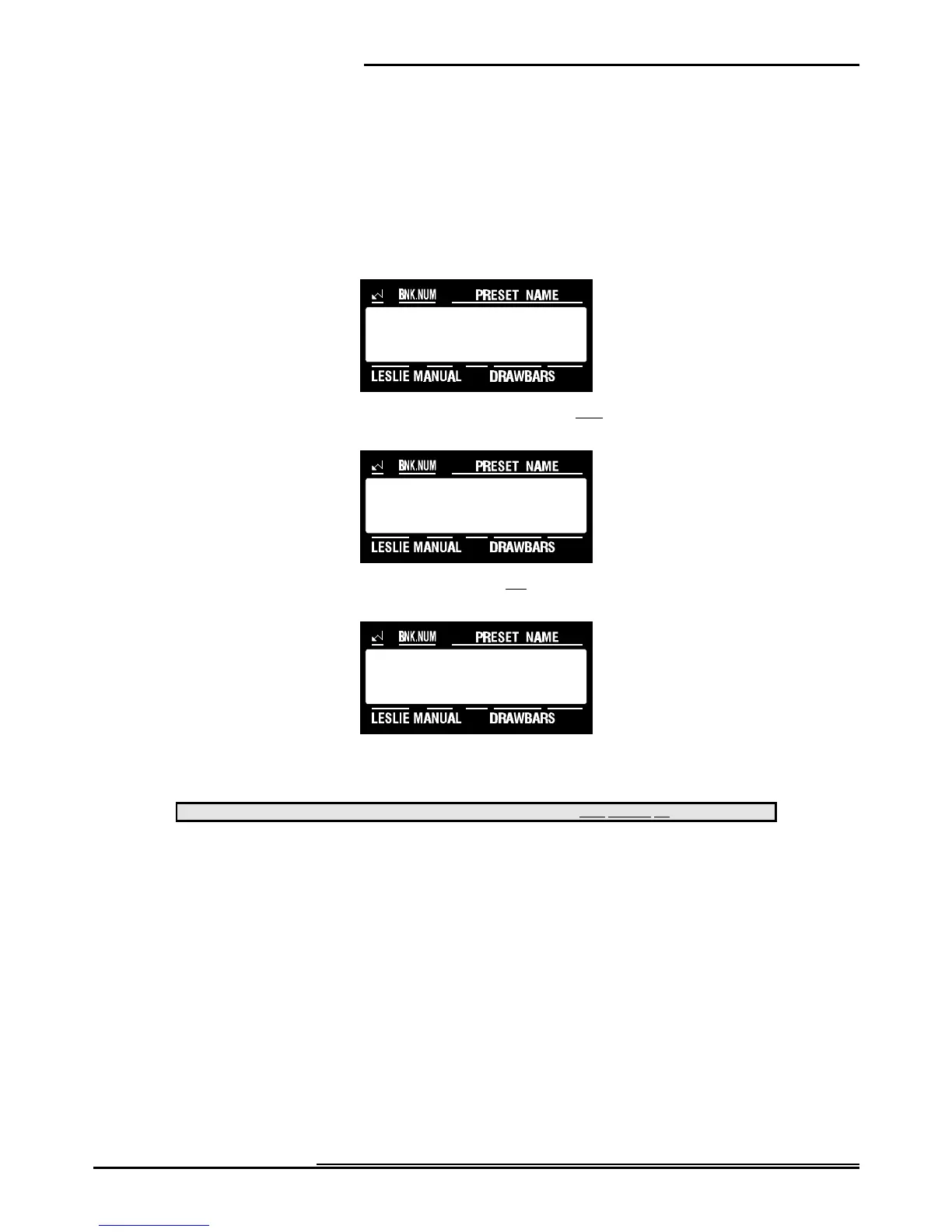
1. Touch the EDIT Select Touch Button. The red LED will light, and the Information Center Display
should look like this:
2. Touch the PERC./ANIMATION Select Touch Button once. The Information Center Display should
look like this:
3. Touch the PAGE “<” Select Touch Button five times. The Information Center Display should look like
this:
4. Now select the option you wish by doing the following:
Use either the VALUE ">" or the VALUE "?" Select Touch Button to turn Percussion Velocity "ON" or "OFF.”
This data CAN be stored to a Preset. To see a total listing of all Preset Parameters, see the Preset Parameter List.
NOTE: You can exit by touching the EDIT Select Touch Button.



 To Next Page