36 Effects
Hammond XK-2 Quick Features Guide
Leslie
Your Hammond XK-2 has a built-in digital Leslie effect that replicates the sound of a Leslie Speaker cabinet. In addition, the
XK-2 can also be used with a variety of different Leslie Speaker cabinets. There is a full explanation of how to use the XK-2
with a Leslie Speaker cabinet starting on page 46. The following paragraphs explain how the internal digital Leslie of your
Hammond XK-2 works.
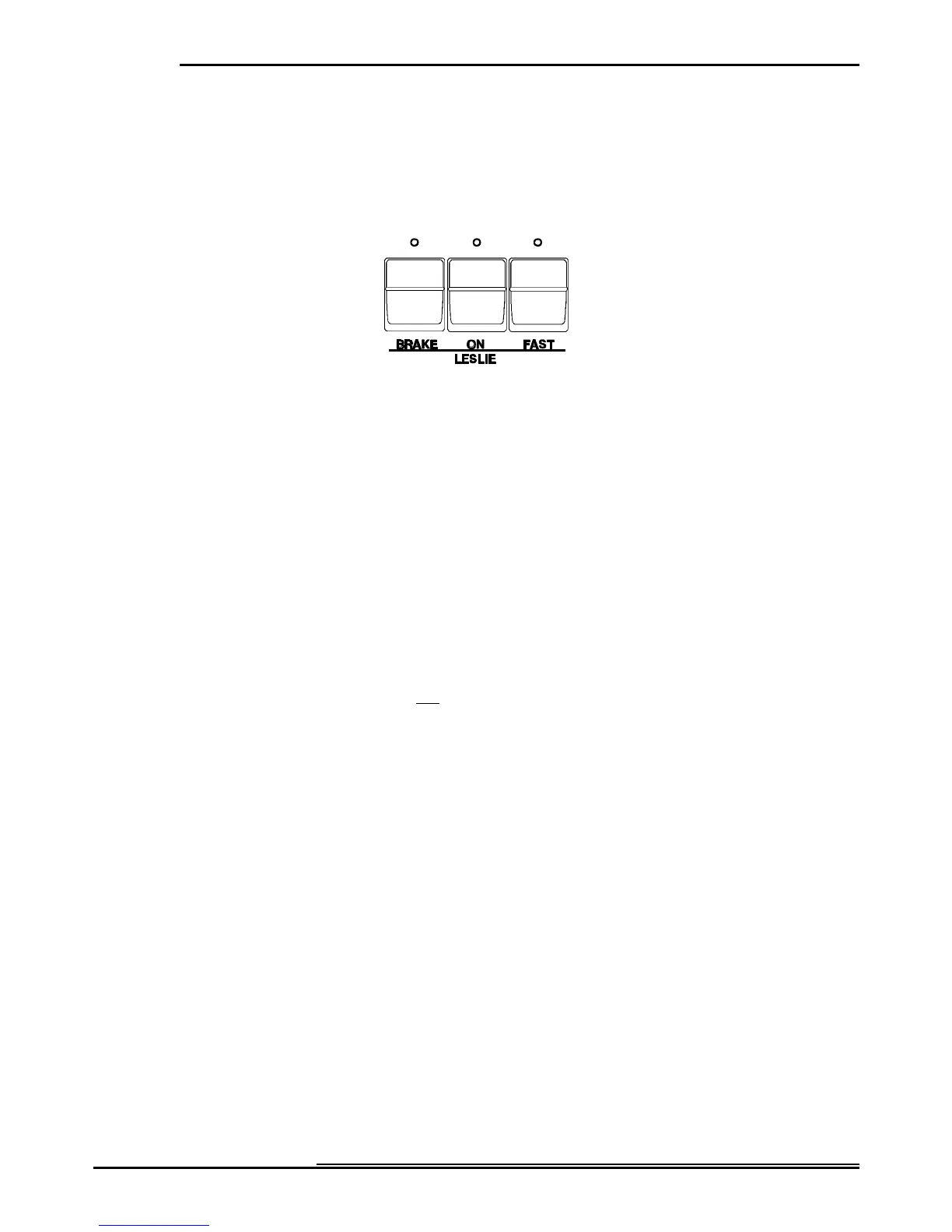
Ë Leslie Touch Buttons
These three Touch Buttons allow you to control either the internal digital Leslie or the rotors of a connected Leslie Speaker
cabinet.
ON Touch Button
Normally when this Touch Button is "OFF" (LED not lit), the Drawbars will sound as if through a “straight” speaker
cabinet (one with no rotors). Touching the ON Touch Button "ON" (LED lit) will change the sounds produced by the
Drawbars from a “straight” sound to the sound produced by a Leslie Speaker. The speed of the Leslie effect depends upon
the position of the FAST Touch Tab, which is explained below.
NOTE: This Button also works in conjunction with the BRAKE Touch Button, which is explained below.
FAST Touch Button
When this Touch Button is "OFF" (LED not lit), the Leslie effect is that of an acoustic Leslie Speaker Cabinet with the
rotors turning slowly (Chorale). Touching the FAST Touch Button "ON" (LED lit) will cause the Leslie effect to speed up
and rotate fast (Tremolo) to produce a rich, full sound.
NOTE: The FAST Touch Button will function only if the ON Touch Button is "ON" (LED lit).
BRAKE Touch Button
When this Touch Button is "OFF" (LED not lit) and the ON Touch Button is “OFF”, the sound quality changes to simulate
the effect of the Drawbar tones speaking through the Stationary channel of a multi-channel Leslie Speaker such as models
723, 750 or 914. When this Touch Button is “ON” and the ON Touch Button is “OFF”, the digital Leslie effect is
"stopped" and the sound quality remains unchanged. This simulates the effect produced by a single-channel Leslie Speaker
such as a 122 or 147.



 To Next Page