16 Drawbars
Hammond XK-2 Quick Features Guide
}2 DB REGIST1
UM 000000000
Select
EDIT PARAMETER
Ë Drawbar Attack - Key Click Volume
Each time a key was depressed on a tone-wheel Hammond Organ, a key-pop or click was produced. With the Attack
Advanced Feature, you can change the type of attack or the personality of the key click. You can select “SLOW ATTACK,”
“NO CLICK,:” “SOFT CLICK,” “NORMAL CLICK,” or “MAX CLICK” for Upper Manual, Lower Manual and Pedal
Keyboard.
TRY THIS:
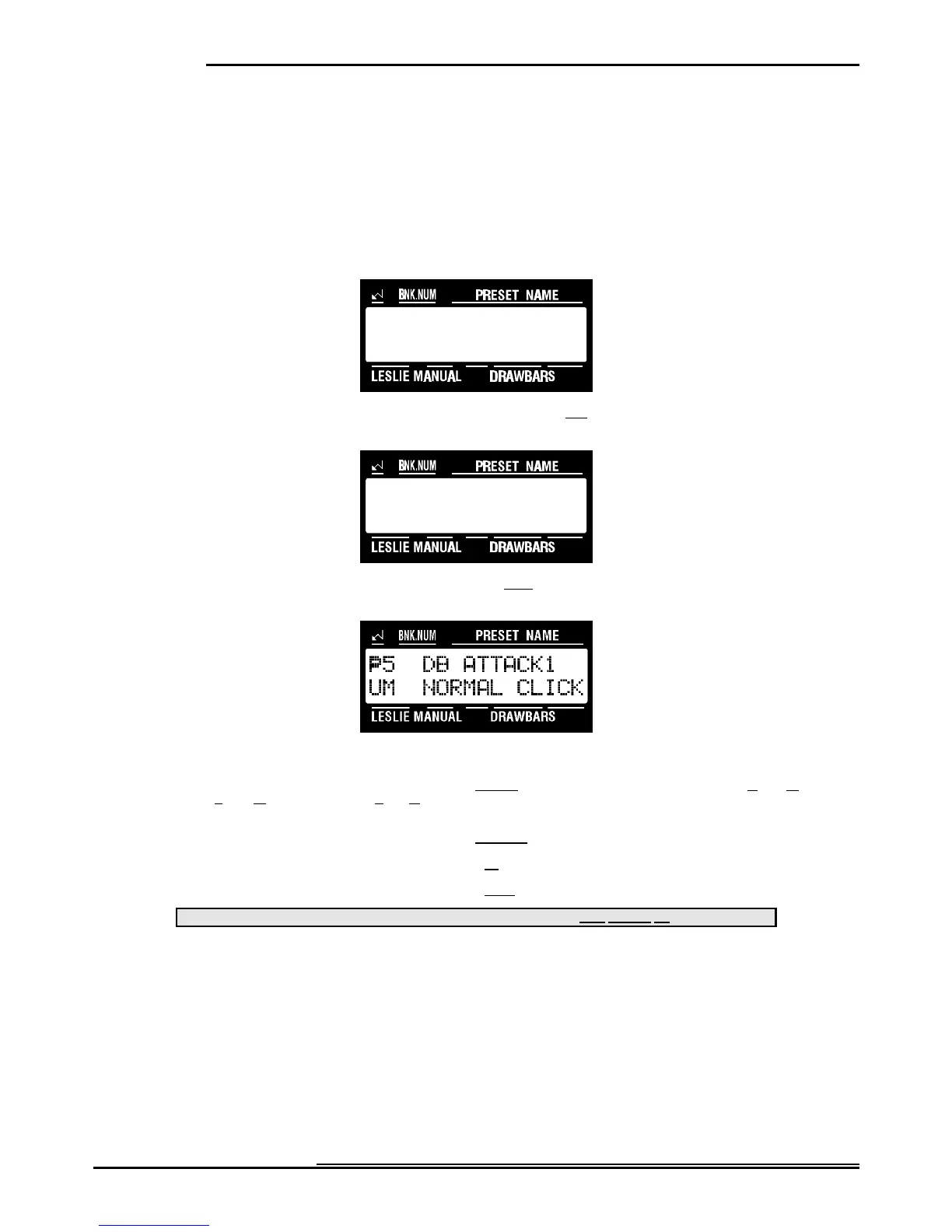
1. Touch the EDIT Select Touch Button. The red LED will light, and the Information Center Display
should look like this:
2. Touch the NAME/DRAWBAR Select Touch Button two times. The Information Center Display should
look like this:
3. Touch the PAGE "<" Select Touch Button three times. The Information Center Display should look like
this:
4. Now select the option you wish by doing the following:
Use the PAGE "<" Select Touch Button to scroll forward through the manual selections ("UM" or Upper Manual, "LM"
or Lower Manual, and "PK" or Pedal Keyboard). As you scroll forward through the Manual selections, you will see the
upper left-hand corner of the display change from “P5" to “P6" to “P7.”
Use the PAGE "=" Select Touch Button to scroll backward through the manual selections.
Use the VALUE ">" Select Touch Button to scroll up through the Drawbar Attack options.
Use the VALUE "?" Select Touch Button to scroll down through the Drawbar Attack options.
This data CAN be stored to a Preset. To see a total listing of all Preset Parameters, see the Preset Parameter List.
NOTE: You can exit by touching the EDIT Select Touch Button.



 To Next Page