20 Percussion
Hammond XK-2 Quick Features Guide
Percussion
Your Hammond XK-2, in addition to recreating the sounds of Hammond Harmonic Drawbars, also faithfully replicates the
Hammond Touch-Response Percussion Control. This feature is found on Hammond Organs containing a "3" as part of
their model number (B-3, C-3, M-3, RT-3) as well the A-100 and D-100 series. On later tone-wheel Hammond models, the
Percussion feature consisted of preset voices rather than harmonics. The Percussion feature on the XK-2 recreates the
original implementation of Percussion. The following pages explain each part of this feature in detail.
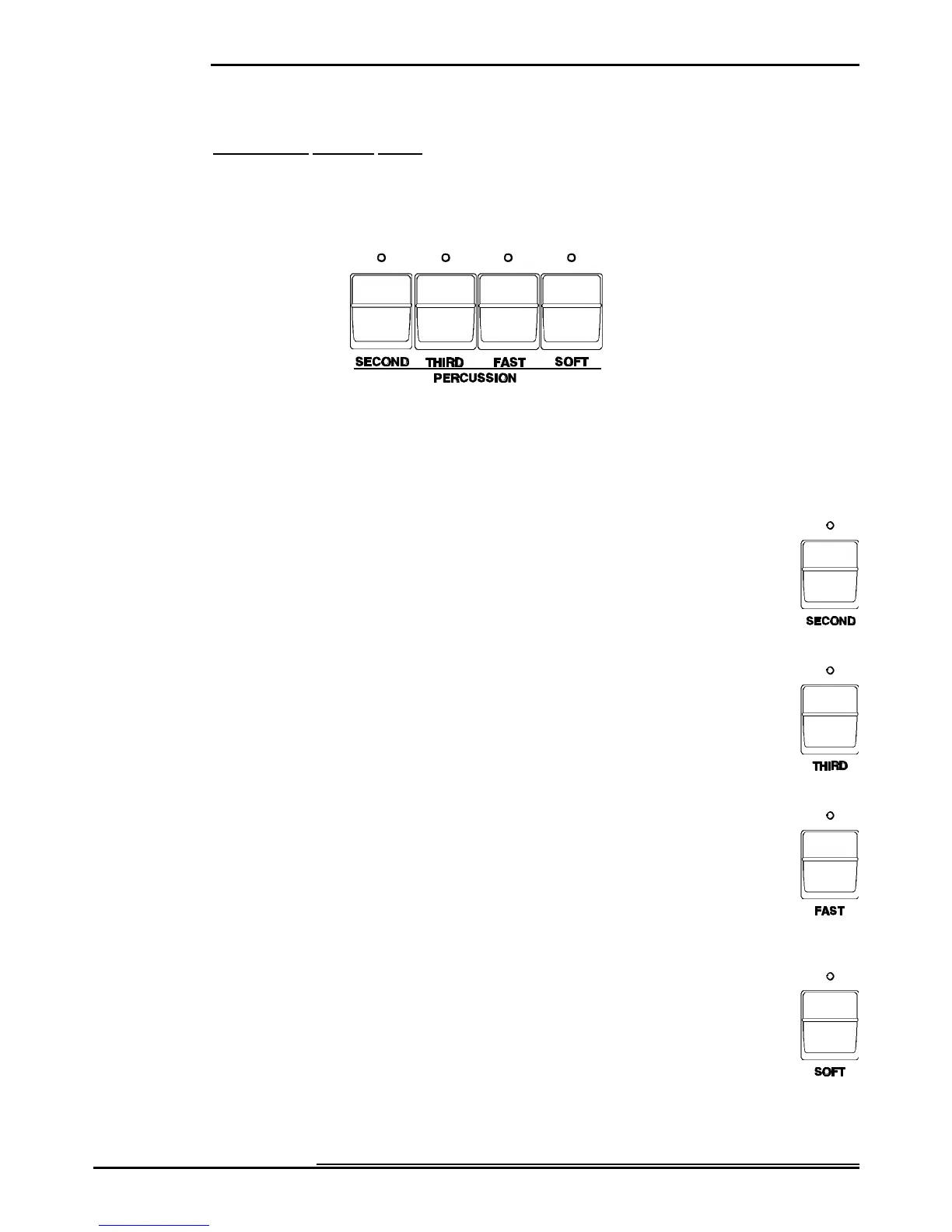
Ë Percussion Touch Buttons
The Percussion Touch Button Section is located to the left of the Information Center Display. The first two Touch Buttons
determine the pitch at which the Percussion tones sound.
NOTE: When either of these Touch Buttons are "ON" (LED lit), all of the Drawbars will be effective except the 8th
harmonic Drawbar (last white Drawbar). When Percussion is "OFF,” the 8th Harmonic Drawbar is effective as usual.
Ë SECOND
This Touch Button causes the Percussion tone to sound up one octave with respect to the Fundamental
Drawbar (first white Drawbar).
Ë THIRD
This Touch Button causes the Percussion tone to sound up an octave and a fifth with respect to the
Fundamental Drawbar.
Ë FAST
When this Touch Button is "OFF" (LED not lit), the Percussion tone will decay (die away) slowly like a
chime. When FAST DECAY is "ON" (LED lit) the Percussion effect will decay rapidly like a xylophone
or glockenspiel.
Ë SOFT
When this Touch Button is "OFF" (LED not lit), the Percussion effect will be very prominent. You will
also notice that the Upper Manual Drawbar tones are reduced in volume to compensate for the addition
of the Percussion tones. When this Touch Button is "ON" (LED lit), the Percussion effect is much less
prominent. The Upper Manual Drawbar volume remains unaffected by the addition of the PERCUSS.
SOFT Touch Button.



 To Next Page