90 Special Advanced Features
Hammond XK-2 Quick Features Guide
Select
EDIT PARAMETER
}34 SPLIT1
SPLIT POINT 2B
}37 BENDLENGTH1
UM 1
SPECIAL ADVANCED FEATURES
Bend Length
This Advanced Feature allows you to assign the range of the Pitch Bend Wheel for the internal organ sounds. You can select
from ± 1 through 12. The default setting is "1.”
TRY THIS:
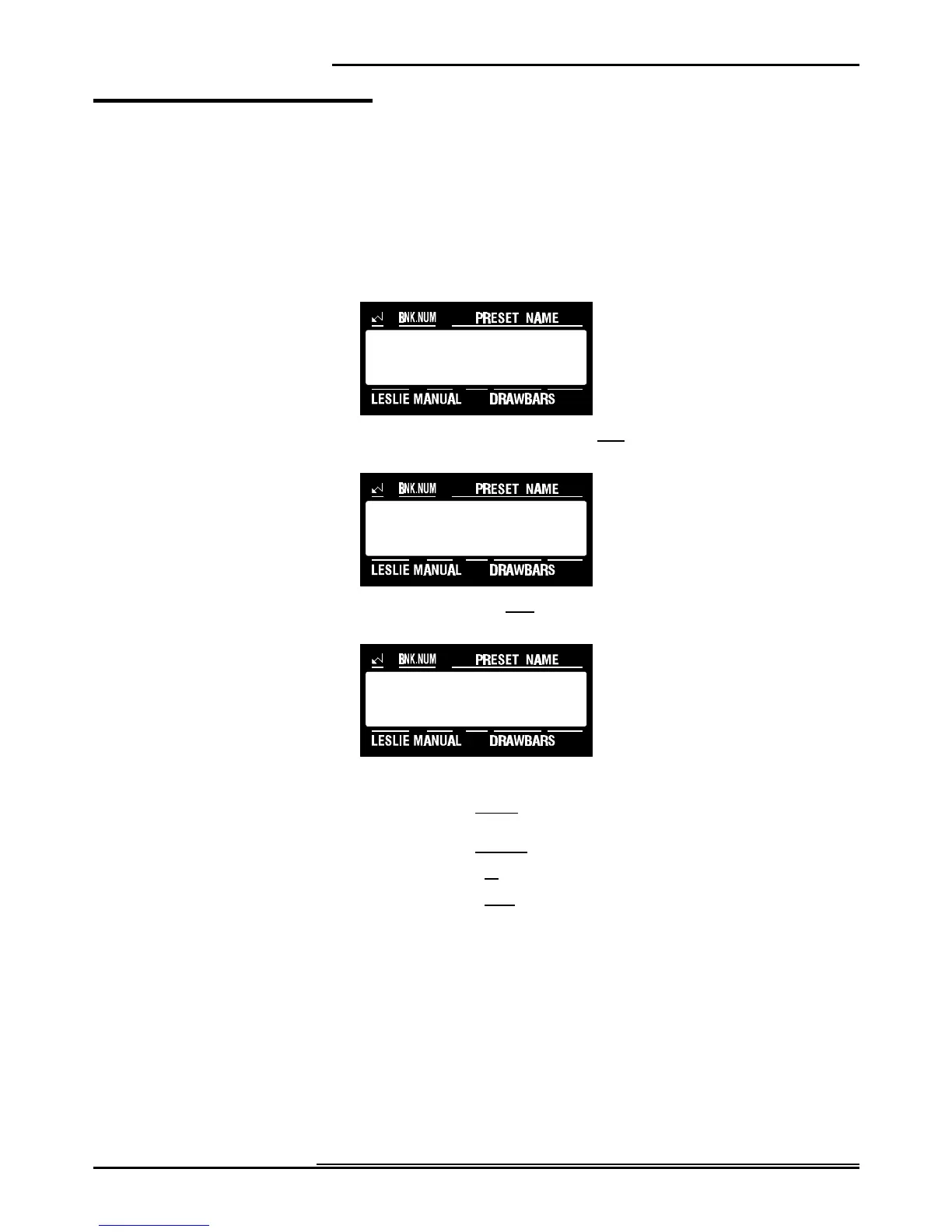
1. Touch the EDIT Select Touch Button. The red LED will light, and the Information Center Display
should look like this:
2. Touch the INT.CONT./EXT.ZONE Select Touch Button once. The Information Center Display should
look like this:
3. Touch the PAGE ”<” Select Touch Button three times. The Information Center Display should look like
this:
4. Now select the option you wish by doing the following:
Use the PAGE "<" Select Touch Button to scroll forward through the manual selections. As you scroll forward through
the Manual selections, you will see the upper left-hand corner of the display change from “P37" to “P38" to “P39.”
Use the PAGE "=" Select Touch Button to scroll backward through the manual selections.
Use the VALUE ">" Select Touch Button to scroll up through the numbers.
Use the VALUE "?" Select Touch Button to scroll down through the numbers.
NOTE: You can exit by touching the EDIT Select Touch Button.



 To Next Page