94 Special Advanced Features
Hammond XK-2 Quick Features Guide
Select
EDIT PARAMETER
{1 MASTER TUNE
440Hz
{2 TUNE MODE
B-3 PITCH
Tune Mode
This Advanced Feature allows you to change the overall temperament of the entire instrument. You can select either “E-
TEMPERA” (equal-tempered scale similar to standard piano tuning.) Or “”B3-PITCH” (alters the frequency of certain notes
in a manner similar to the characteristics of the tone-wheel generator used in the B-3, C-3 and similar instruments). The
default setting is “B-3-PITCH.”
TRY THIS:
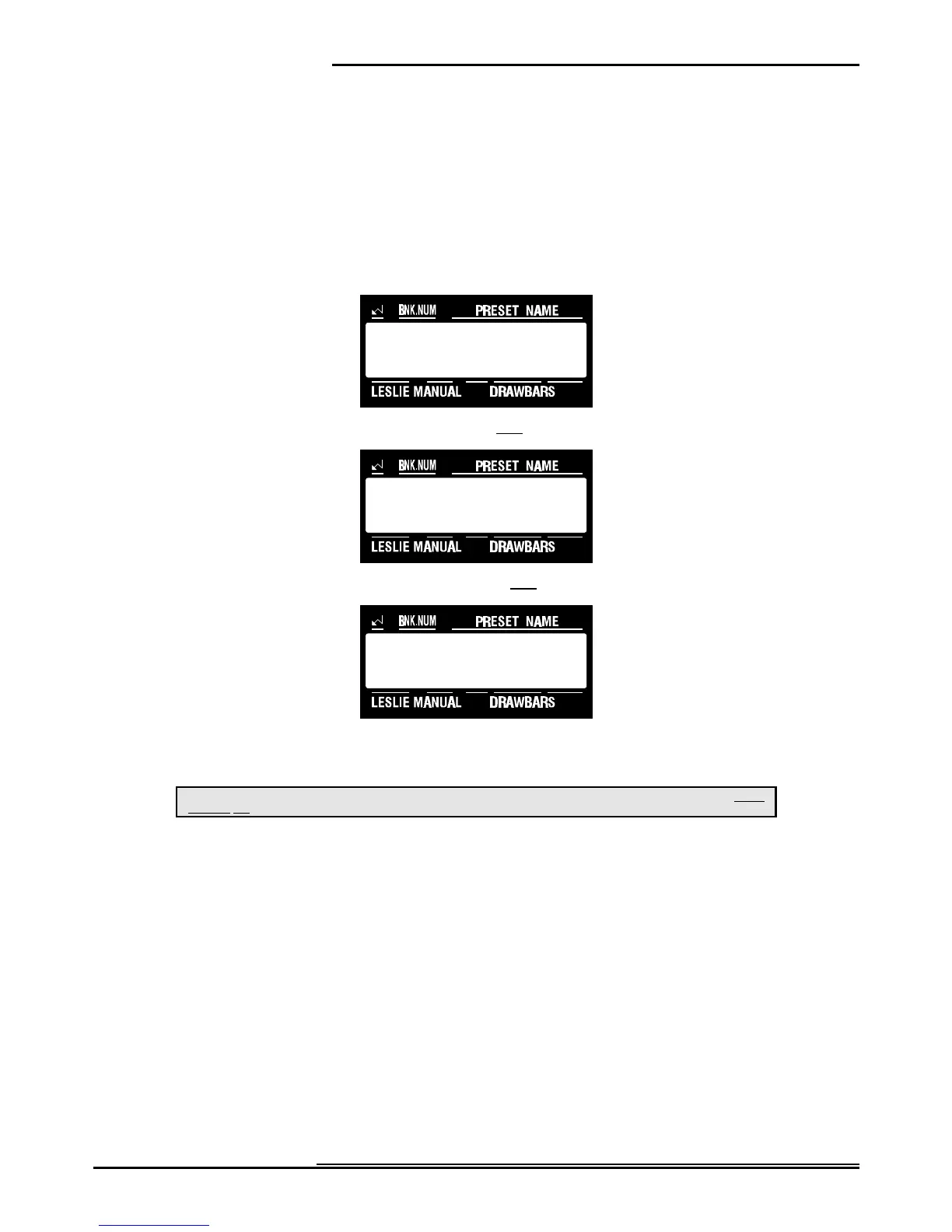
1. Touch the EDIT Select Touch Button. The red LED will light, and the Information Center Display
should look like this:
2. Touch the SYSTEM Select Touch Button once. The Information Center Display should look like this:
3. Touch the PAGE “<” Select Touch Button once. The Information Center Display should look like this:
4. Now select the option you wish by doing the following:
Use either the VALUE ">" or the VALUE "?" Select Touch Button to select either "E-TEMPERA" or "B3-Pitch.”
This is a System Parameter, and this data CAN NOT be stored to a Preset. To see a total listing of all System Parameters, see the System
Parameter List.
NOTE: You can exit by touching the EDIT Select Touch Button.



 To Next Page