38 Effects
Hammond XK-2 Quick Features Guide
Select
EDIT PARAMETER
~#1-1 SLOW SPED1
HORN ROTR 36rpm
Ë Leslie Slow Speed
This Advanced Feature allows you to set the rate for the Slow Speed of the digital Leslie. The default setting is “38." You
can select from “0rpm” through “48rpm.”
TRY THIS:
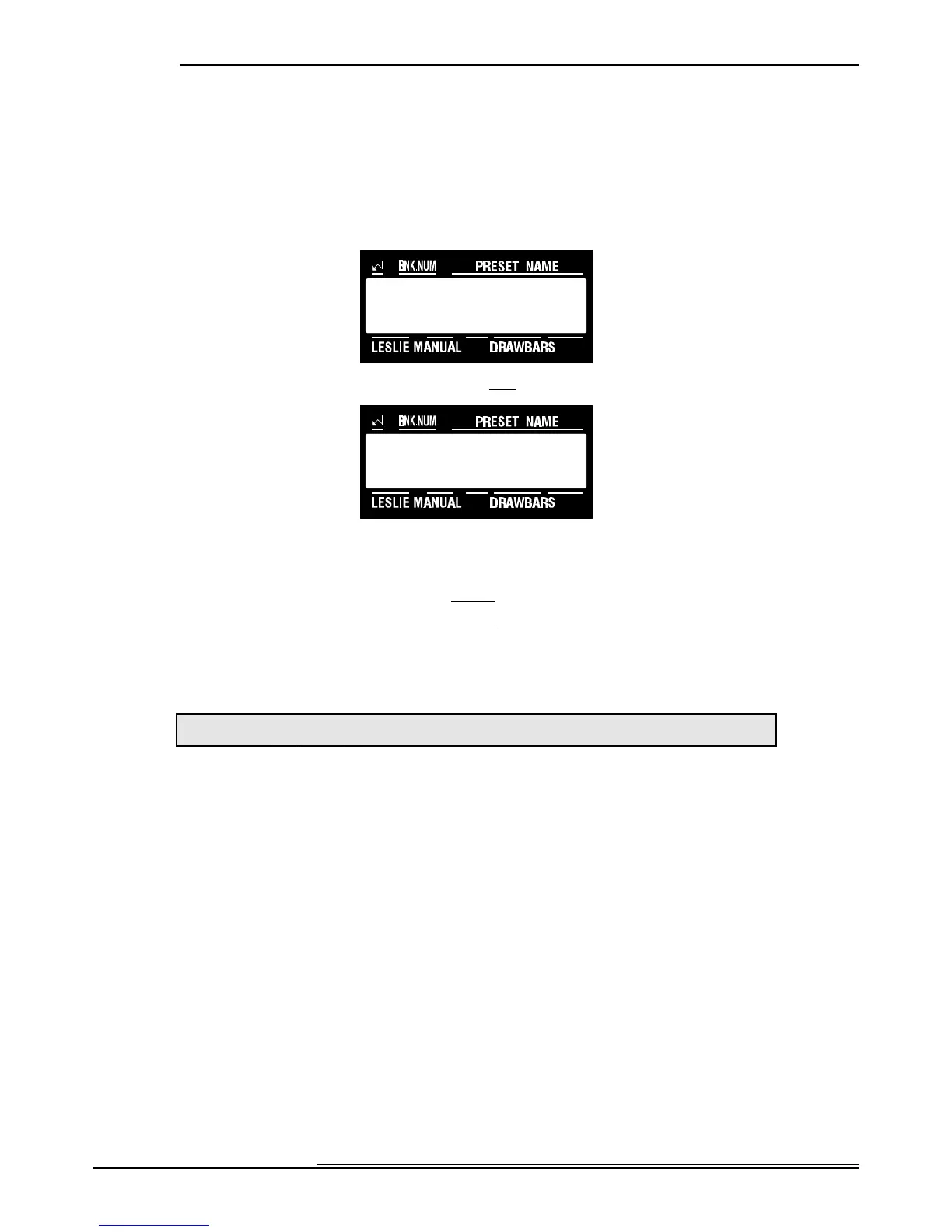
1. Touch the EDIT Select Touch Button. The red LED will light, and the Information Center Display
should look like this:
2. Touch the LESLIE Select Touch Button once. The Information Center Display should look like this:
6. Now select the option you wish by doing the following:
Use either the PAGE "<" or the PAGE "=" Select Touch Button to select between Horn and Bass Rotors.
Use the VALUE ">" Select Touch Button to increase the number setting.
Use the VALUE "?" Select Touch Button to decrease the number setting.
NOTE: The setting of "0" for the Slow and Fast Speeds enables you to prevent a rotor from turning when the Leslie is
switched back and forth from "SLOW" to "FAST.” For example, if you want only the Horn Rotor to respond to SLOW/FAST
speed selection, set both the Slow and Fast Speeds for the Bass Rotor to "0.” With this setting, only the Horn Rotor will run
either SLOW or FAST and the Bass Rotor will remain stationary.
This data can be included as part of a Leslie Preset, then the Leslie Preset can be stored to a Preset. To see a total listing of all Leslie
Parameters, see the Leslie Parameter List.
NOTE: You can exit by touching the EDIT Select Touch Button.



 To Next Page