-D2 -114
13-3
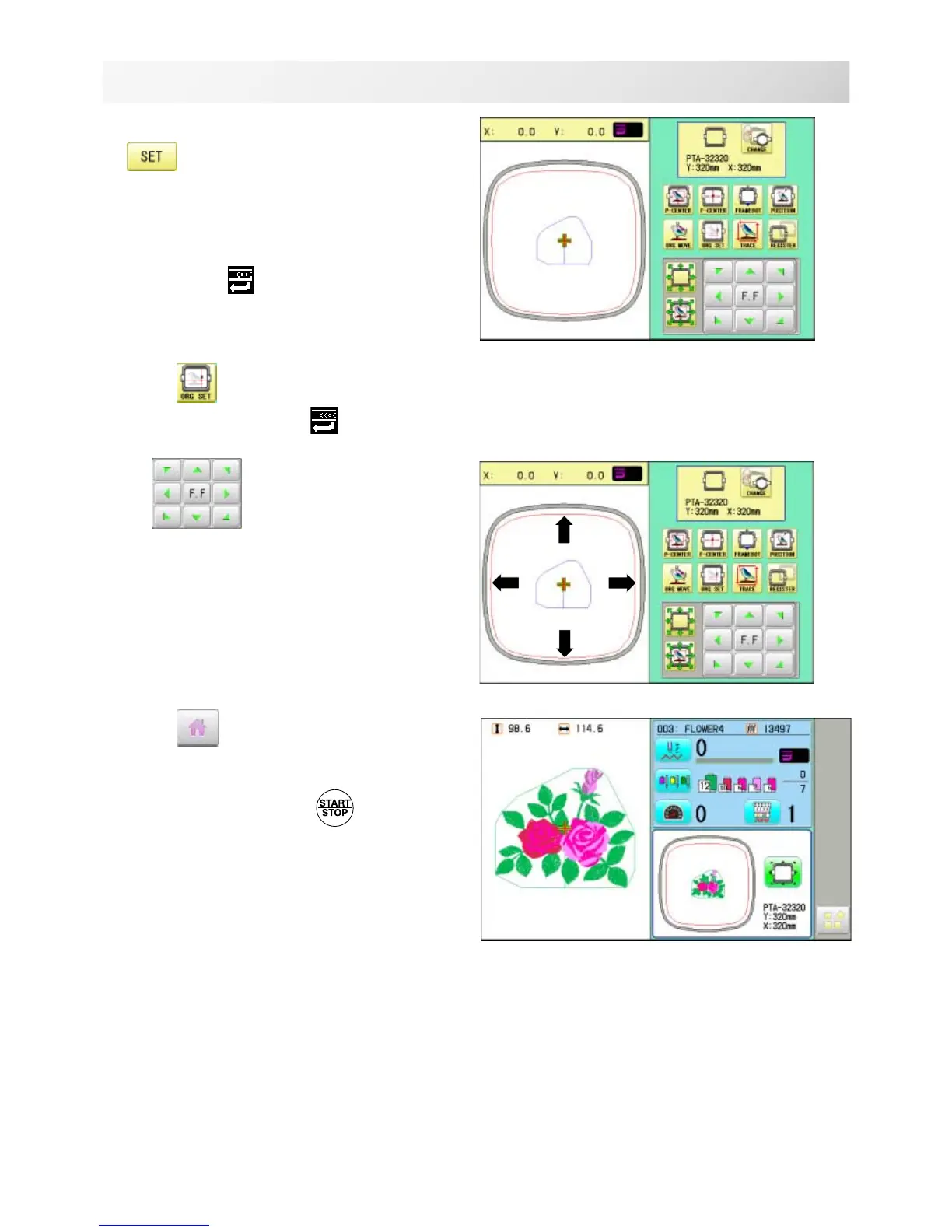
FRAME CONFIRMATION
20_3 NB01
4. Select desired size of frame and press
.
The embroidery area appear in red.
5. Confirm that (Top) appears in the
display and go to step 7.
If this does not appear, go to step 6.
6. Press
"Top".
Upper right indication of will be shown.
7. By position of design can be
moved.
8. Press .
The display returns to Drive mode.
Start sewing by pressing .



 To Next Page