-D2 -82
14-2
PATTERN SETTINGS
12_2 NB01
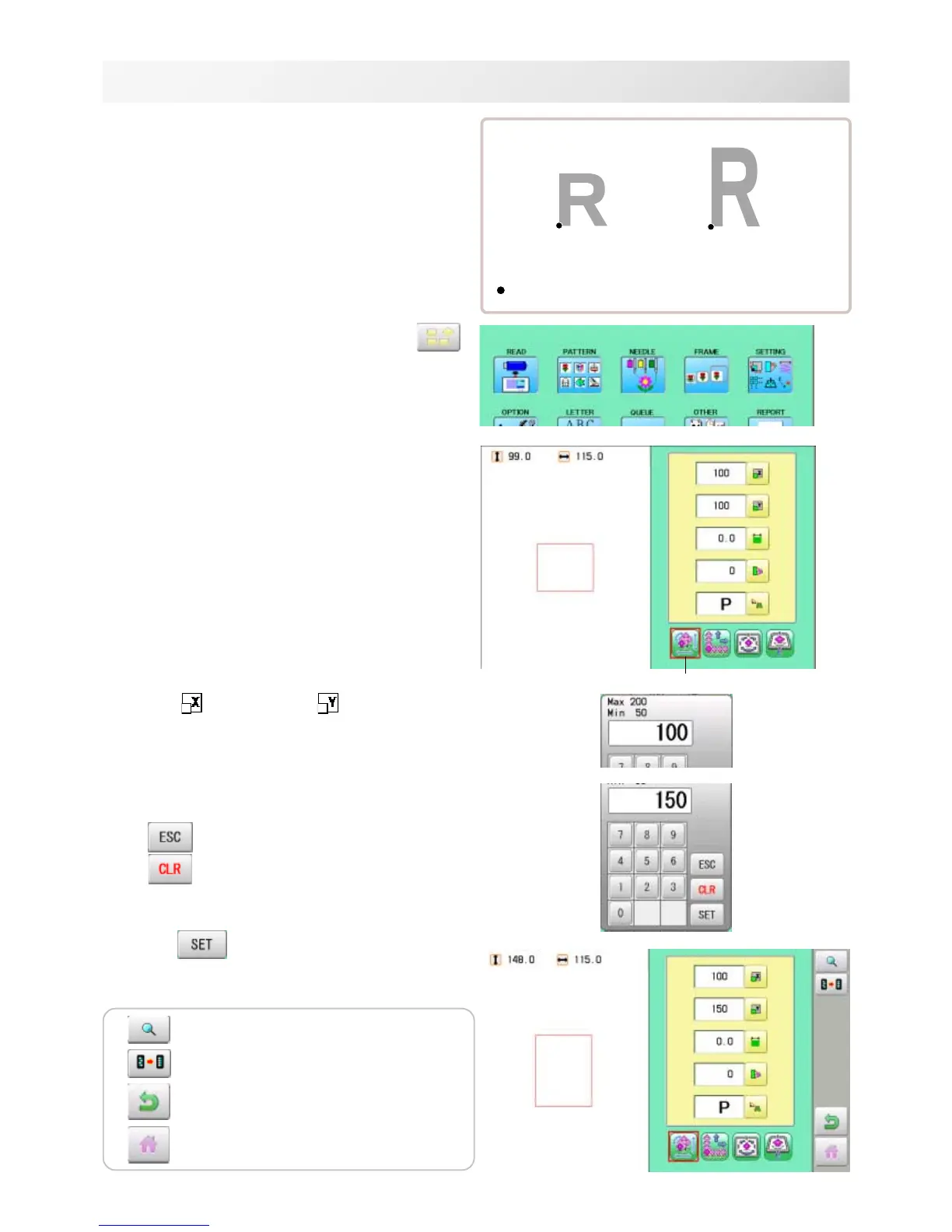
Scaling
The pattern's scale can be increased or de-
creased in 1% increments.
Setting example
1. When the machine is stopped, press
.
2. Select "SETTING".
3. Select
(Scaling X) or (Scaling Y).
4. Select the number.
Changing is cancelled.
Numbers are deleted.
5. Press .
The setting is fixed.
: Start point of pattern
Normal
X 100 %, Y 150 %
Default : X,Y 100%
Adjust
The pattern data may be shown.
Setting is returned to the default.
To return to Menu mode.
to return to Drive mode.



 To Next Page