-D2 -73
11-6
PATTERNS IN MEMORY
11_6 NB01
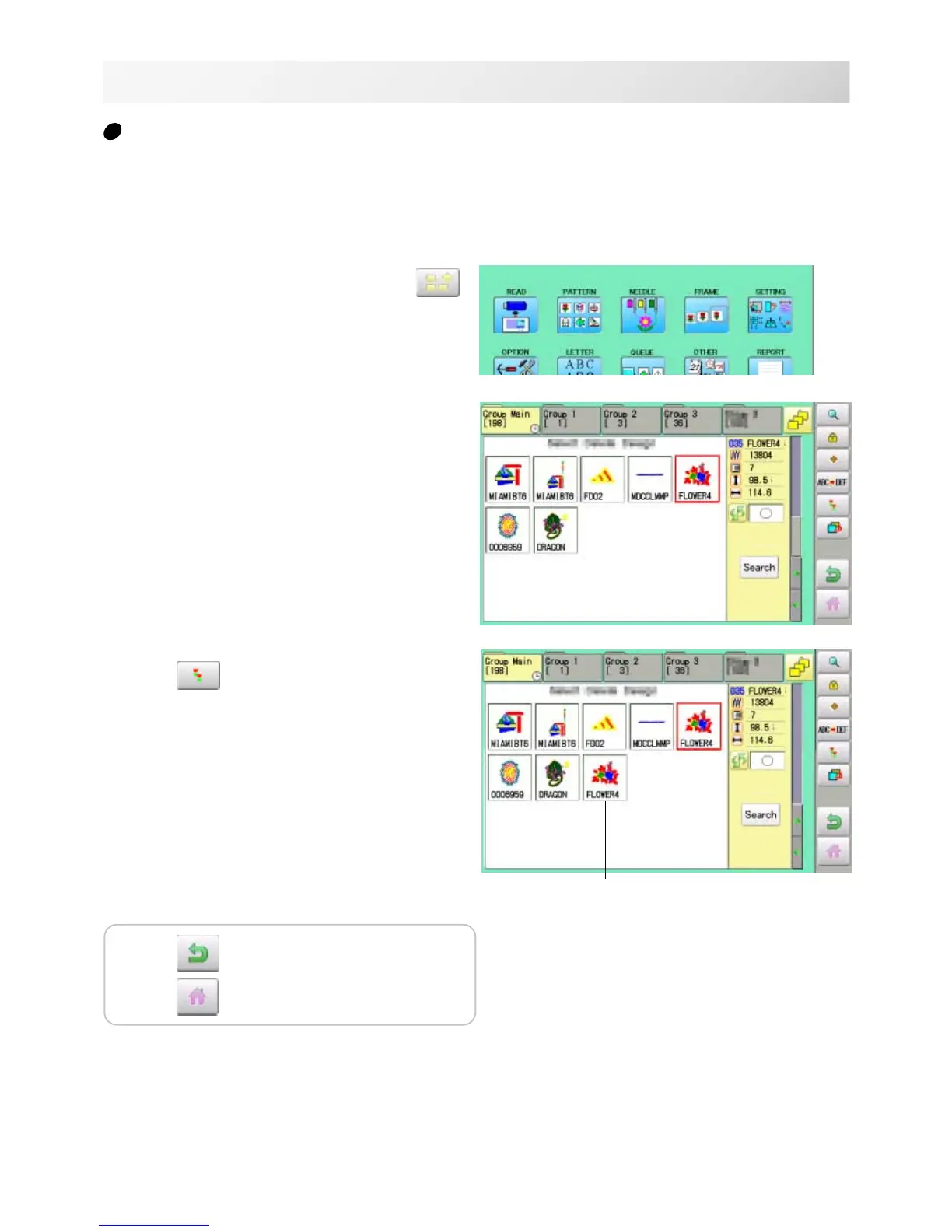
Copying pattern data
Copying of the pattern data stored in the machine memory is available.
Copied pattern data
1. When the machine is stopped, press .
2. Select "PATTERN".
3. Select desired pattern.
4. Press
from right submenu.
Copy of the selected pattern will be made.
Press to return to Menu mode.
Press to return to Drive mode.



 To Next Page